
iPhone Screenshots


Description
Custom emojis by selecting items and using the randomize feature. Share them via chat, iMessage, or social media. Access through third-party keyboard or iMessage .
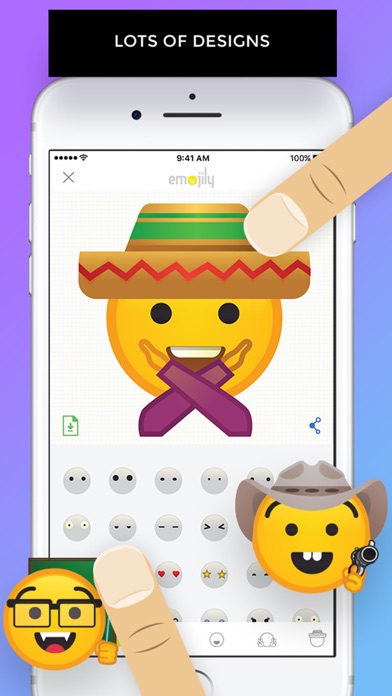
Emojily is a fun tool to create your own emoji.
• Choose from tons of items to make your own unique design.
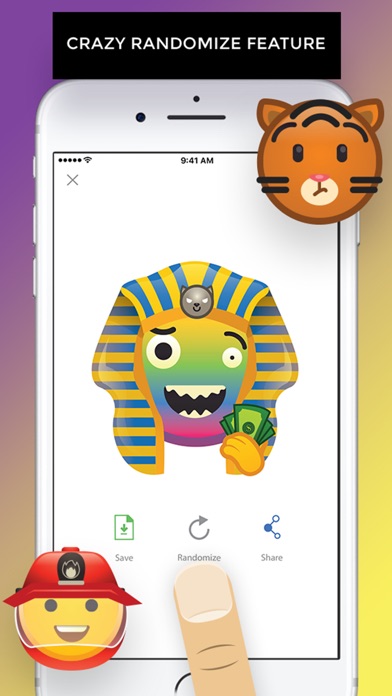
• Try out the crazy randomize feature.
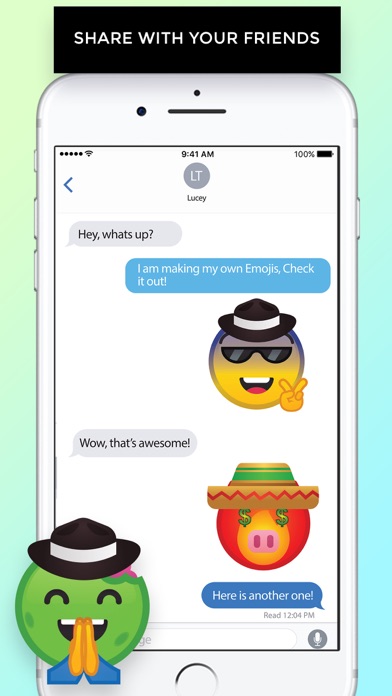
• Share them with your friends in chat, iMessage or social networks such as Facebook, Instagram, etc.
• 3rd party keyboard and iMessage app to use your emoji.
Let's Emojily!
To use in iMessage:
1) In Messages, tap the ">" button.
2) Tap the "App Store" button (3rd button).
3) Tap the bottom left "app drawer" button.
4) Tap "+" and then "Manage" tab.
5) Switch on Emojily and tap "Done".
6) Tap on the Emojily icon to use your saved emoji.
7) Hold and drag to your Message chat bubbles for a cool effect!