
iPhone Screenshots
Description
Storme is a brainstorm and whiteboard app that helps you explore, develop, and present media-rich ideas beautifully and effortlessly in a flexible free-form style.
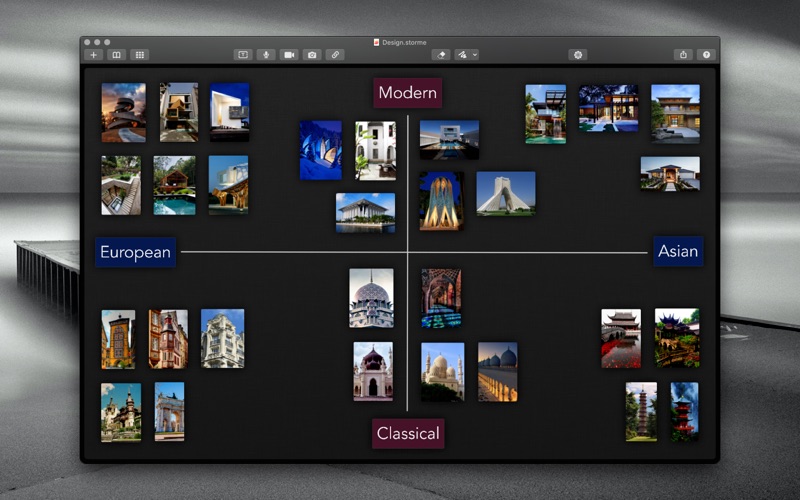
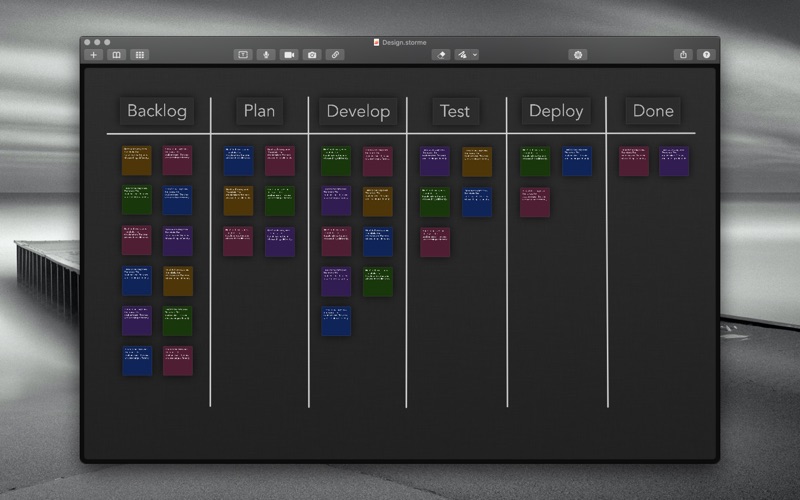
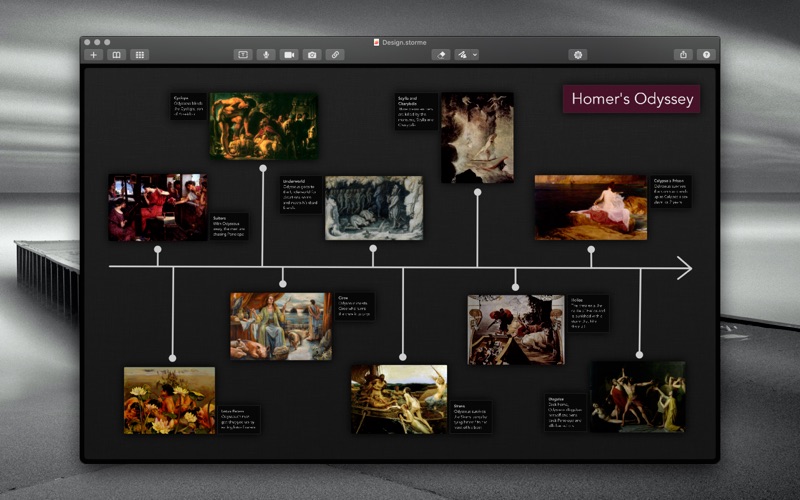
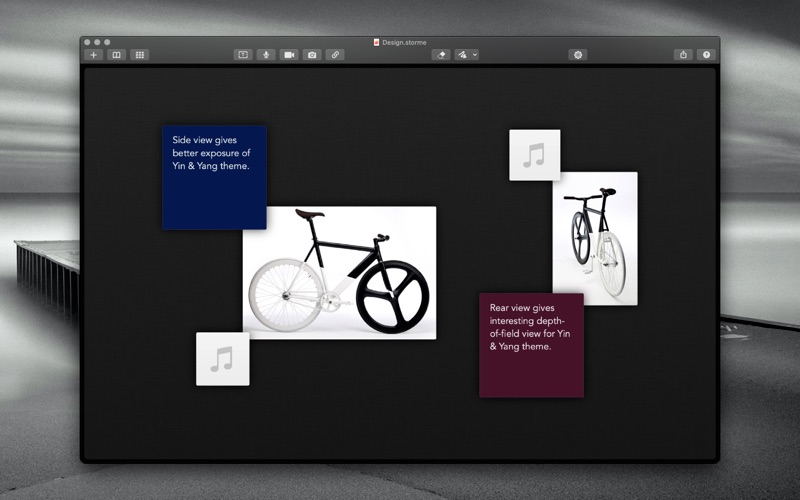
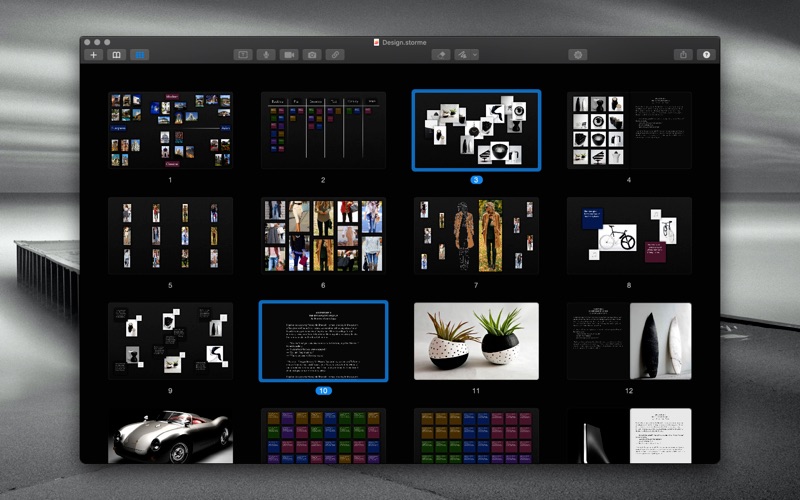
Drop, group, and organize media onto a zoomable canvas with beautiful layout options. Add text, audio, and video notes, or create an attractive color-coded kanban board.
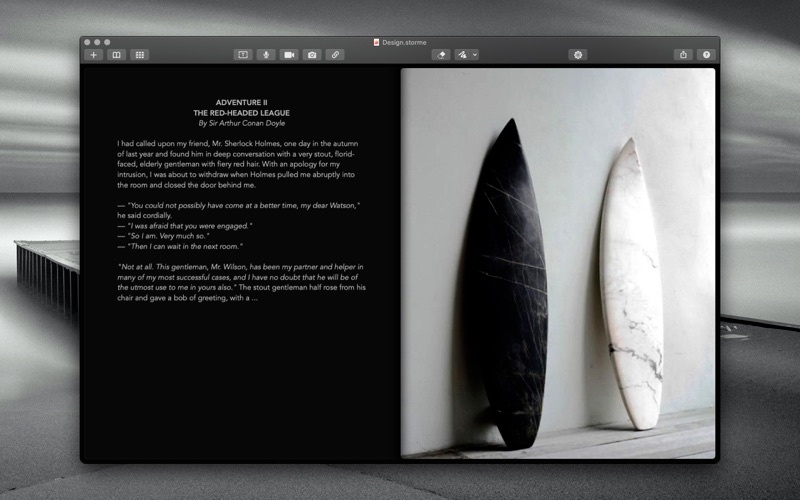
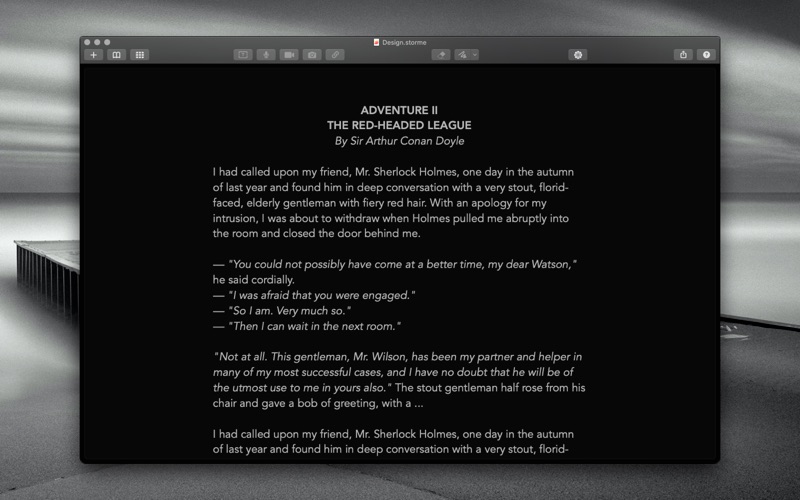
Want to make a quick sketch? Select the draw tool and start drawing. Want to capture a stunning web page? Simply drag it in. Prefer the written word? Add a text page and start typing. Or perhaps you wish to explore ideas both visually and verbally? Add a facing media or text page and inspire your written explorations.
Finally, a brainstorm/whiteboard app that helps creative people focus visually on developing and exploring their ideas so they can do what they do best—create.
FEATURES AT A GLANCE
• Add notebook pages that can contain up to two facing pages: media pages and text pages
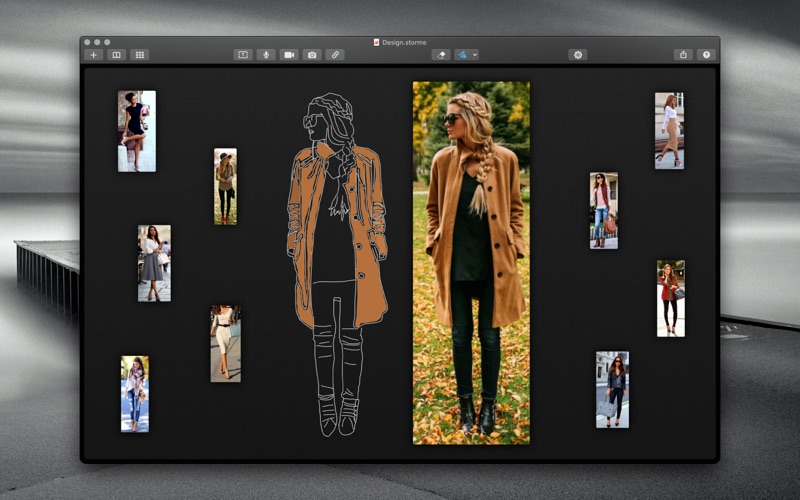
• Drawing tool with several preset line widths, styles, and colors for quick sketches, diagrams, and annotations
• All drawings hover above media content so it's easy to create accurate outline drawings by tracing over images
• Eraser tool with unlimited undo/redo to make editing your drawings easier
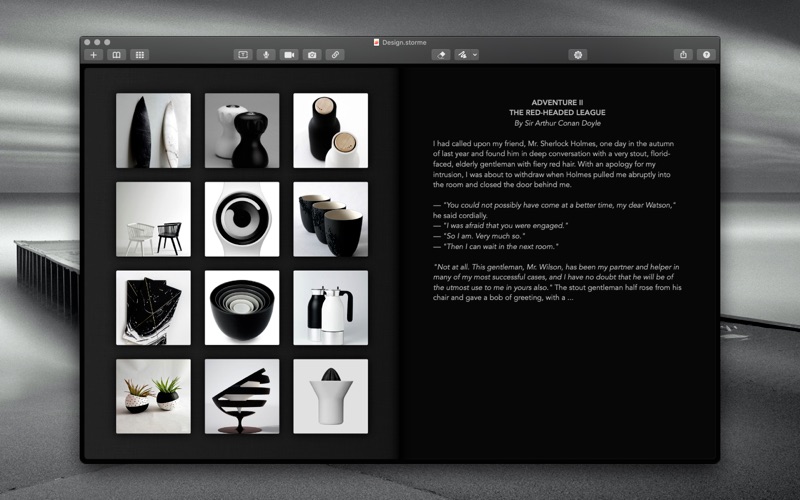
• Drag and drop images, audio, video, and web links (visually in media pages or textually in text pages)
• Paste web clipping selections directly into media pages
• Add beautiful text notes with several preset colours and create brainstorm note boards or scrum kanban boards
• Format/layout media in several attractive grid-based styles
• Select from several preset themes for your text pages
• Share media pages, text pages, or entire notebook pages (including selections)
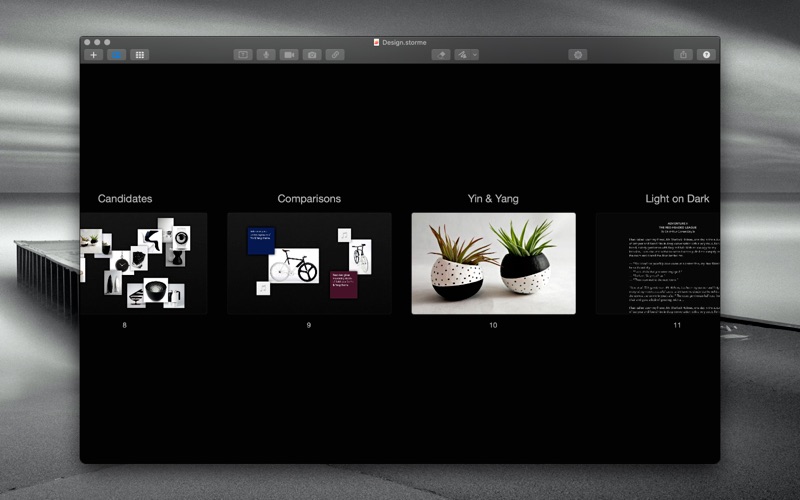
• Elegant pinch-to-zoom with birds-eye-view into table of contents with titles
• Beautiful page thumbnails view of notebook with options to split and join a selection of pages
• Full-screen support (edit text pages like a pro with auto-enlarged text)
• Smart transcode feature syncs large media to iCloud across devices instantaneously so your notebook can be viewed on other devices without delay
• Quick Look support of all media (select media and press space)
• Create PDF and/or printed notebooks with print support for different page sizes and edge-to-edge printing
• Customizable toolbars
• Apple help book
ONLINE USER MANUAL
http://bluemusesoftware.com/storme-help/english/overview.html
SAMPLE NOTEBOOK
http://bluemusesoftware.com/storme-sample/Sample.pdf
NB: This is sample output from the app (in this case printing a notebook with 0.25 inch margins).
SAMPLE WORKFLOW
http://bluemusesoftware.com/storme-workflow
SOCIAL MEDIA
https://twitter.com/StormeApp
https://instagram.com/MacStormeApp
CALLING ALL HANDS
If you like Storme, please consider rating it on the Mac App Store. Your ratings and reviews really help us a lot. Thanks for your support!