
iPhone Screenshots
Description
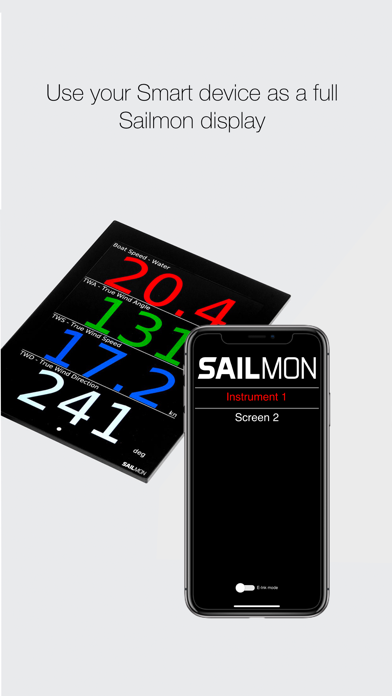
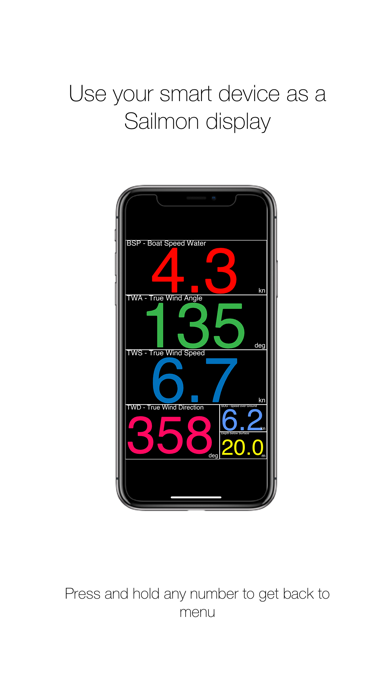
Turn your smart device into a Sailmon display.
After connecting to a Sailmon network Screen | View will act just like our high performance marine displays.
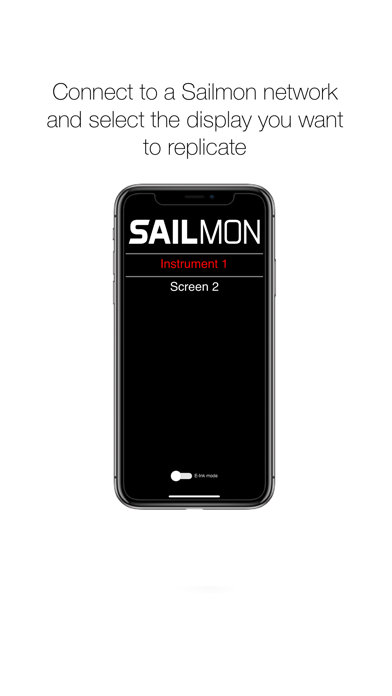
Select which display you want your smart device to be and control with Nav | desk.
How to use?
1. Connect to network which has a E4 processor
2. Select which display you would like to replicate
3. Configure using our Nav | desk application
4. Enjoy your data!
5. Press any number for 3 seconds to get back to the menu.