
ArcGIS Runtime SDK Samples
Explore maps, create layers, interact
ESRI
iPhone Screenshots
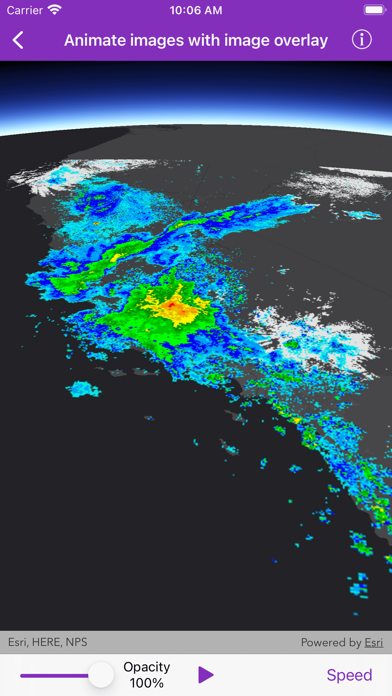


Description
Explore maps, layers, and features with interactive . Create and save maps. Display vector and raster data. Work with feature layers and geodatabases. Add, delete, and edit features and attachments. View code for each sample.
Explore the ArcGIS Runtime SDK for iOS with dozens of interactive samples. Experience the SDK's powerful capabilities and learn how to incorporate them into your own apps. View the code behind each sample from within the app and see how easy it is to use the SDK.
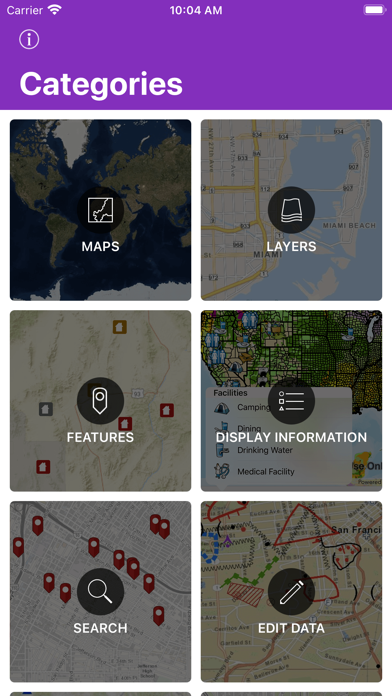
+ Maps - Open, create, interact with and save maps
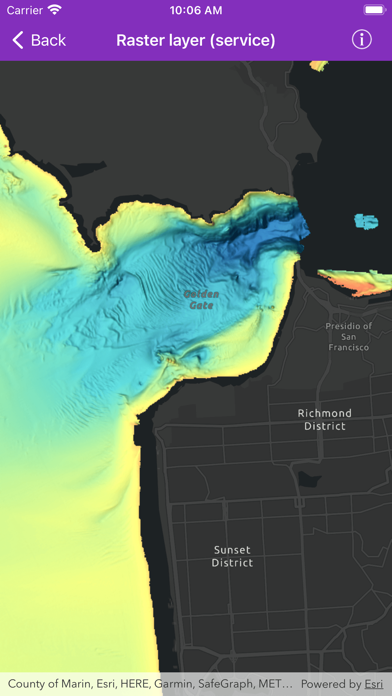
+ Layers - Display vector and raster data in maps and scenes
+ Features - Work with Feature layers and geodatabases
+ Edit Data - Add, delete, and edit features and attachments
+ Display Information - Show graphics, popups, callouts, and sketches
+ Search - Find addresses, places, and points of interest
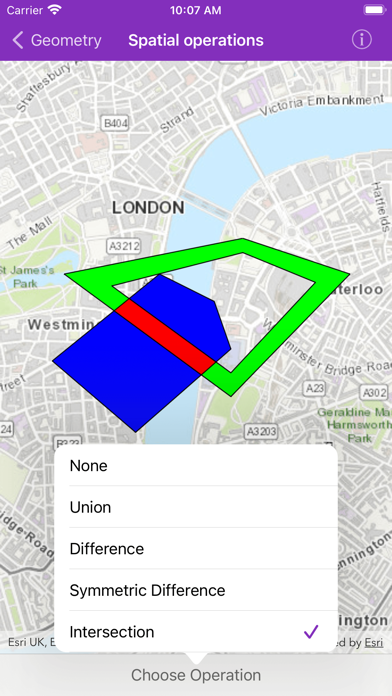
+ Geometry - Create geometries and perform geometric operations
+ Route & Directions - Calculate routes between locations and around barriers
+ Analysis - Perform spatial analysis via geoprocessing tasks and services
+ Cloud & Portal - Search for webmaps and list portal group users
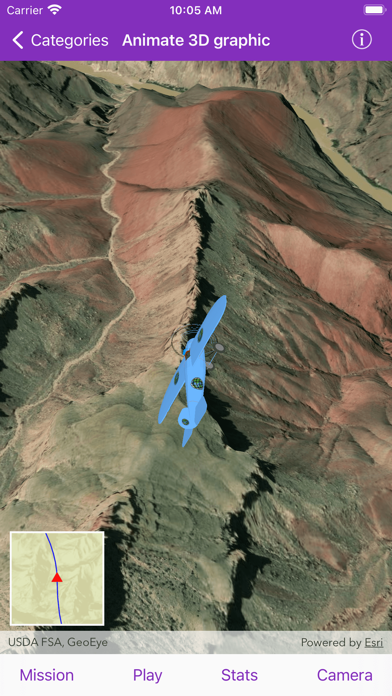
+ Scenes - Visualize 3D environments and symbols
+ Utility network - Work with utility networks, performing traces and exploring network elements
+ Augmented reality - View data overlaid on the real world through your device's camera
The source code for the app is available on GitHub: https://github.com/Esri/arcgis-runtime-samples-ios