
iPhone Screenshots



Description
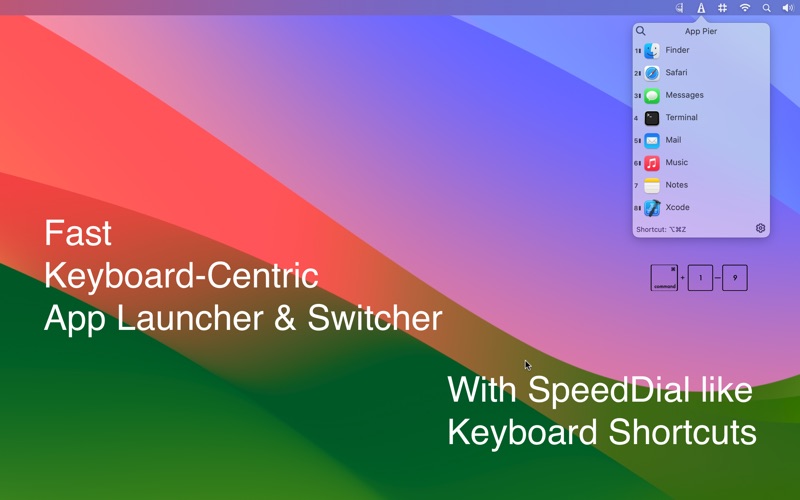
App Pier is a keyboard-centric application launcher and switcher with Touch Bar support
With App Pier, you can:
* launch any app or switch between your favorite and running apps instantly.
* save screen space by hiding the MacOS dock.
* develop muscle memory in keyboard when using with Touch Bar as you can pin your favorite apps in App Pier.
* hide/unhide window, hide windows of other apps, or show all windows. A nice companion to the Stage Manager
* concentrate on your app by hiding all other apps’ windows.
* open your favorite folders
Features:
* See and open running apps together with your pinned apps.
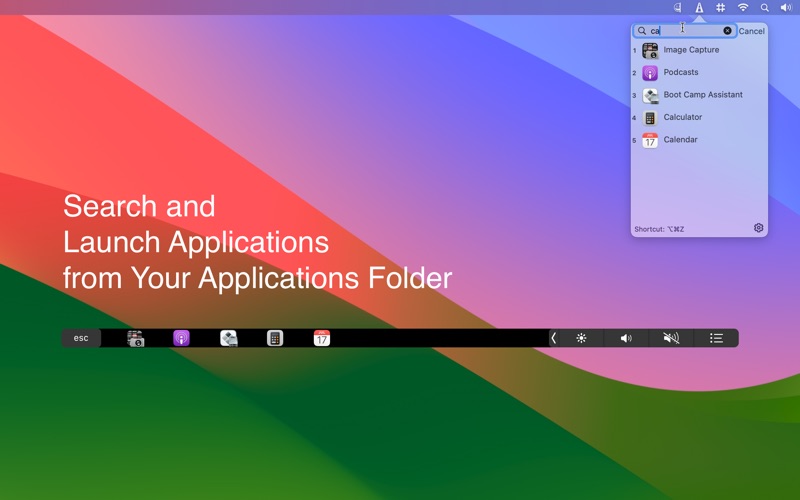
* Search and launch any application from the Application Folder
* Open your favorite folders
* Focus Mode: One app at a time. All other apps are hidden.
* Reach it anytime even another app is in fullscreen mode
* Reach your running and pinned apps from any display in a multi-display setup.
* Keyboard shortcut for rapid launch
* Select an app by simply start typing its name.
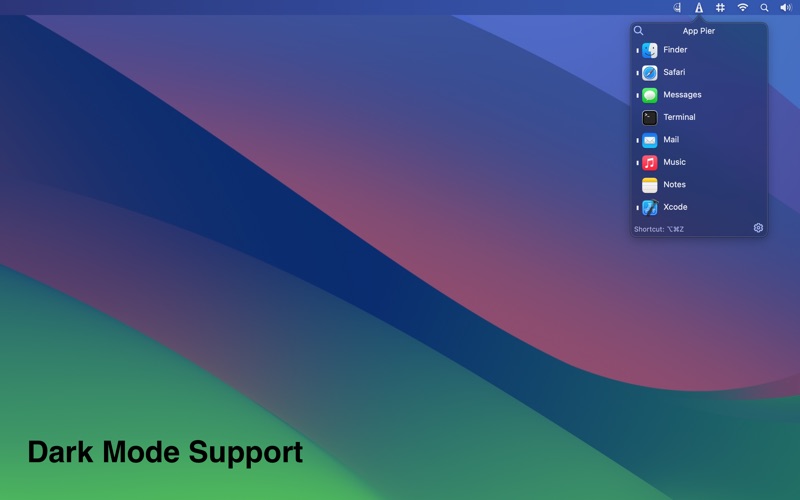
* Running apps are denoted with a dash in menu bar window and a brighter button on Touch Bar.
* For Apple Silicon Devices, you can see if the running app is using Rosetta 2 or running natively on M1. (Apps using Rosetta 2 are with faded indicator)
* Available in both normal and dark mode.
Note: You need a MacBook Pro with Touch Bar to view Touch Bar items.