
Voice Recorder, Audio Memos
Record and edit clips
Shanghai Xiaoling Technology Co., Ltd.
iPhone Screenshots





Description
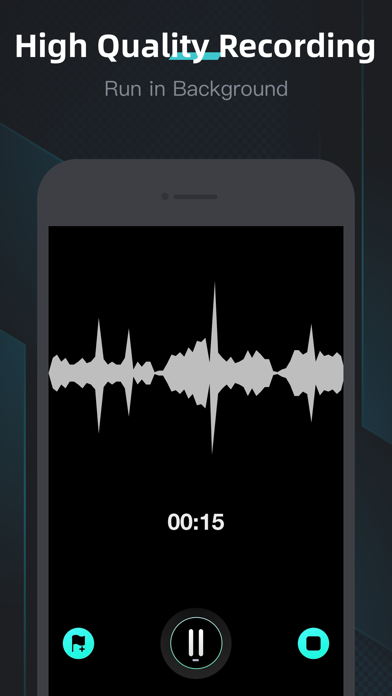
Record with high-quality sound for interviews, speeches, and lectures. Trim, cut, copy, paste, split, join, and insert segments. Edit recordings with noise reduction for clearer sound. Convert speech to text and monitor while recording.
“Voice Recorder” is your ultimate solution for recording with high-quality sound, that easily records interviews, speeches, lectures, meetings, and inspirations, while also offering more editing capabilities such as Trim, Copy/Cut/Paste, Split, Join, Insert, and Mix.
For your advanced needs, we developed “Speech to text”, “Noise reduction”, and “Monitor” features so that you can convert speech to text, reduce noise for clearer voice, and listening while recording.
Advanced Features:
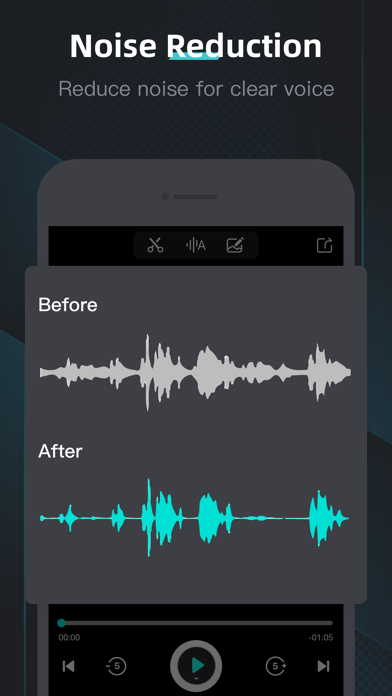
Noise Reduction
Reduce the noise of recording for a clearer voice.
Monitor
Listening while recording, real-time or delayed, it's up to you.
Speech to Text
Support for 30 languages and long-duration recordings.
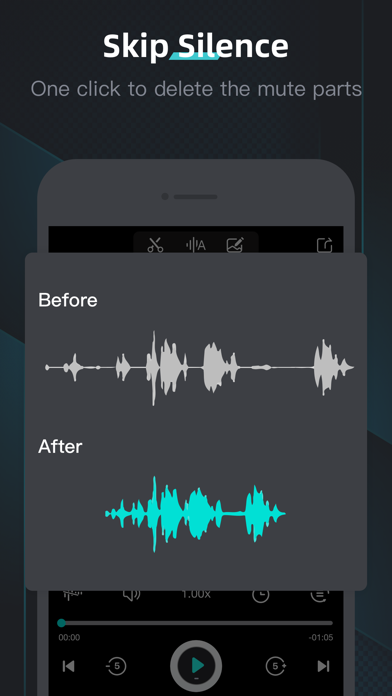
Skip Silence
Remove silent regions in recorded clips with one click.
Audio Editor
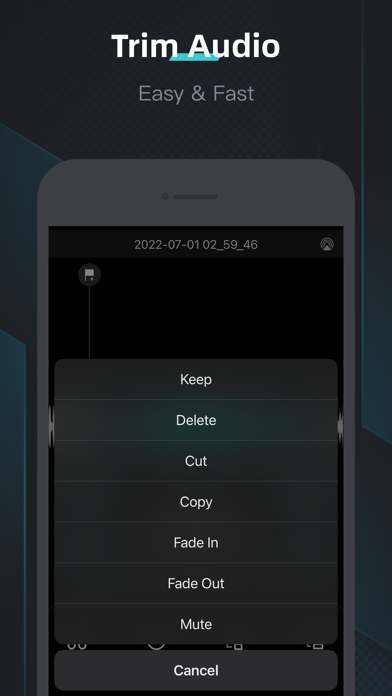
Trim, Copy/Cut/Paste, Split, Join, Insert, Mix.
Voice Changer
Speed, Pitch, Fade in, Fade out, Mute.
Markers
Mark key points to quickly find what you need.
Audio Recovery
Operation error! Recover the edited recording to the original at any time.
Audio Sharing
Share recordings by Email, Messages, Facebook, Twitter, YouTube, Instagram, and Snapchat.
Audio Manager
Manage recordings by categories, Folders, Favorites, Trash, also built-in search and sort features.
Privacy Policy: https://xiaoling.app/privacy
Terms of Use: https://xiaoling.app/terms