
CITY TAXI Client
Navigate to your destination with real-time tracking
SC ENHANCED TERMINALS FOR TELEPHONY EMULATION SRL
iPhone Screenshots
Description
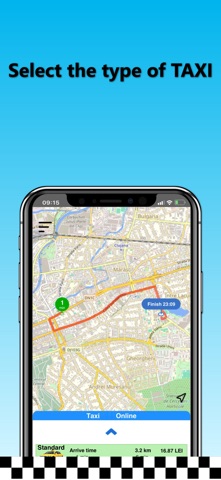
Navigate by entering a destination address and selecting from suggested options. Input detailed address information for precise location. Enable location services and WiFi for accurate positioning. Start a ride request through the interface.
App Usage:
- Open the "CITY TAXI" app.
- On the first use, you need to enter a name and phone number.
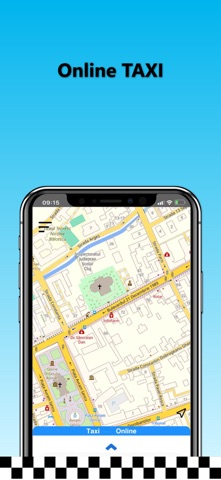
- The terminal's location is determined automatically. For accurate localization, please enable the location service and WiFi connection.
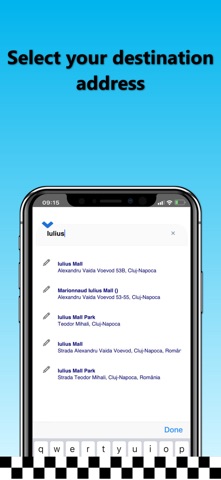
- Enter the destination address in the field "Where would you like to go?" and select a destination address from the displayed options. To choose the precise address, please fill in all details: street, number, block, location name, or landmark.
- If you do not wish to enter the destination address, press the "I want a TAXI here!" button.
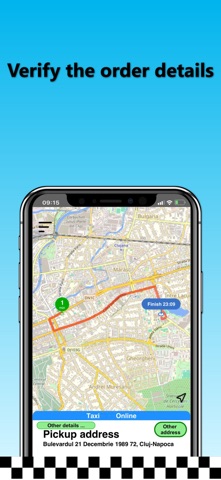
- Press the "Next step" button, check all the order details, and place the taxi order by pressing the "START order" button.
- Wait for the first driver’s confirmation and view the driver's route in real-time as they travel to the requested address.
Thank you and have a pleasant journey!
CITY TAXI