
Prioritize: Organized To-Do
Sort tasks by priority and due date
Blake Gordon
iPhone Screenshots
Description
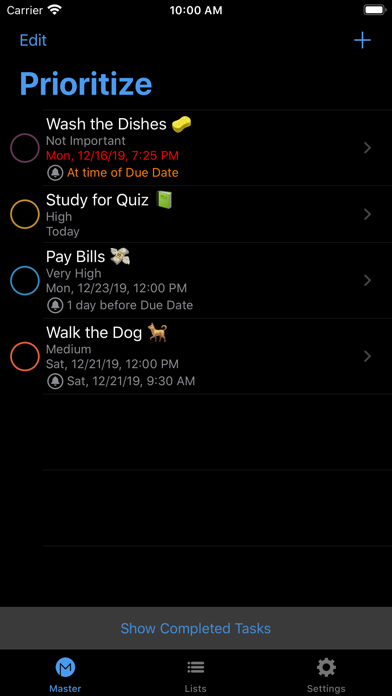
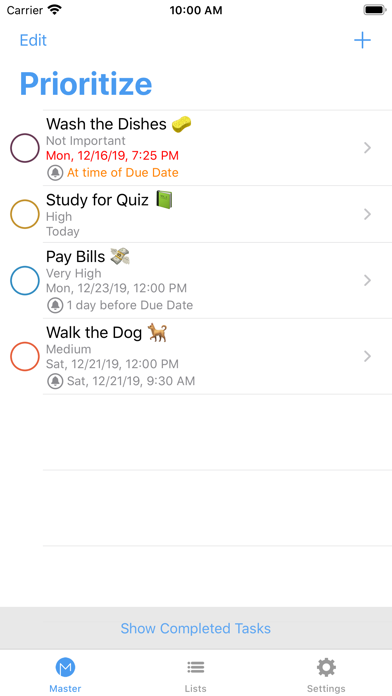
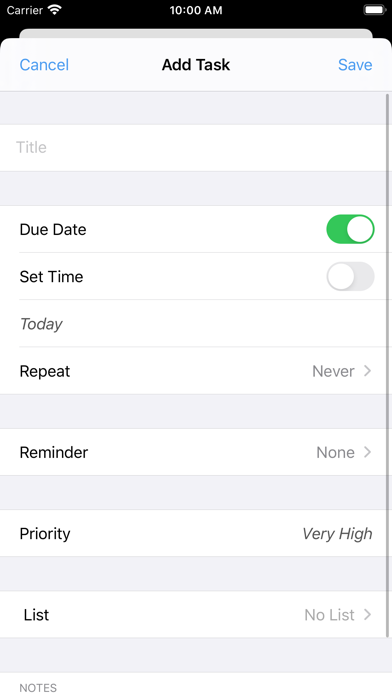
Organize tasks and reminders by due date and priority. Automatically sort tasks to highlight top priorities. Set reminders for task completion and deadlines. View task list with due dates and priority levels.
Prioritize what you need to get done today with Prioritize!
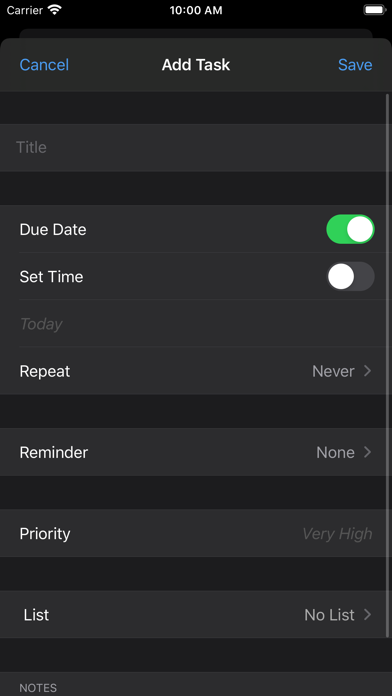
Prioritize will automatically organize all of your tasks and reminders you need to complete based off of the Due Date and Priority level that you assign.
Prioritize can sort all of your tasks and reminders automatically for you so that you can just view your top tasks that you need to work on.
Let Prioritize do the work for you of reminding you of which tasks you need to complete and when. If you have a big project that is due in a week, mark the Priority as Very High. If you have a email that needs to be sent in a few days, mark the priority as Not Important. Your project will show up higher on the list than sending the email, but as the days go by, your email will climb up the list and swap places with other reminders to let you know to send out that email.
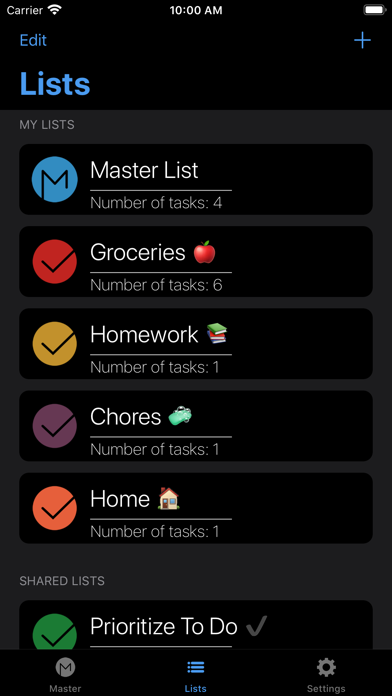
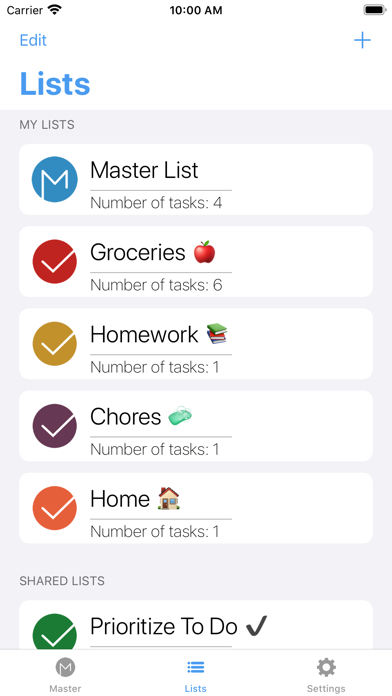
You can have all of your tasks from all of your lists show up on your Master List, or you can create a new list where you will only see tasks for that list when you navigate into that list.
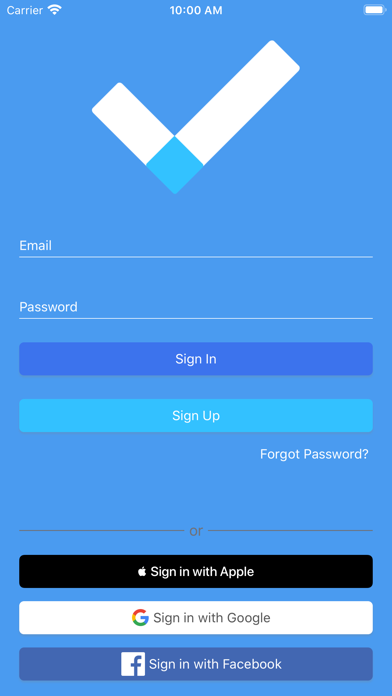
Access all of your tasks and lists on any iOS device that you sign into, using Sign-In with Apple, Google, or Facebook, or create an account with your email and a new password.