Pencil Doodles Sticker Pack
Create, share, and send stickers
Farside B.V.
iPhone Screenshots


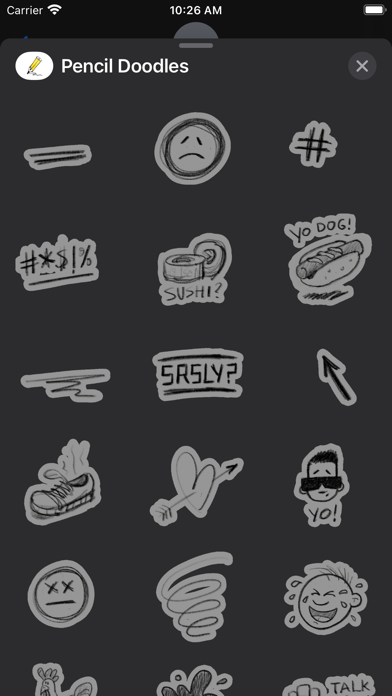
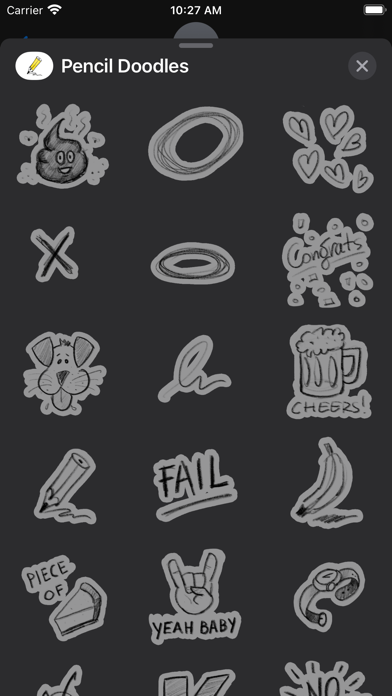
Description
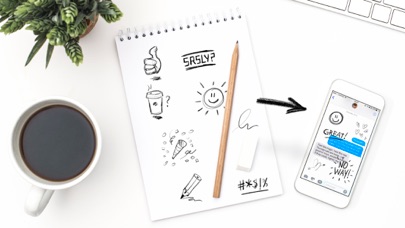
Create and send hand-drawn stickers in iMessages. Customize by adding text or drawings. Share stickers with contacts. Receive new from users. Rate and review the .
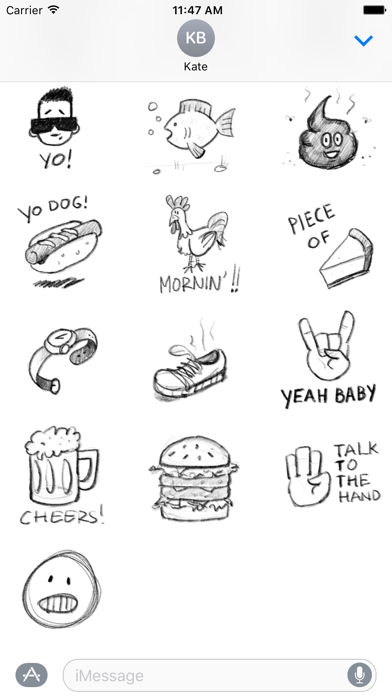
Say it with a scribble! A fun little sticker pack to liven up your iMessages.
If you have a great suggestion for a doodle drop me a line and maybe I'll add it. With an honorable mention of course!
Please leave me a review if you enjoy this sticker pack. Thnx!
Hand drawn on the iPad Pro with the Apple pencil.
-Macstories.net-
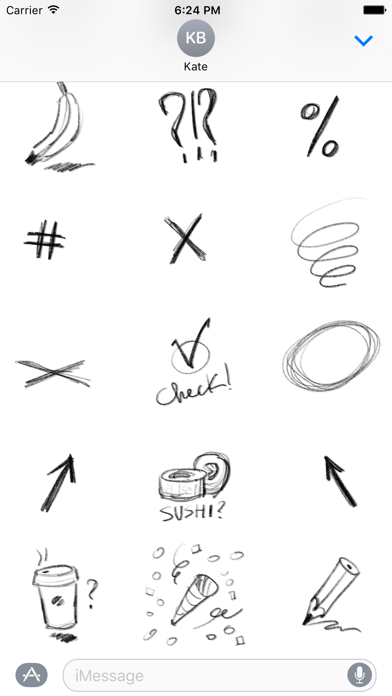
"An excellent example is Pencil Doodles ($0.99), a series of pencil drawings and reaction phrases you can drop into a conversation. "
"These stickers look like doodles that someone aimlessly drew in a notebook while sitting in a boring class at school. There are lots of handy stickers here, from a doodle of a phone that says ‘Call Me!’ to arrows and circles to call out specific things in a conversation."
How to Access Stickers in iMessage:
1. Open messages app
2. Compose a new message to anyone
3. Tap App Store icon in top left corner
4. Tap four circles icon in bottom left corner
5. Sticker Pack icon should appear in your iMessage App Drawer
6. If Stickers don’t appear, tap “Store" icon and then tap “Manage" tab to add sticker pack to iMessage Sticker Drawer