
iPhone Screenshots


Description
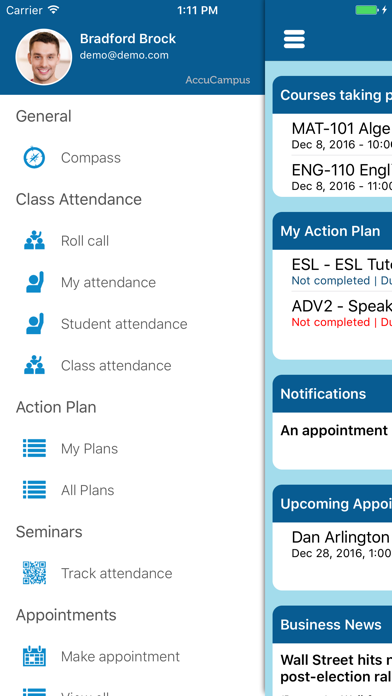
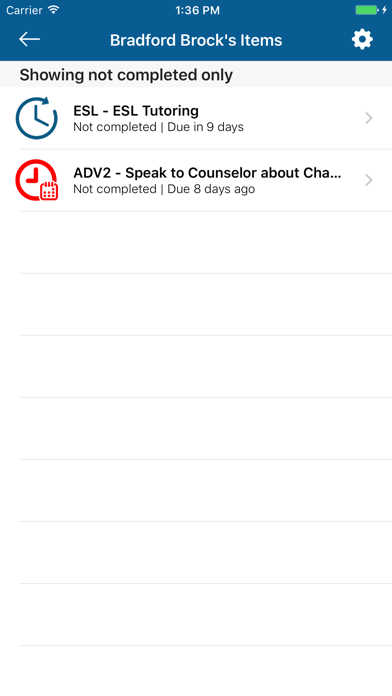
Students can view and follow their college success plan, schedule and cancel appointments, join virtual waiting lines, and receive notifications. They can also post messages in academic groups and use the compass feature to locate campus services.
The AccuCampus app gives students, faculty and staff access to their cloud-based AccuCampus account. The app provides these functions:
For Students:
- Social network: Post messages with your academic groups.
- Compass: Helps you find college services and resources.
- Action Plan: View and follow your college success plan.
- Appointments: View, schedule, and cancel appointments with college resources.
- Virtual Waiting Line: Join the wait line before you get there.
- Notifications: Includes appointment reminders and more.
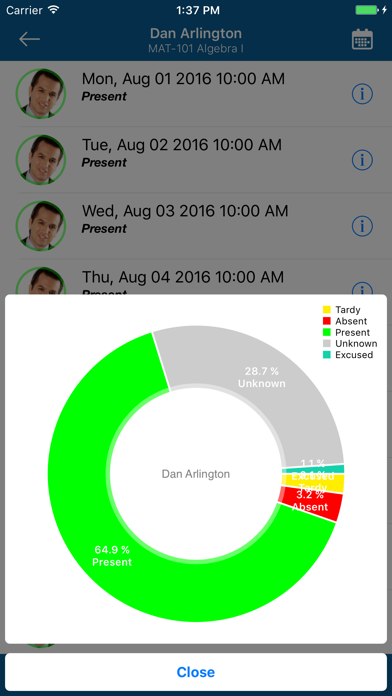
- Attendance: View attendance record to classes and centers tracked with
- Quizzes: study and play single or with your classmates
- Sign-in Station: sign in to the center from the app.
For Staff (tutors, advisors, etc.):
- Appointments: View, schedule, and cancel own appointments with students.
- Attendance: Scan students into events and seminars.
- Sign-in Station: sign in/out to your related centers.
- Quizzes: create and test student knowledge
For Faculty:
- Silent attendance tracking with beacon technology.
- Roll Call: record class attendance manually.
- View class attendance by student.
- View class attendance by class.
NOTE: To use this app your college needs to be using the AccuCampus cloud services.