
Compass Guru - Digital Heading & Bearing
Point device at object
David Ryall
iPhone Screenshots

Description
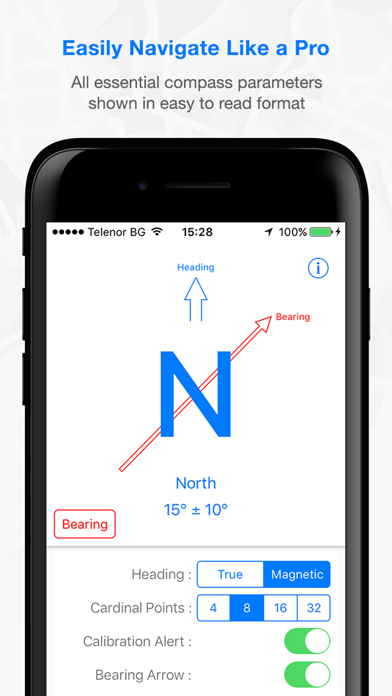
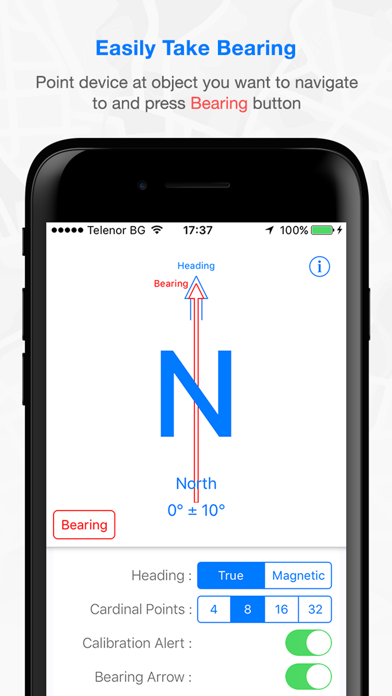
Point device at target object and press button to display direction. Follow arrow for navigation. Shows and in clear format.
- Easily navigate like a Pro !!!
- Unique redesign of the traditional compass.
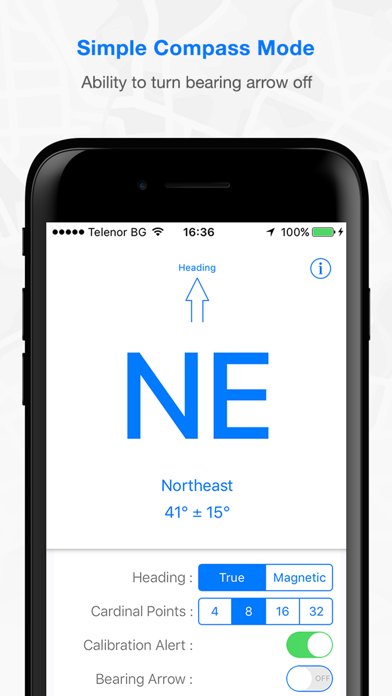
- Compass heading and bearing shown in an easy to read format.
- No more confusing and old fashioned compass dial.
INSTRUCTIONS:
1) Point device at object you wish to navigate to.
2) Press Bearing button.
3) Follow the Bearing Arrow.
---------------------------------------
MEASUREMENT ACCURACY EXPLAINED
The accuracy shown is determined by the device and operating system, not the application. The best accuracy obtainable is typically +/-10 degrees.
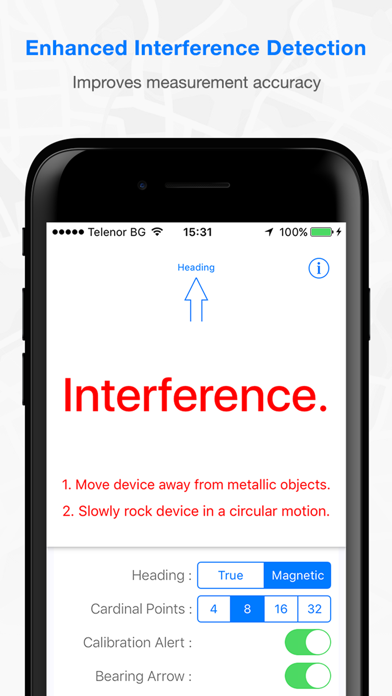
Manual calibration - The accuracy can be improved by rocking the device in a circular motion.
Automatic Calibration - If the device is securely fixed within a vehicle, then the accuracy will automatically improve after several turns of the vehicle. The Calibration Alert should be set to OFF to prevent the compass calibration alert appearing.
---------------------------------------