
iPhone Screenshots
Description
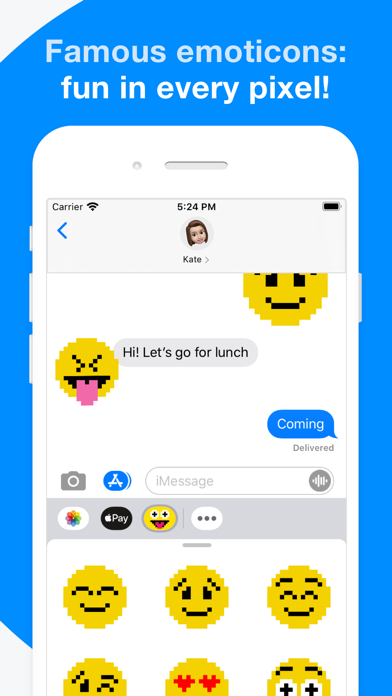
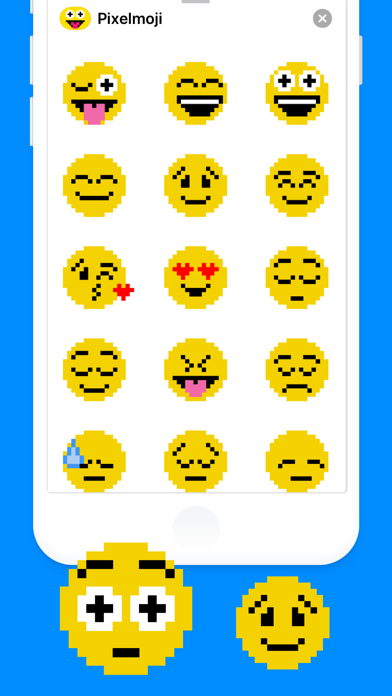
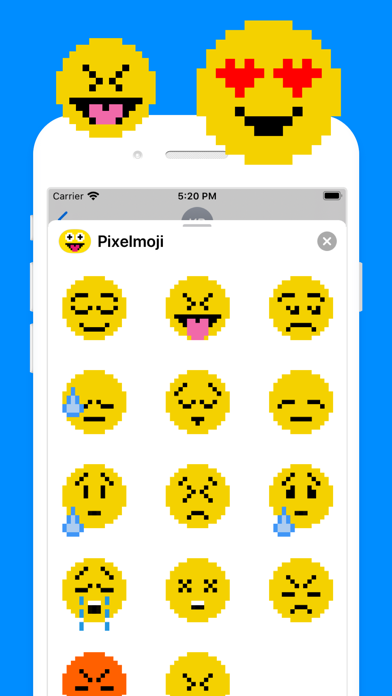
Send to friends in messages. Choose from a variety of Pixelmojis. Tap and hold to drag them into message bubbles. Swipe left or right to access the sticker drawer.
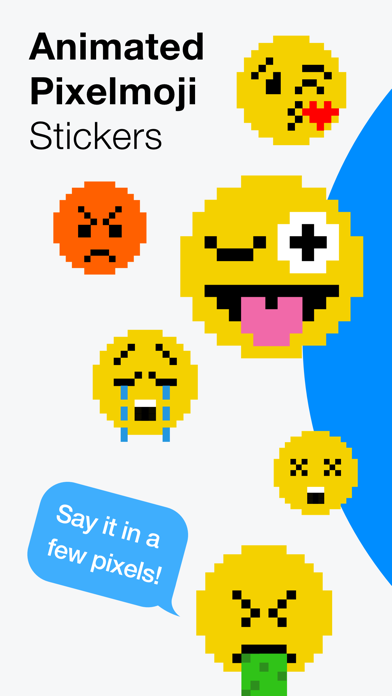
Show off your emotions with animated Pixelmojis!
Specially designed to send to your friends and stick all over your text messages.
HOW TO USE STICKERS:
1. Open Messages and tap the Compose button to start a new message. Or go to an existing conversation.
2. Swipe left or right over the app drawer to find the one that you want to use.
3. Then tap the app to open it.
If you want to add a sticker, touch and hold the sticker, then drag it to the message bubble. The sticker will automatically send when you add it to the message.
MANAGING STICKERS:
1. Open Messages and tap the Compose button to start a new message. Or go to an existing conversation.
2. Swipe left over the app drawer and tap the More button .
3. Tap Edit button to manage or reorder stickers. Or swipe left over the app to Delete.
If the app won't open, re-open Messages app (swipe-up and open again).
EXTRAS:
Don't forget to check out our other sticker packs! Enjoy!