
iPhone Screenshots

iPad Screenshots
Description
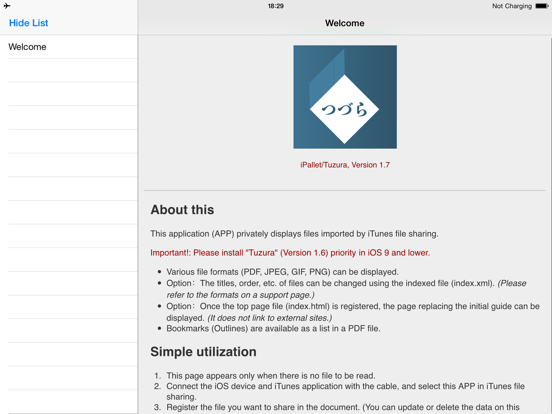
This Application software (APP) privately displays files imported by iTunes file sharing.
Various file formats (PDF, JPEG, GIF, PNG) can be displayed.
Important!: This app is for iOS10. (Please install the legacy "Tuzura" (Version 1.6) priority in iOS 9 and lower.)
1. Options
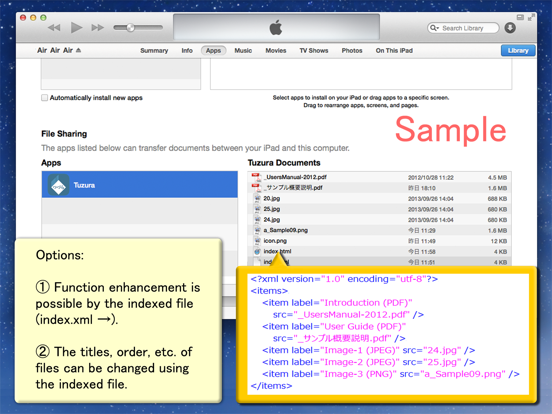
- The titles, order, etc. of files can be changed using the indexed file (index.xml). (Please refer to the formats on a support page.)
- Once the top page file (index.html) is registered, the page replacing the initial guide can be displayed. (It does not link to external sites.)
2. Simple utilization
- This page appears only when there is no file to be read.
- Connect the iOS device and iTunes Application with the cable, and select this APP in iTunes file sharing.
- Register the file you want to share in the document. (You can update or delete the data on this page, too.)
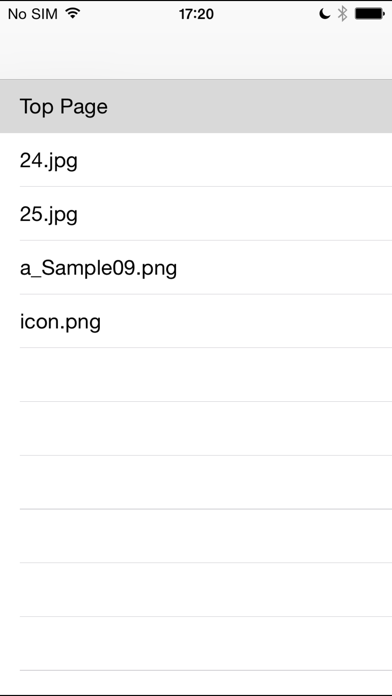
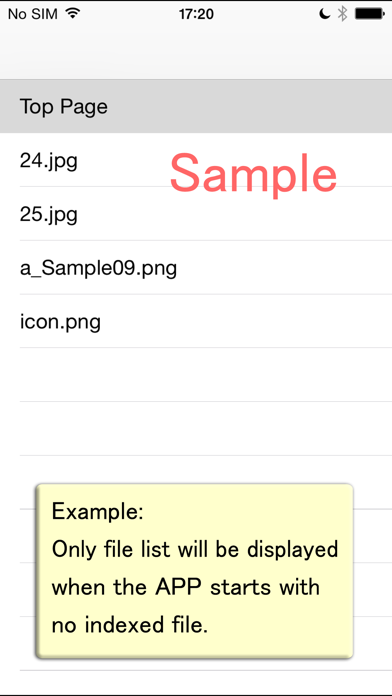
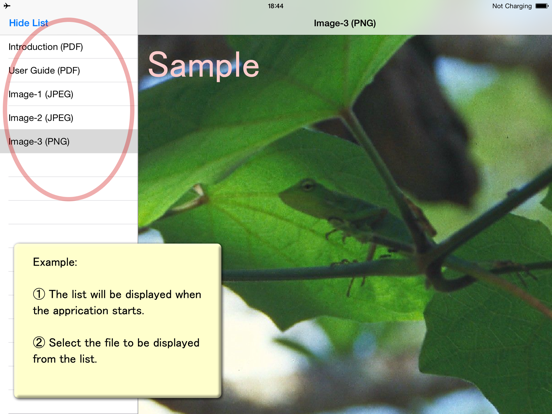
- The list will be displayed when the APP starts.
- A refresh operation by pulling down the list is necessary after updating the file registration.
- Select the file to be displayed from the list.
- Bookmarks (Outlines) are available as a list in a PDF file.
3. More convenient utilization
Function enhancement is possible by the indexed file (index.xml). (Please refer to the formats on the support page.)
- The hierarchical structure of the list is available. (v.1.2+)
- Hierarchical data of the bookmarks displayed in a PDF file can be controlled. (v.1.3+)
- The direction of movement of a page can be set. (v.1.3+)
4. The limitation of this version
- Match case is available for the file-names.
- A page may include some links, but it never links to external sites.
- Only the text can be displayed as a list.
- PDF outlines are shown in iPad only.
------
Release Notes
Version 1.1:
- The function to close the list is added with a landscape display.
- Big-sized PDF files can be displayed.
Version 1.2:
- The hierarchical display of the list is available by the description of the indexed file (index.xml).
- The top page title can be set in the indexed file.
- Troubles in the display occurring when Home button returns were fixed.
- The display of the status bar was changed. (in iPad)
Version 1.3:
- Bookmarks (Outlines) in a PDF file can be displayed as a file in selecting.
- The bookmarks synchronize with a page movement of the PDF file.
- Hierarchical data of the bookmarks displayed in a PDF file can be controlled by the indexed file (index.xml).
- The direction of movement of a page can be set by the indexed file (index.xml).
- The PDF file can be displayed by a viewer from the HTML link. (It does not link to external sites.)
- The list and titles can be described separately by the indexed file (index.xml).
Version 1.4:
- Fade-out/in view (except PDF).
- Landscape initial display size as wide can be set by the indexed file (index.xml).
- Top page's label name trouble was fixed.
- File load trouble was fixed.
- It limits loading of hidden files.
- Internationalized.
Version 1.5:
- iOS8 was available.
- Bug-fix of 1-page PDF.
Version 1.6:
- iOS9 was available.
- The outline of PDF was corrected. (It was changed the iPad only showed outline.)
Version 1.7:
- iOS10 was available. (branch from v. 1.6.)
App information from Apple App Store. iPallet/Tuzura for iOS10 and related trademarks belong to MITSUHIRO TSUDA.