
iPhone Screenshots

Description
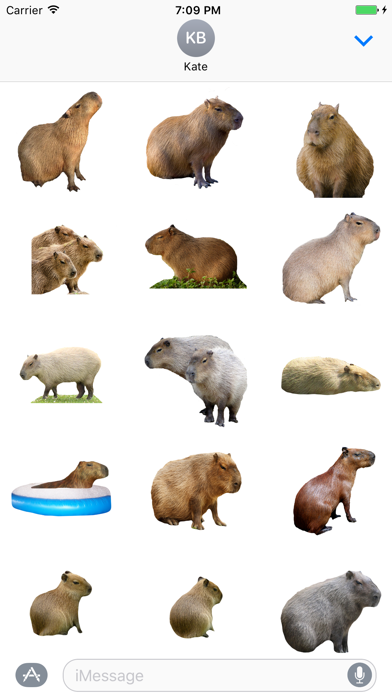
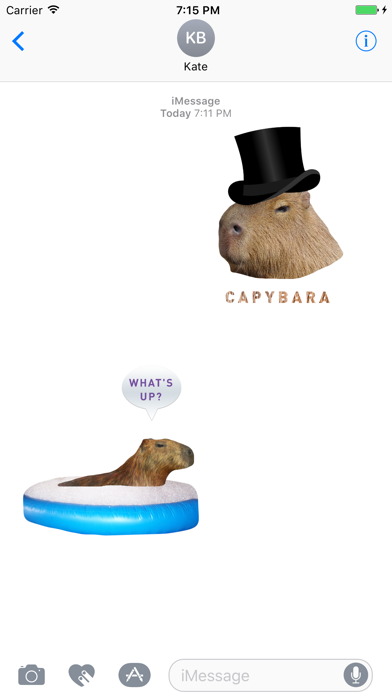
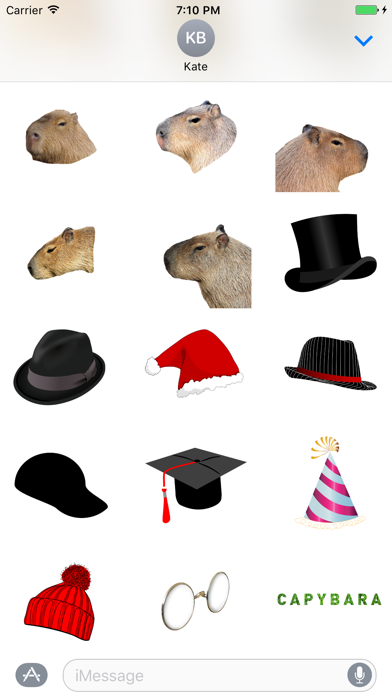
Send featuring bodies, heads, and hats. Include over 25 and 20 additional designs. Add to iMessage conversations by tapping the Apps button and selecting the pack.
Capybara stickers for iMessage
Send your friends funny and nice Capybara!
Capybara stickers inside!
Capybara bodies and heads, hats for capybara.
More than 25 capybara stickers and more than 20 additional stickers inside.
How to use Capybara Sticker Pack?
1. Download Capybara Stickers for iMessage
2. Launch Messages (iMessage) from your Home screen.
3. Tap on the Apps button, which looks like the App Store icon inside your Messages app
4. Tap on Capybara Stickers to open the pack.
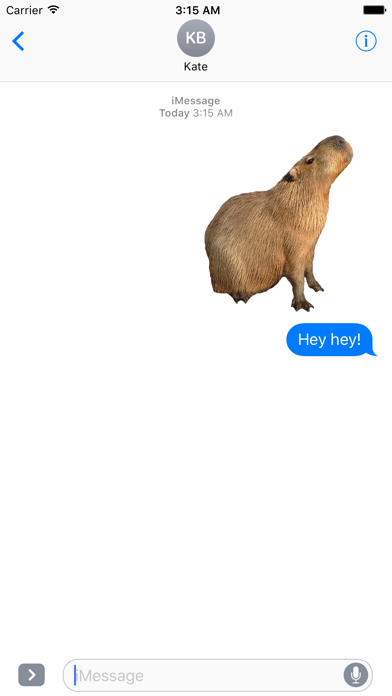
5. Use stickers and send them to your friends and family.
Capybara loves you.