
iPhone Screenshots


Description
One Time Password is the Apple-native 2FA authenticator with a built-in Password Vault — both encrypted on your device, both syncable privately via iCloud End-to-End encryption.
WHY ONE TIME PASSWORD
• Two-in-one: 2FA codes (TOTP) + secure password manager in a single calm vault
• One-tap import from Authy, Google Authenticator, 2FAS, Microsoft Authenticator
• Apple-native dark UI built for iOS 17 — no web-app port
• iCloud End-to-End sync across iPhone, iPad, Mac (Pro)
• We never see your codes or passwords — designed offline-first
FOR YOUR 2FA CODES
• Scan QR codes or paste otpauth URIs to add new accounts
• Smooth animated progress rings — no jumpy second ticks like Google Authenticator
• Tap to reveal codes — blurred by default to prevent shoulder-surfing
• Search, folders (Personal / Work / Banking), and favorites
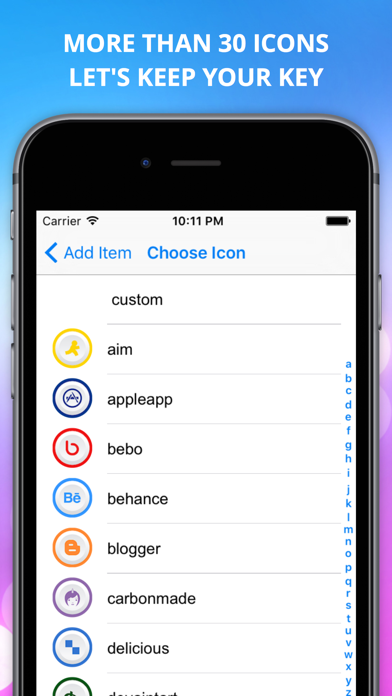
• Custom icons that auto-detect from issuer
• Full SHA1 / SHA256 / SHA512 + 6 / 7 / 8-digit support
FOR YOUR PASSWORDS
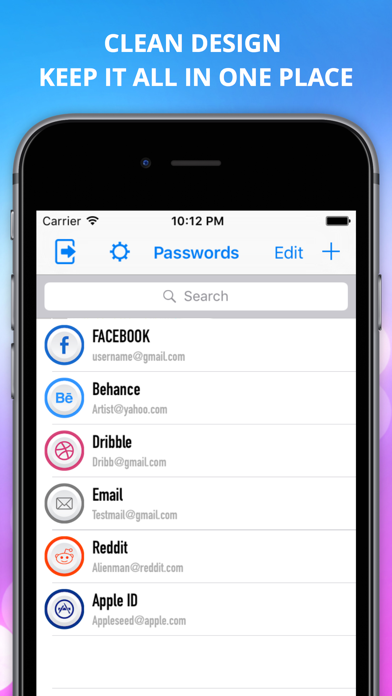
• Add, edit, search, and reveal passwords with biometric protection
• Auto-clear clipboard after 60 seconds (configurable)
• Encrypted with ChaChaPoly using a master key kept in your iOS Keychain
• Folders shared with your codes — one organization system
• Optional iCloud End-to-End sync (Pro)
PRIVACY FIRST
• All credentials stored encrypted on this device
• Master key kept in iOS Secure Enclave
• iCloud sync (when enabled) uses Apple's encryptedValues API — true E2E with Advanced Data Protection
• No analytics on your seeds or passwords — ever
PRO
Unlock unlimited accounts, unlimited passwords, iCloud sync, encrypted backup export, custom icons, and an
ad-free experience.
• Annual $14.99/year
• Lifetime $29.99 — pay once, yours forever
MIGRATING FROM v1?
If you used the previous Password Manager version of this app, your data is preserved and now appears as
fully editable records in the new Passwords tab.
Terms of Use: https://app26ground.vercel.app/terms
Privacy Policy: https://app26ground.vercel.app/privacy