
iPhone Screenshots


Description
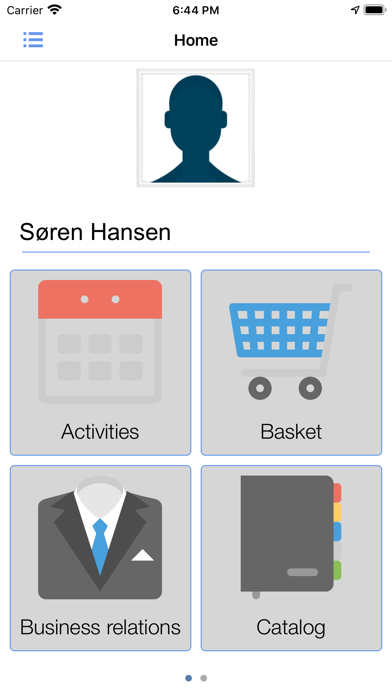
Sales for iPhone includes modules for both sales and CRM.
Sales:
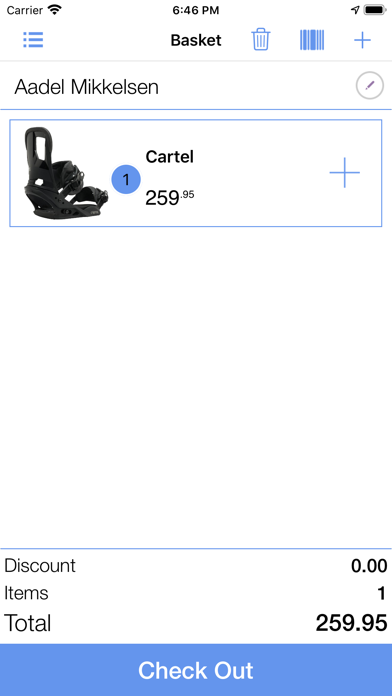
Basket - Where you can create orders and see your order details. You can scan barcodes or go to the catalog to add products.
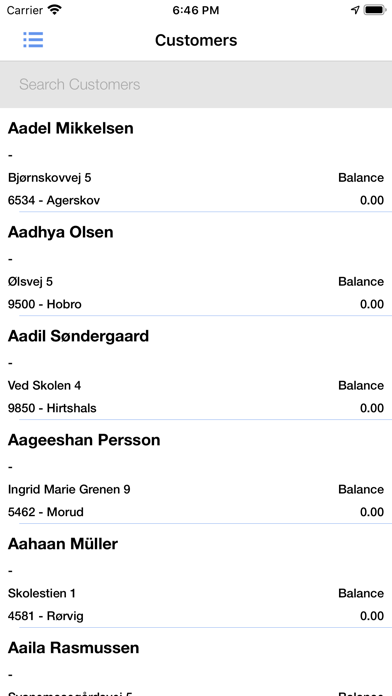
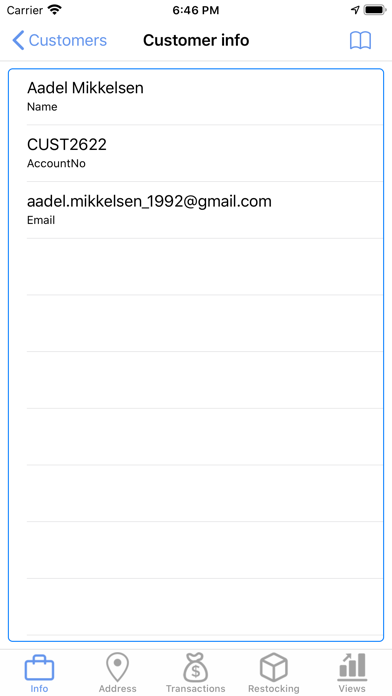
Customer - A view where you can see all your customers, their price agreements and the customers location.
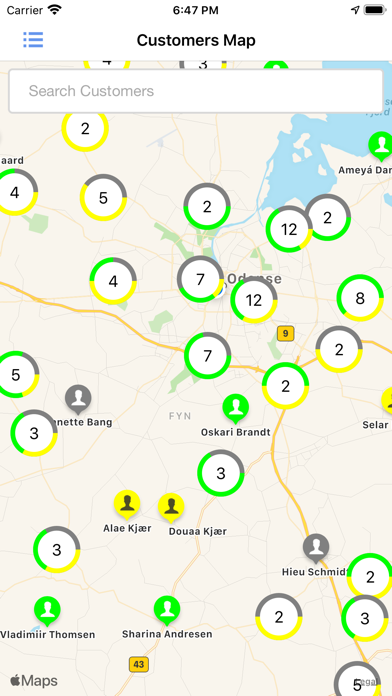
Map - Apple map for all your customers, where you can see all your customers locations and select them for additional information.
Products - A view for all products divided into product groups. Where you can select a product for product details.
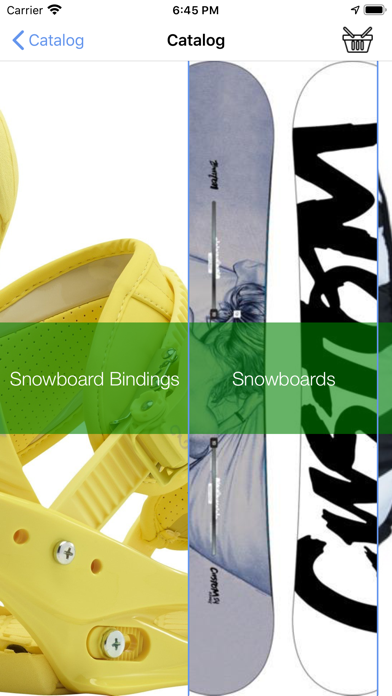
Catalog - Simple catalog with products divided into categories and sub categories. You can select products to view product info and/or add them to your basket.
CRM:
Activities - Calendar with all appointments and activities for both customer and business relations. You can select an appointment and see the details and update the note for selected appointment.
Business Relations - A collection of business relations, which you can select for additional information. You can scan business cards to add new business relations.
Customer Relations - A collection of customer relations, which you can select for additional information.