
iPhone Screenshots
Description
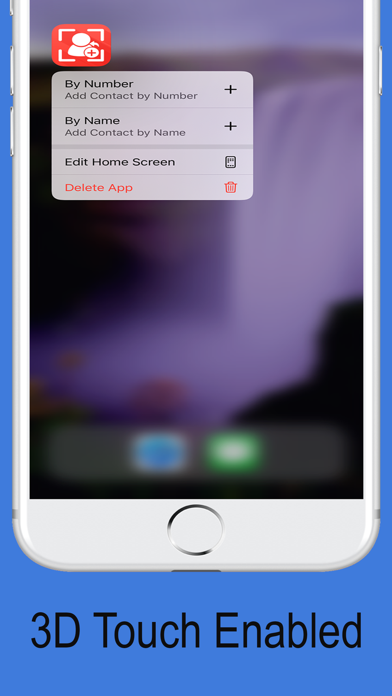
With 3D Touch Home Quick Actions!! Makes adding a Contact sooooo much faster!!
How to currently ADD a Contact on the iPhone (Booooooring!!!! ):
1. Open Contacts or Phone app
2. Press +
3. Type in Name
4. Type in Number
5. Tap Done
6. If you want to add a Note then scroll down and start typing
7. Adding a Location? FORGET ABOUT IT! :/
Save Time and Steps (AWESOME!!!!).
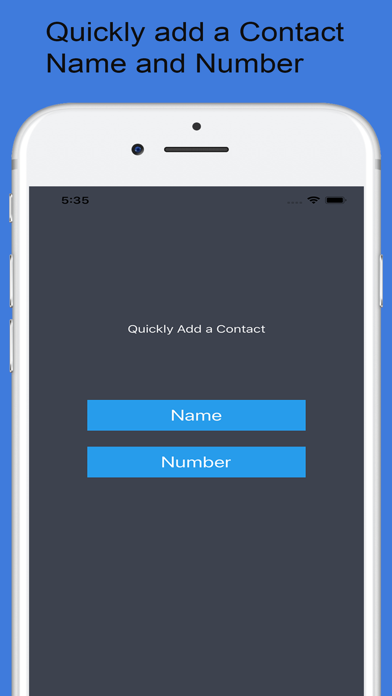
1. Open app (Or go through the app icon Quick Actions)
-. (Tap Name or Number) *skipped if going through Quick Actions.
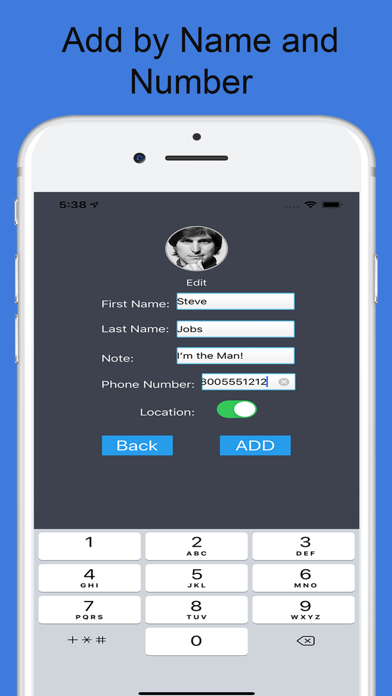
2. Add Phone, Name, (and Note)
(Select Add Location)
(Select Picture icon to add picture)
3. Tap Add
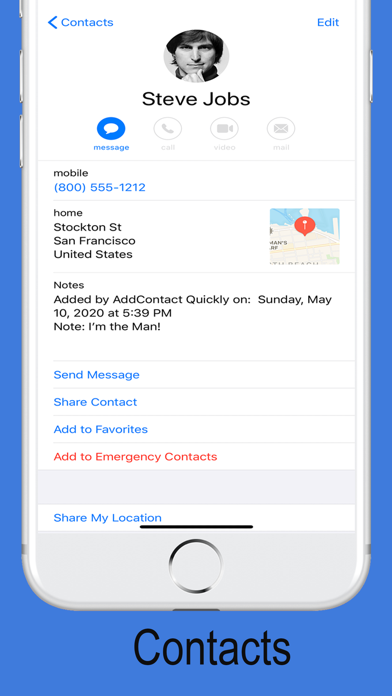
Makes searching easier too! Search for "Add" "AddContact" or "Quickly" in the Contacts app to get a list of names entered through the app!
Simple and Free. And Awesome!
Add a Contact Quickly.
Thanks!