
Ekklesia e360 ChMS
Create people, view profiles, manage groups
Ministry Brands LLC
iPhone Screenshots

Description
Manage personal and family information with custom fields and contact details. View and edit profiles, add notes, and organize members into groups. Access family data and toggle church directory mode. Upload or update profile images.
The e360 ChMS iPhone app allows you to access all of e360 ChMS's core features while on the go!
People Features:
- Create People.
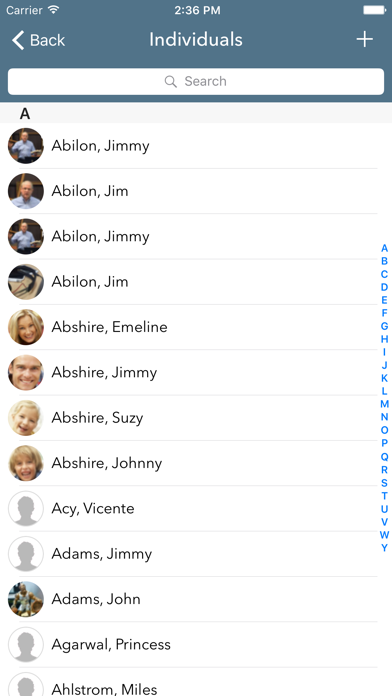
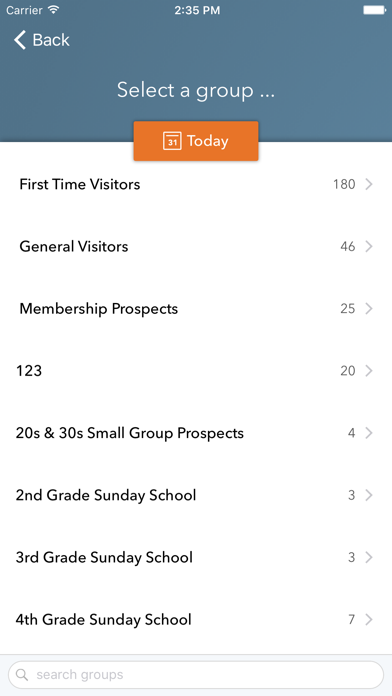
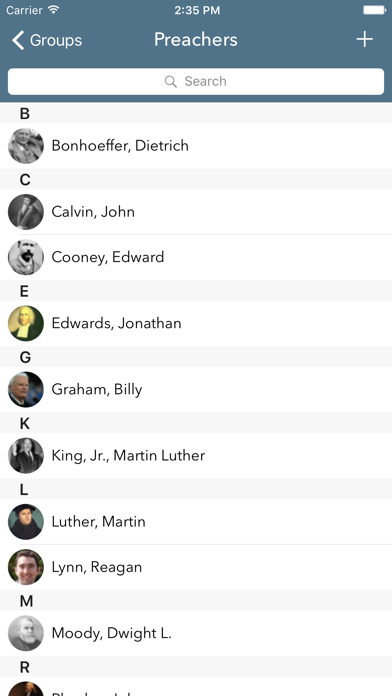
- View lists of all members and groups, complete with thumbnails of profile pictures.
- Use as a church directory, if enabled.
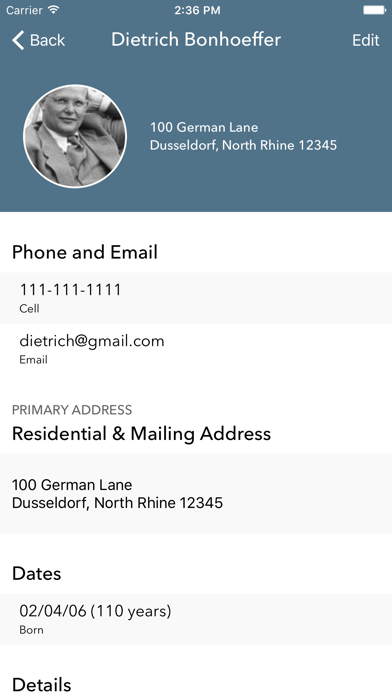
- View all information for a person. Including personal, contact, dates, custom fields, and family.
- Tap profile image to add a new one.
- Edit all fields, including custom ones.
- Add/remove people from groups.
- Add/Edit notes.
- Print a summary page, using AirPrint.
- Add a person to your Contacts.
Self Check-in:
- People can check in when close to church, so labels are already printed and waiting for them, when they get inside.
Interactions:
- View lists of Completed, Outstanding, and My Outstanding interactions.
- Edit Outstanding Interactions.
- Assign/Log a new interaction.
Attendance:
- Add/edit attendance for a group.
- Add visitors who are currently in the system.
- Create and add visitors.
- Swipe left on a name to see more options.
Mass Contact
- Mass Email a group.
- Mass SMS and Voice message (Requires this to be configured via web)
Please note that this app requires a e360 ChMS account.