
Green Copy - Generate PDF with amazing effects
CoreBits Software Solutions Private Limited
iPhone Screenshots



Description
Save Paper - Save Tree - Save Earth - Go Green
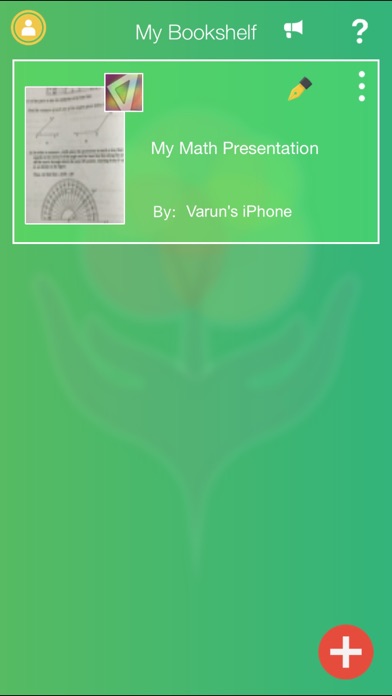
Scan notes, books, receipts, whiteboards, or documents and convert them to PDF files.
Key Features:
●Share PDF files with your friends or team members.
●User can apply following special effects: brightness, contrast & isolation on captured PDF pages.
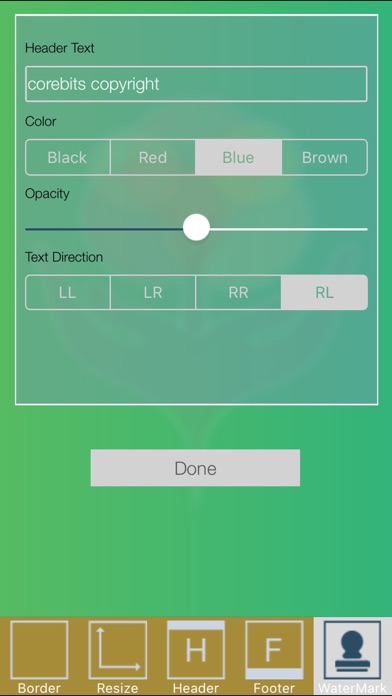
●User can garnish PDF with watermark, header, footer text with different colours and opacity.
●User can use some picture as cover photo.
●User can add Book title
●Use can assign author of a book.
●Upload your PDF files on dropbox or google drive.
●Internet connection is not required for scanning
●Scan history saved and have offline support.
For Teachers
• If you are a teacher and need to prepare notes for your students then just capture your notepads and whiteboard using Green Copy and share as a PDF file.
• If you are a teacher and need to take various lectures on same topic then just make a copy of your white board in a lecture and save it on dropbox to use it in another lecture.
• Can create mock tests for your students or can share solutions or descriptions with them by just capturing them from your notepad or whiteboard.
• Can prepare assignments for students.
For students
• Time has gone to make xerox of notes, just capture things using Green Copy and save paper.
• You can share problem solutions with your friends by capturing your working copy.
For business people
• Share your white board calculations with other team members.
• Create and share rough designs with your desigeners.
For artists
• You can prepare a wonderful PDF by applying various effects on images.
• Can add header, footer, watermark etc creatively to design a perfect presentation.
For everyone else
• Create your documents.
• Share documents, bills, receipts etc.
• Save things for future use.