
Cape Ann Savings Bank Mobile
View accounts, track balances, check images
Cape Ann Savings Bank (Inc)
iPhone Screenshots



Description
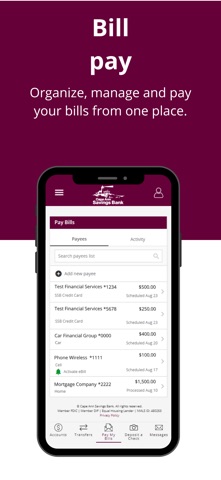
View account balances and transactions from the past 90 days, grouped by month. Check cleared check images. Transfer funds between accounts, make loan payments, and schedule transfers. Manage and schedule bill payments.
Bank wherever you are with Cape Ann Savings Bank’s mobile app for the iPhone! Available to all customers/members with Online Banking.
App Features:
Accounts
- View all of your accounts and balances
- View account transactions grouped by month (past 90 days)
- View check images that have cleared
Transfers
- Account to account transfers
- Loan payments (including principal only, pay down or payoff)
- Scheduled transfers (immediate, future dated or recurring)
Bill Pay
- Schedule, manage and edit your bill payments
Locations
- Find nearby branches by searching by zip code or address
Fast Balances
- View your account balances on the go along without signing into your app
Fingerprint/Facial Recognition
- Access into the App with Finger Print or Facial
Mobile Deposit
- Make deposits using your mobile device
- View your mobile deposits using the Deposit History button
Self Service Banking:
- Secure Messaging
- Stop Payments
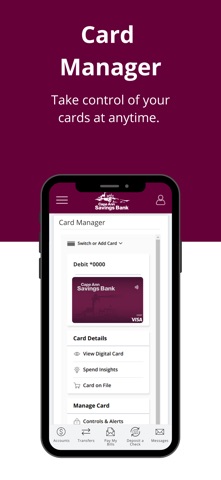
- Enable/ Disable Debit card
- Manage Alerts
- Manage External & Unlinked Accounts
- Push Notifications