
iContacts: Contact Group Tool
Manage contacts and send messages together
Jeonghwan Kim
iPhone Screenshots
Description
Manage contacts by creating and organizing groups. Send messages and emails. Perform bulk deletions and advanced searches. Sync contacts securely using system data.
▷ Optimal technology for contact group management
◉ Evolution of the contacts App
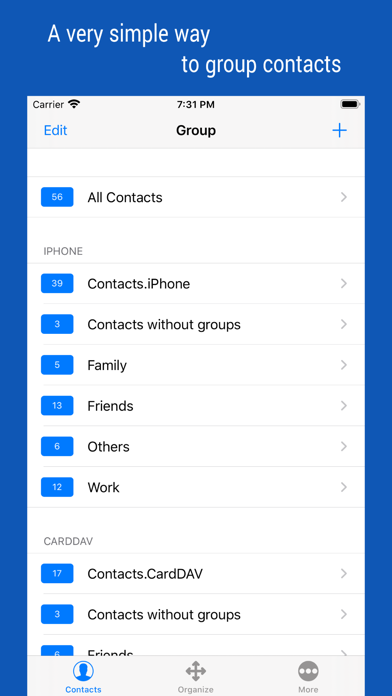
Manage your contacts into groups and contact your contacts as a group.
Contact group management is only a basic function. And you can manage groups more conveniently than the default app.
Additionally, advanced search features, group messaging, group email, bulk delete contact, organize contacts, etc.
◉ Secure Contact Tool
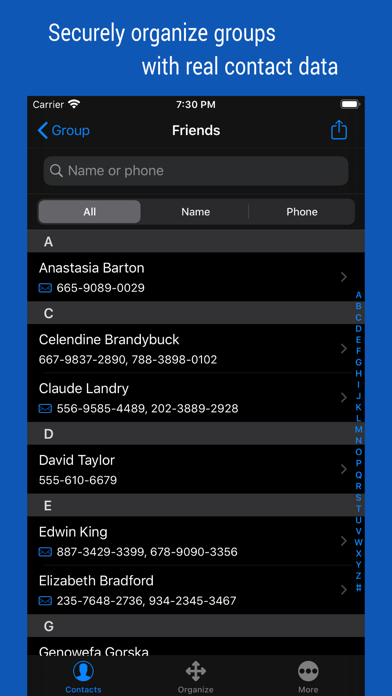
Contact data is valuable information to you. The contacts App uses the system's data, so it should work correctly and handle your data securely.
◉ Functions and Features
[Real-time Synchronization]
• Since the Contact data of the system is used as it is, the work contents are immediately reflected.
[Multiple selection methods]
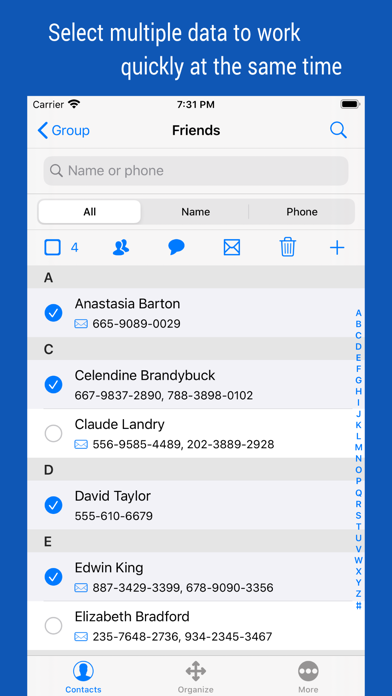
• Most tasks can be processed quickly with multiple selections.
[Contact Group Management]
• Create a group and add contacts as group members
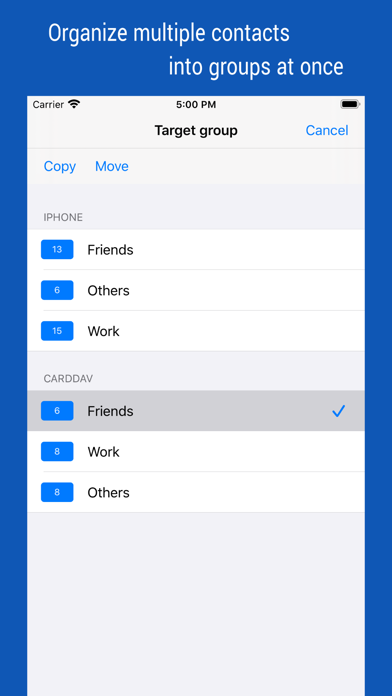
• Copy or move contacts between groups
• Real-time synchronization with the contact group on the system
• Simultaneous support of iCloud and CardDAV
[Advanced Contact Search Function]
• Extract optimal data by specifying phone number or name as search method
• Can search for initials in Korean language including double consonants
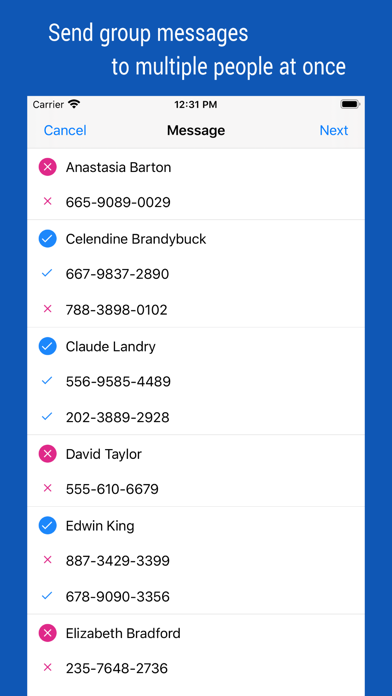
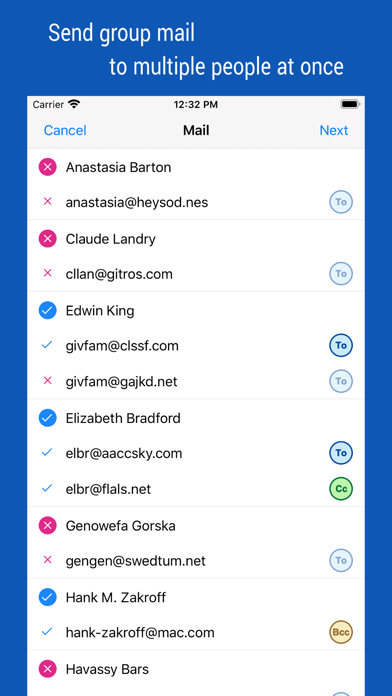
[Group Message, Group Email]
• Multiple contacts to send a message at the same time
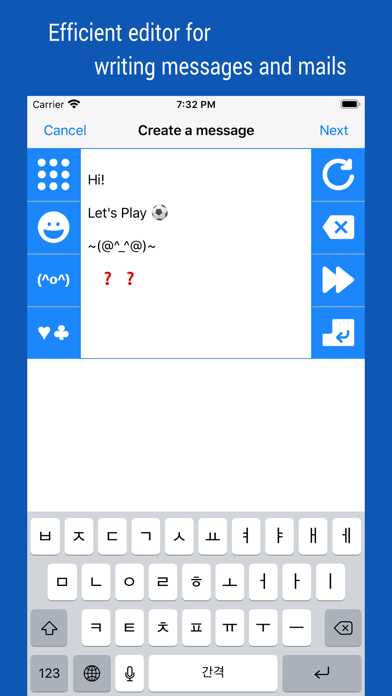
• Provides separate message-writing tools for convenient input
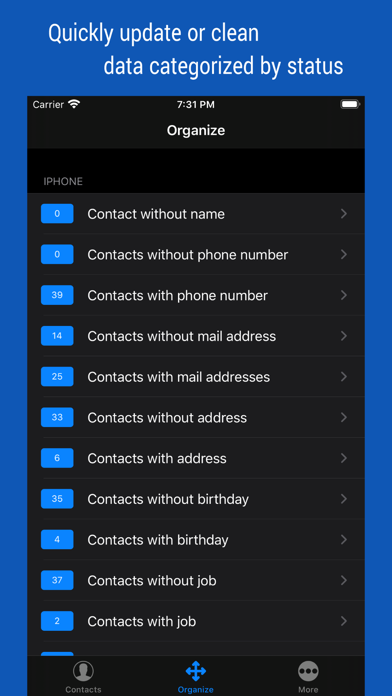
[Organize contacts]
• Extract and organize contacts into various conditions
• Delete contacts in bulk
◉ Notification
• This is a completely free app, so no payment or subscription is required.
• You must allow access to your iPhone when you first launch the App.
• If the list of the order in your contact list changes after iOS updates, please change your iPhone settings. (Mail, Contacts, Calendars > Sort Order, Display Order)
• Contact groups in Exchange mail are not supported.