
iPhone Screenshots

Description
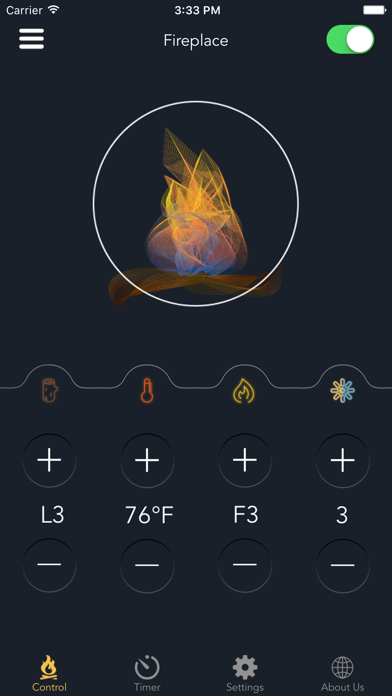
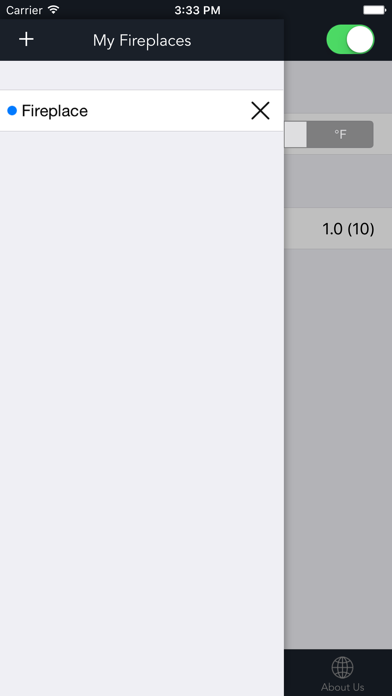
Connect the Electric Fireplace to your smart phone via Bluetooth. You can even connect to multiple fireplaces and customize the settings right in the palm of your hands:
1. Adjust temperature (62-86°F or 15 -30°C)
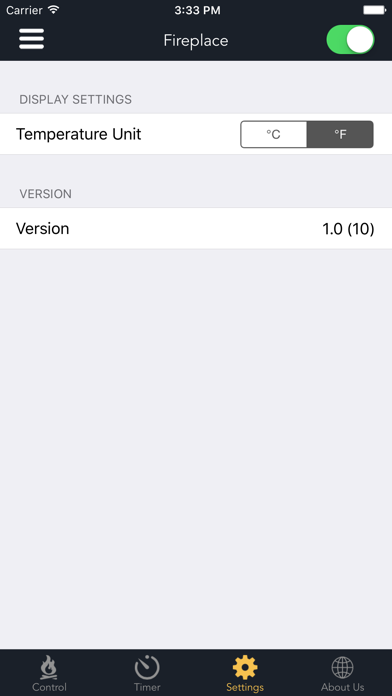
2. Change temperature unit (°F or °C)
3. Adjust flame brightness (F1 to F5)
4. Change flame color (1:Orange / 2:Blue / 3:Orange & Blue / 4:Loop)
5. Change ember bed color (L1 to L4)
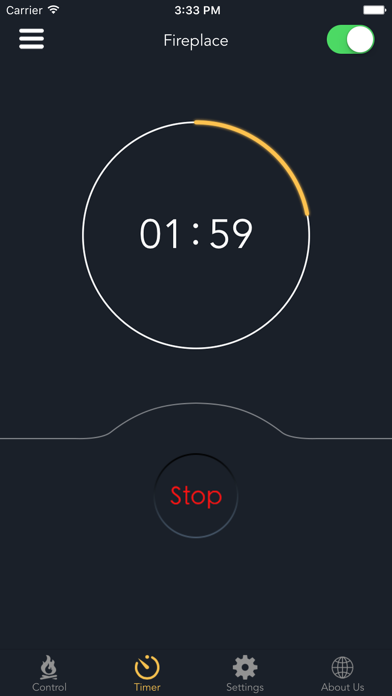
6. Set shut-off timer (00:30 to 09:00, 30-minute intervals)
Our Supporting Website: https://soupro.com/