
Connect with Fort Bend
Submit requests, track progress, view updates
Fort Bend County
iPhone Screenshots
Description
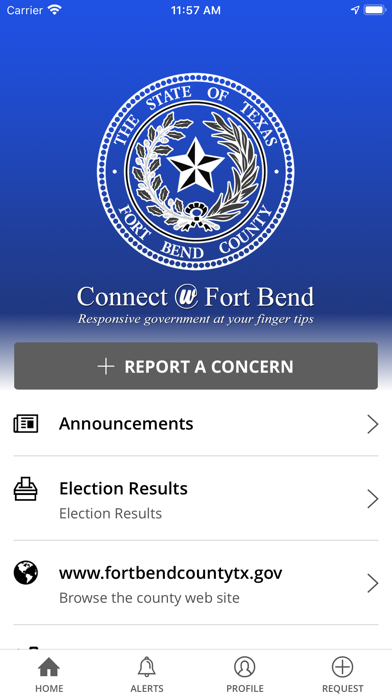
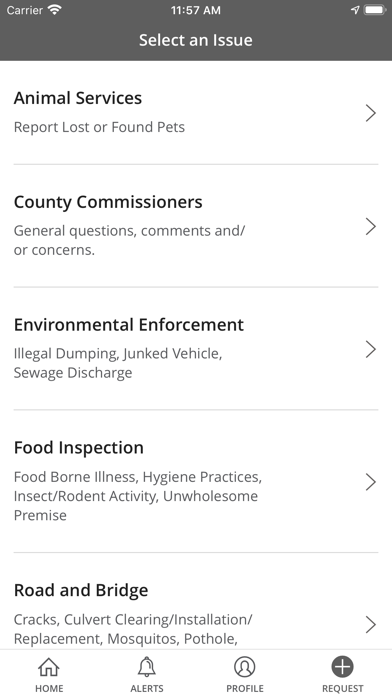
Submit and track non-emergency service requests by snapping photos of issues like damaged signs or potholes. View request status and department responses. Find event details, public facilities, and polling locations using in- widgets.
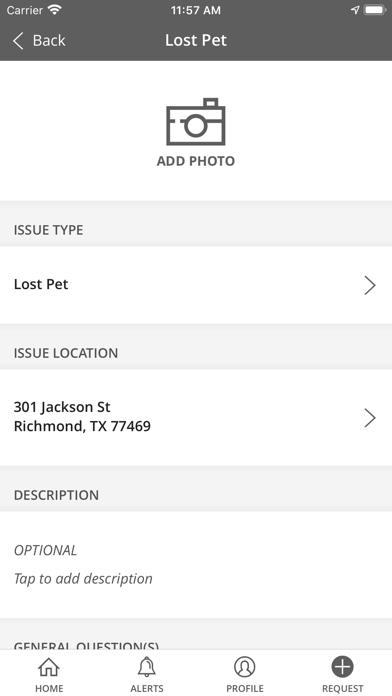
Connect with Fort Bend allows users submit, track, and view nearby non-emergency service requests with their smartphones. By simply snapping a picture, damaged or downed street signs, potholes, drainage problems, etc. can be reported and routed to the appropriate department. Once requests are submitted, the relevant staff responds through a customized workflow management system. Residents can also use the in-app widgets to find information about events, public facilities and polling locations as well as emergency alerts and County activities.
Here’s how it works:
1. See something that needs to be fixed?
2. Submit a request and even attach a photo.
3. County staff receives the request.
4. The county fixes the problem!
5. You get notified when the request is completed.
You can also monitor requests, provide comments and follow other requests in your community. Download the app today to get started!