
iPhone Screenshots


Description
AdBlocker Ultimate is designed with a single purpose in mind to remove all ads and focus your attention on the content you want.
Features
- Remove all ads
- Block malware and tracking
- Improve browser performance
- No "acceptable" ads or whitelisted websites/ad networks
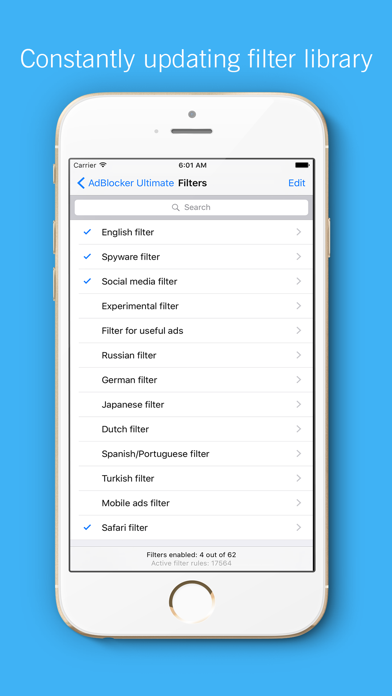
AdBlocker Ultimate is a free extension that blocks ads and malicious domains known to spread malware, disables tracking. We have included a few extensive filters that offer decent protection against annoying, flashy ads, YouTube commercials, and more. Unlike other adblockers we do not have a whitelist for websites, advertisers or ad networks to show you unwanted ads. Blocking ads will speed up your website load speed, decrease CPU and memory usage.
Our extension allows you to switch back on ads for your favorite websites in case you know there are no intrusive and/or misleading advertising there.
*** Types of ads we block ***
- Text ads
- Banner ads
- Pop-up ads
- Pop-under ads
- Overlay ads
- Interstitial page ads
- Video ads
- Webmail ads
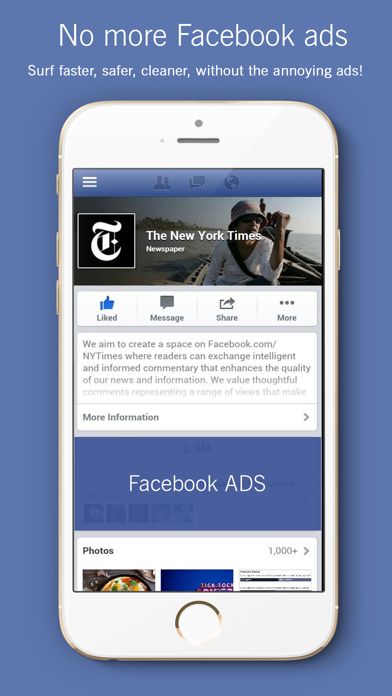
- Facebook ads
*** Benefits of ad blocking ***
- Improve browser speed
- Improve page load speed
- Decrease memory usage of pages you visit
- Decrease bandwidth