
iPhone Screenshots
Description
Perform your LawNet activities from your IOS mobile device:
If you are a STUDENT:
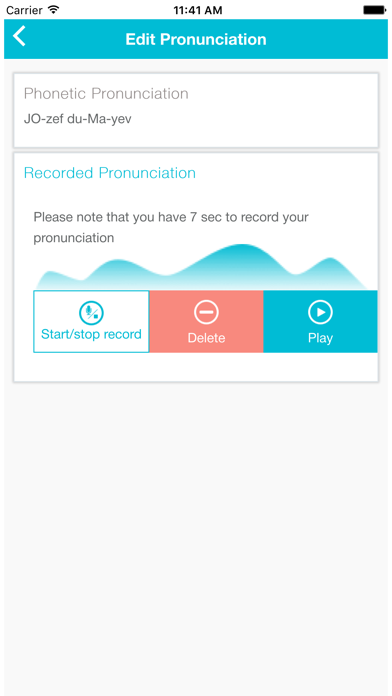
- Manage your student profile – your address and phone listing. Record your name pronunciation and save it on your user profile. Submit Emergency Contact information.
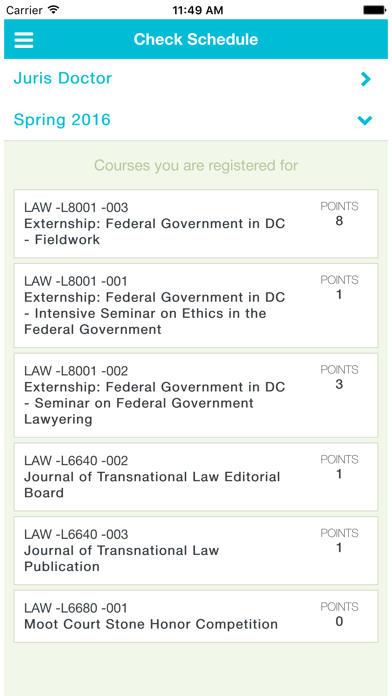
- Check your course schedule as well as your current status on the waitlist
- Check your grades
- Pre-Register for classes to build up your new semester schedule
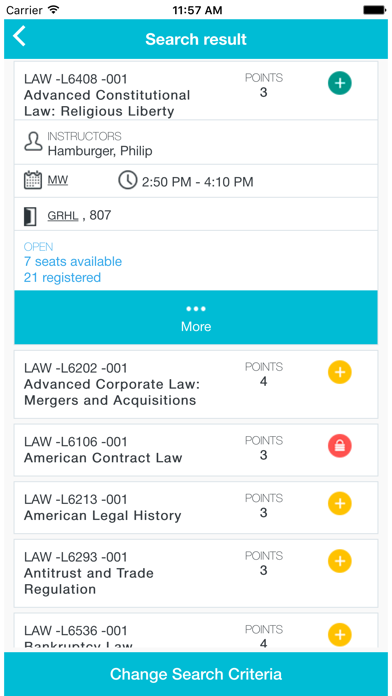
- During ADD-DROP period see the status of courses to find out which are open for enrollment.
- Enroll in courses and signup for wait list. Respond right away for notifications about seat offering for you in a class.
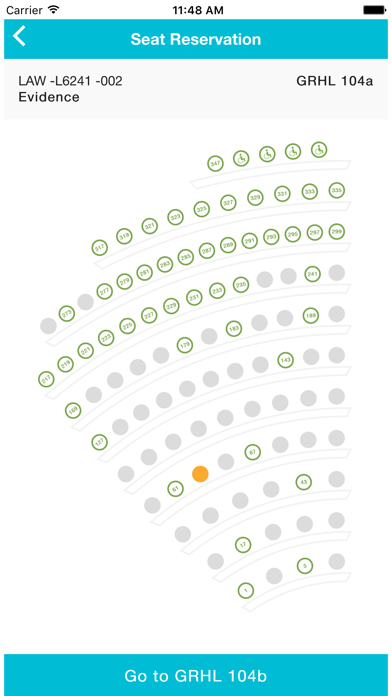
- Reserve a seat in the classroom for the class you are taking using seating charts. See who seats near you
- Reserve a locker in the Jerome Greene Hall
- Check your Pro-Bono status or fill in Exit Questionnaire for your Pro-Bono work
If you are a FACULTY:
- See students enrolled in your class as well as the ones who are on the waitlist. Have your student information under your fingers.
- Manage seating charts for your class. See where students seat in the classroom.
For all members of Columbia Law School Community:
- Browse Student and Faculty/Staff directory of Columbia Law School having your contact information right under your palm
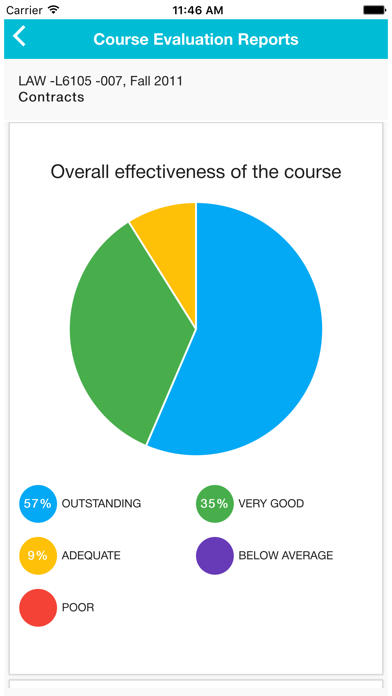
- Look up for Course Evaluation Reports
The application requires Columbia Law School login to access.
LawNet is developed and supported by the Columbia Law School Information Technology Department.