
Live Wallpaper for iPhone 6s, 6s plus – Free Animated & Custom Dynamic Backgrounds
3D Touch to animate wallpapers
Rise Up Labs
iPhone Screenshots
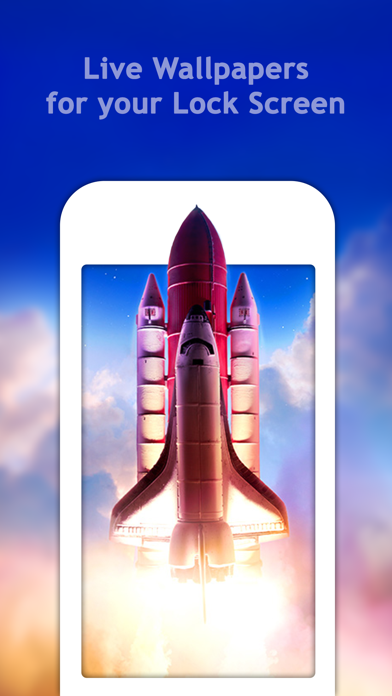


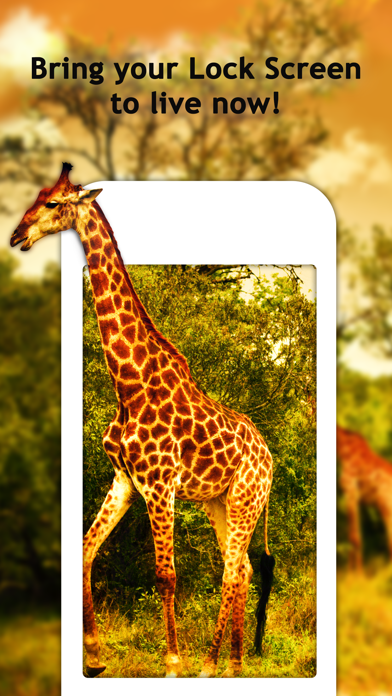
Description
View wallpapers that animate on 3D Touch. Browse and select from a catalog of photos. Preview animations in slide mode. Save preferred wallpapers to the Camera Roll.
*** Live 3D Touch-enabled Wallpapers for iPhone 6s, iPhone 6s plus ***
Get access to custom Live Wallpapers that will animate your lock screen and bring it to life! Select a Live Wallpaper from our catalog, and when you 3D Touch your screen it will start animating. Show it off to your friends!
FEATURES:
● Explore gorgeous Live Photo wallpapers
● Browse Live Photos to find your perfect choice
● See the animated backgrounds in slide mode
● Save the wallpapers you like the most to your Camera Roll
● Set the saved wallpapers as Live Photo wallpapers for your Lock Screen
HOW TO SET:
To set the Live Wallpaper on your lock screen:
1) Make sure Low Power Mode is OFF
2) Save a Live Wallpaper from the app
3) Open Settings > Wallpaper > Choose a New Wallpaper
4) Select the Live Wallpaper you saved
5) Go to your lock screen, and 3D Touch the screen.
Please note that if your device does not support 3D Touch, you can only set Live Photos as standard (non-animated) wallpapers.