
24H - Hours Tracker for Work, Sleep Cycle Analysis
Log and analyze daily cycles with drag
Picup Inc.
iPhone Screenshots
Description
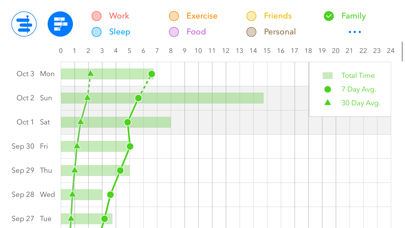
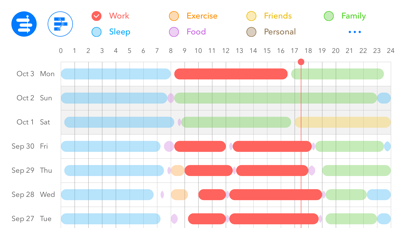
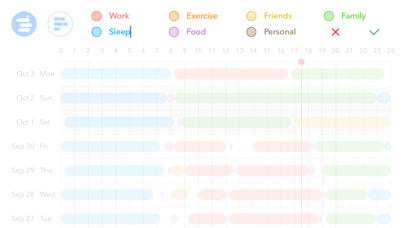
Log and analyze work, , and exercise cycles by creating, editing, or deleting logs. Use drag gestures to set or adjust time markers. Pinch to zoom in or out for detailed views. No ads.
*** Limited Time Offer: 50%OFF ***
*** No Ads ***
Simple app for logging & analyzing work, sleep, exercise cycles.
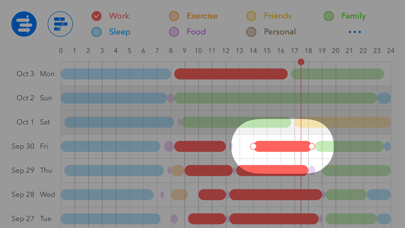
1) Create log: Press & hold -> drag -> release.
2) Edit log: Tap to activate color bar -> drag one of the markers at the end of the bar.
3) Delete log: Edit the log so the start time and the end time is the same.
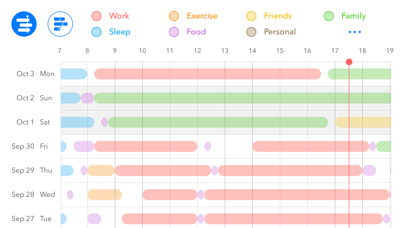
4) Zoom: Pinch to zoom in & out.