
iPhone Screenshots




Description
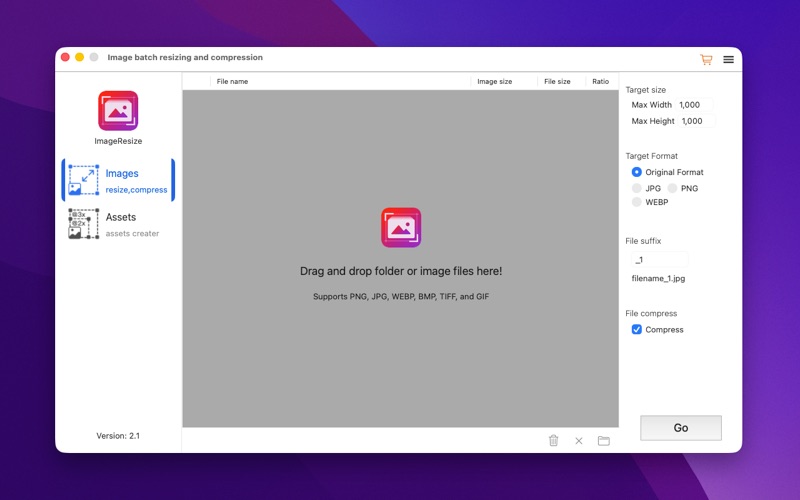
Image Resize takes any image and creates a full set for images, icons or universal assets with 3 steps. Drop file or folder, select output type, select output folder.
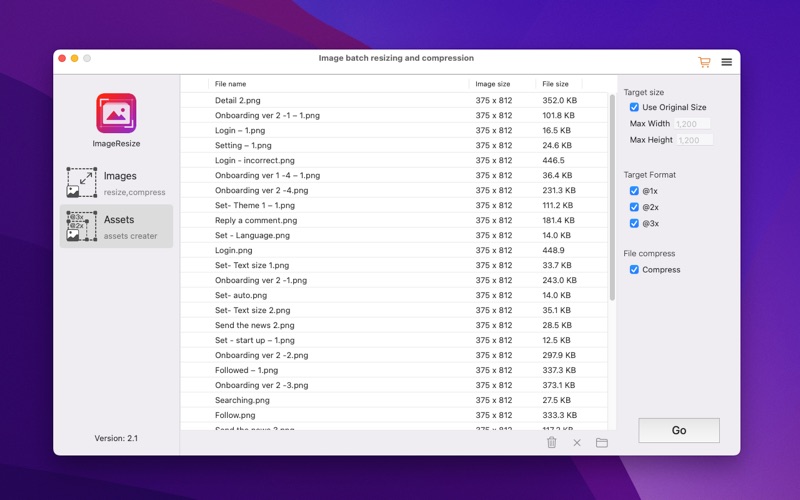
For iOS development, we need prepare 3 different size images for each image, @1x, @2x, and @3x. we also need rename for each file. Image Resize will save your a lot of time. Drop-Select-Output.
For App icon, there are 21 different icon sizes required for an App. It's crazy for each developer. Use Image Resize, just Drop-Select-Output.
- Support iPhone, iPad, iPad Pro, Mac, Apple Watch and Apple TV.
- Support resize to custom size for batch.
- Support PNG, JPG, WEBP, JPEG, BMP, TIFF, GIF
- Support file folder format.
- Support Image Assets.
Use of this app is subject to the Apple Terms of Service: https://www.apple.com/legal/internet-services/itunes/dev/stdeula/