
iPhone Screenshots
Description
Dr.MUSIC 3: Product Introduction and User Guide
• Product Introduction
Dr.MUSIC 3 provides various electrical pulses for muscle and nerve stimulation through basic wave modes like Tapping and Kneading, as well as a unique Music Sync mode that syncs with your music. This stimulation can help relieve pain, soothe temporarily paralyzed areas, and provide massage and acupressure-like effects. With continuous use, the electrical stimulation, delivered transcutaneously (through the skin), can help alleviate pain in targeted areas.
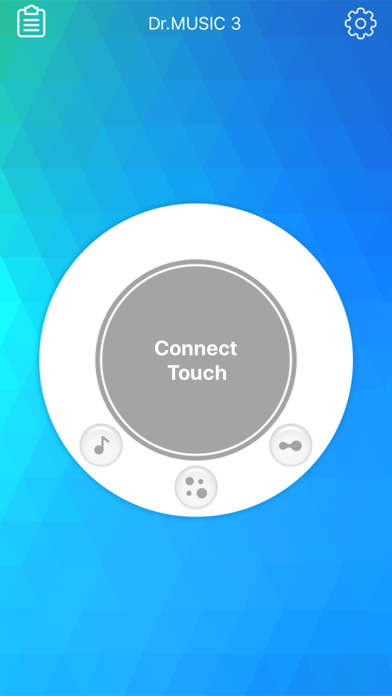
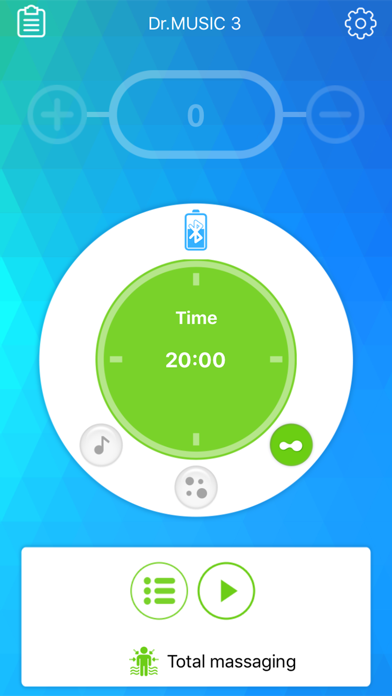
The device is especially convenient to use with a mobile app optimized for iOS devices, allowing easy access anytime, anywhere. Its slim and lightweight wireless design makes it easy to attach under clothing for discreet, on-the-go use.
• Key Features
1. Design: A clean and stylish white color gives the device a modern, smart accessory look.
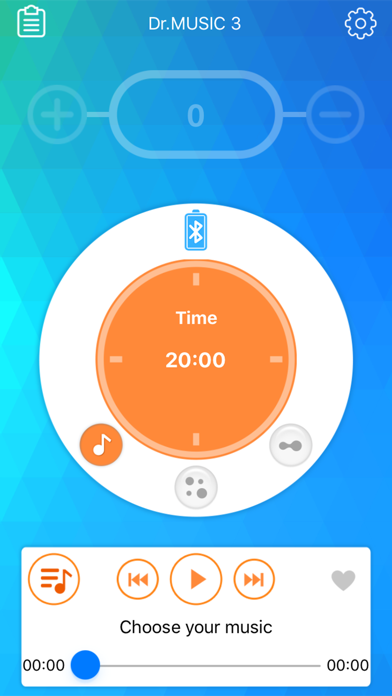
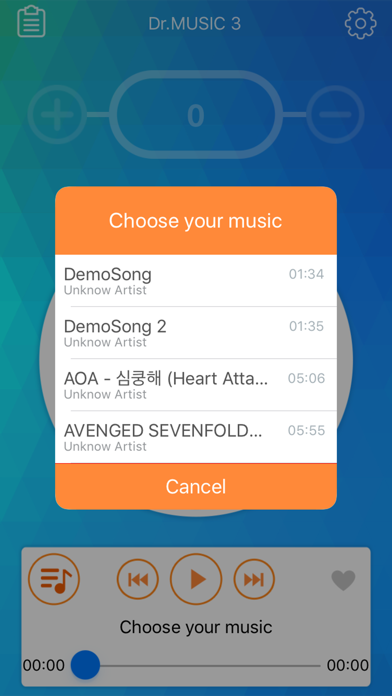
2. Uniqueness: The Music Sync mode lets you experience diverse stimulation that syncs with your favorite music.
3. Portability: Dr.MUSIC 3’s wireless design allows you to comfortably use the device during activities.
4. Efficiency: Compact yet capable of delivering strong yet gentle stimulation for satisfying results.
5. Convenience: Its slim, compact size makes it easy to store and carry, even when attached to its holder.
6. Safety: Automatically stops if separated from the body or if the electrodes become detached.
7. Ease of Use: Basic functions can be controlled on the device itself, and the mobile app provides simple wireless control for iOS devices.
• How Dr.MUSIC 3 Works
1. TENS (Transcutaneous Electrical Nerve Stimulation): Sends electrical pulses through the skin to help relieve pain.
2. EMS (Electrical Muscle Stimulation): Uses electrical pulses to stimulate muscle contractions.
3. Dr.MUSIC 3 transmits pulses through hydrogel electrodes and uses a rechargeable battery. Users can operate the device via the mobile app or directly from the device itself to select the desired mode and settings.
• Modes
1. Music Sync Mode: Provides stimulation that adjusts with the chosen music’s rhythm.
- Pulse width: 50us ~ 150us
- Pulse period: 700us ~ 900us
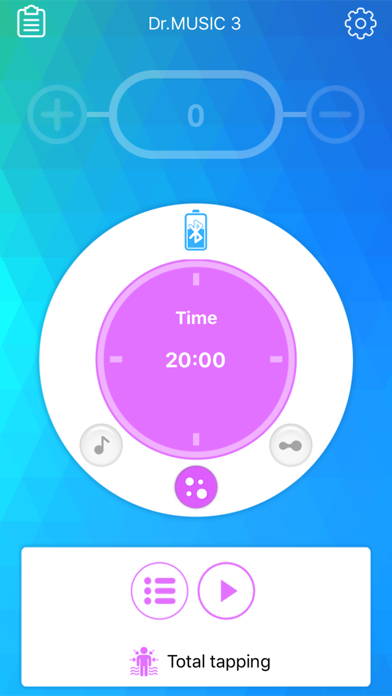
2. Tapping Mode: Provides short, low-frequency pulses to tap muscles.
- Pulse width: 50us
- Pulse period: 300us
3. Kneading Mode: Provides longer low-frequency pulses to knead muscles.
• How to Use Dr.MUSIC 3
1. Using the Device Independently
- Connect the detachable connector: Attach the detachable connector to the Micro USB charging port to use the device.
- Connect the electrodes: Connect the low-frequency stimulation electrodes to the output port.
- Attach electrodes to the body: Place the electrodes on the desired area (such as shoulders, legs, arms).
- Turn on the device: Press and hold the power/mode button to turn it on.
- Select mode: Press the power/mode button briefly to cycle through modes: Music Sync → Tapping → Kneading.
- Adjust intensity: Use the intensity adjustment button to control the stimulation level. (Operation time is 15 minutes.)
- Stop operation: Press the power/mode button to stop, and press the intensity button to restart if needed.
2. Using the Mobile App
- Connect the detachable connector: Attach the detachable connector to the Micro USB charging port.
- Connect the electrodes: Connect the low-frequency stimulation electrodes to the output port.
- Attach electrodes to the body: Place the electrodes on the desired area.
- Turn on the device: Press and hold the power/mode button to turn it on.
- Launch the mobile app: Enable Bluetooth on your mobile device and open the app.
- Pairing: Pair the device with the app.
- End session: When finished, press HOME or BACK on your mobile platform to exit the app.