
Gifable - GIF Screen Recorder
Record , create GIFs instantly
Jonathan Wilson
iPhone Screenshots
Description
Record area with a click and drag action. Stop recording via the menu bar icon. Save GIFs to the Pictures folder. Create animations at 12 fps. Share directly to blogs, social media, and messaging apps.
Gifable is a super-simple screen recording tool that makes GIFs for you in seconds.
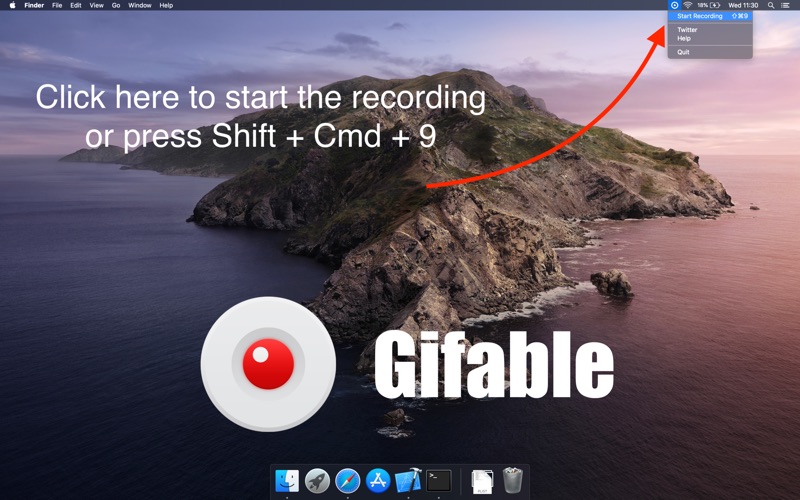
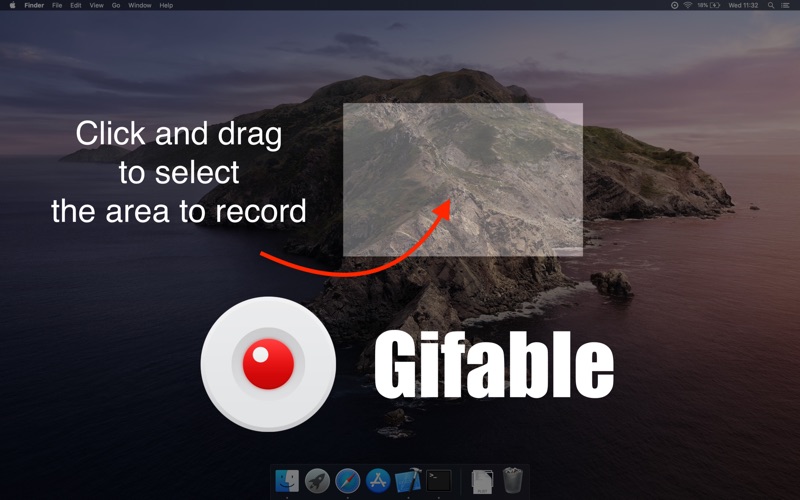
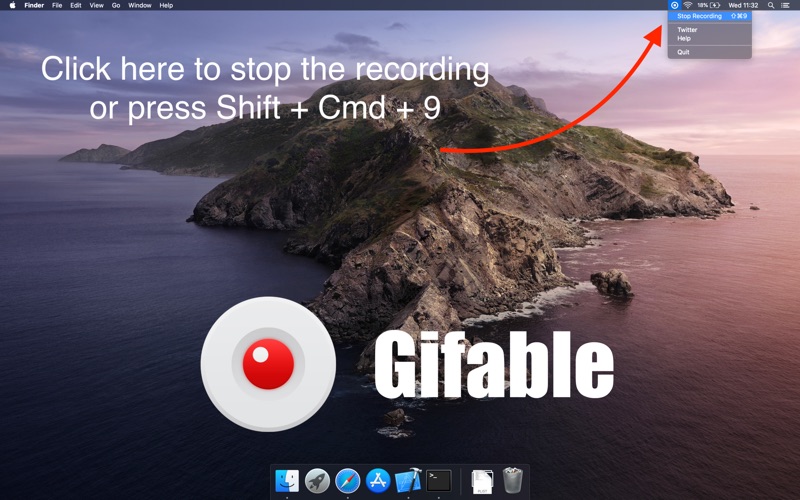
THREE EASY STEPS
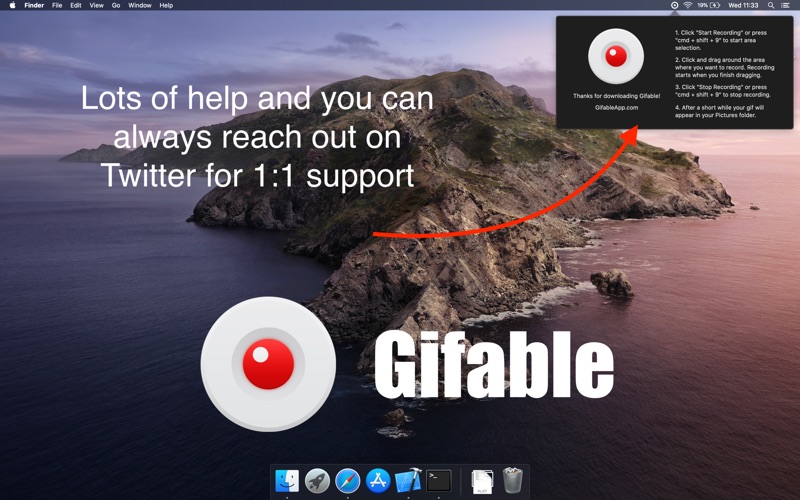
• Click the Gifable icon in your menu bar, select record
• Click and drag your mouse over the area you would like to record
• Recording starts automatically!
• Click the Gifable icon, then stop recording, to stop the recording
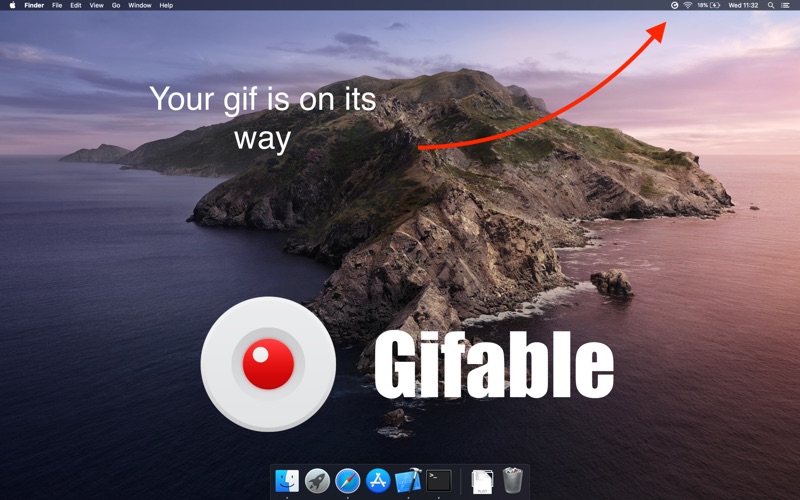
• Saves to your Pictures folder
PERFECT FOR
• Blogs
• Tutorials
• Sharing with colleagues or friends
• Social Media
FEATURES
• Currently records at 12 fps
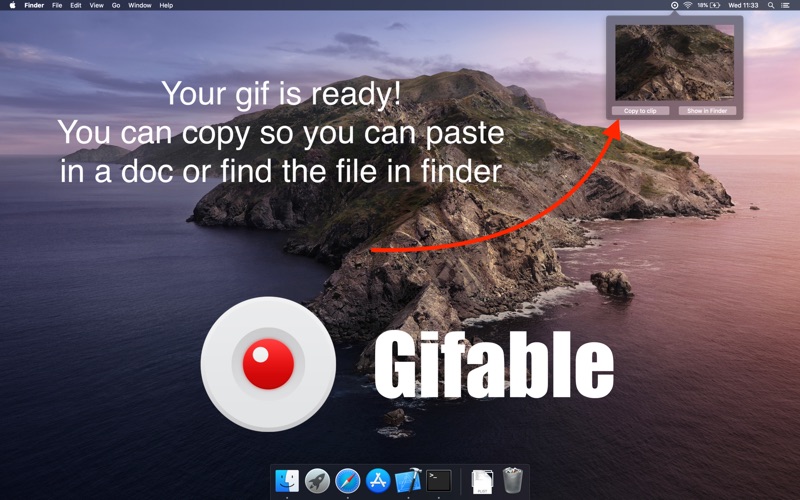
• Shows a preview of the gif when recording is finished
• Ability to copy the gif to your clipboard for easy copy and paste
• Quickly locate the file you created with a find in finder button
• Help menu to show you how to use Gifable