
iPhone Screenshots


Description
Rapple - Smart mobile custom keyboard
iOS v14 or higher
------------------------------------------------
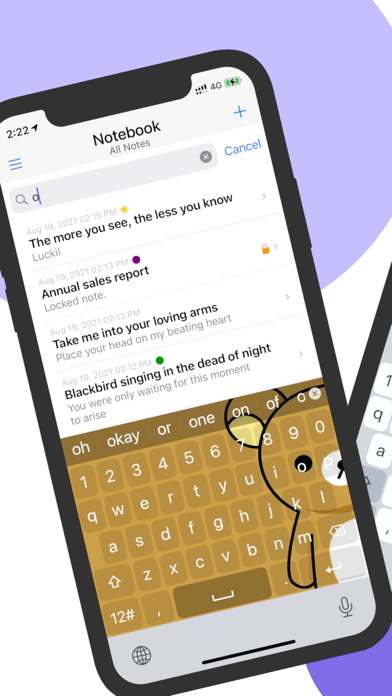
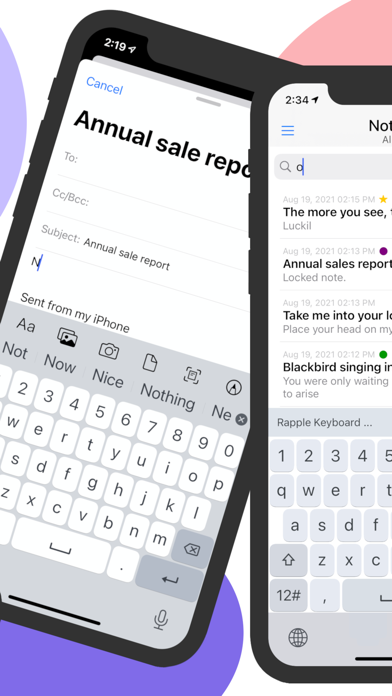
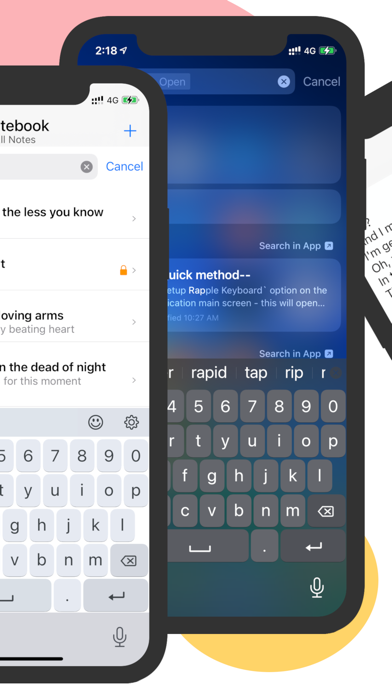
Rapple is an integrated iOS custom keyboard with a rich set of keyboard features and customizable themes.
Main features ***********
+ Smart English Layout
+ Emoji Layout
+ Symbols and Numbers
+ Word Suggestions
+ Long press for cursor movements
+ Customizable Themes
+ Secure notebook
------------------------------------------------
How to Activate the Rapple Keyboard
--Quick method--
Step 1:
• Tap on the `Setup Rapple Keyboard` option on the application's main screen
- this will open the application settings page (in the iOS settings app)
Step 2:
• Select the `Keyboards` option from the list
Step3:
• Enable the ‘Rapple’ switch
- Keep the ‘Allow Full Access’ option OFF
Step 4:
• Go back to the app(or any other app) and select a Textfield.
• Use the `Globe` icon (press & hold) to switch to Rapple Keyboard
• Start typing...
--Normal method--
Step 01:
• Go to 'Settings > General > Keyboard'
Step 02:
• Select the 'Keyboards' option
Step 03:
• Select the `Add New Keyboard...` option under the list of currently activated keyboards section
• Locate & Select ‘Rapple’ in the THIRD-PARTY KEYBOARDS section
• Keep the 'Allow Full Access' option OFF
Step 4:
• Go back to the app(or any other app) and select a Textfield.
• Use the `Globe` icon (press & hold) to switch to Tamil Keyboard
• Start typing...
Recommended iOS versions - iOS v14.0 or higher.
This application will not collect any kind of information from the users of the app.