
Live Photo Wallpaper Maker+
Set wallpaper on your lock screen
Voros Innovation & Business Services Pty Ltd
iPhone Screenshots
Description
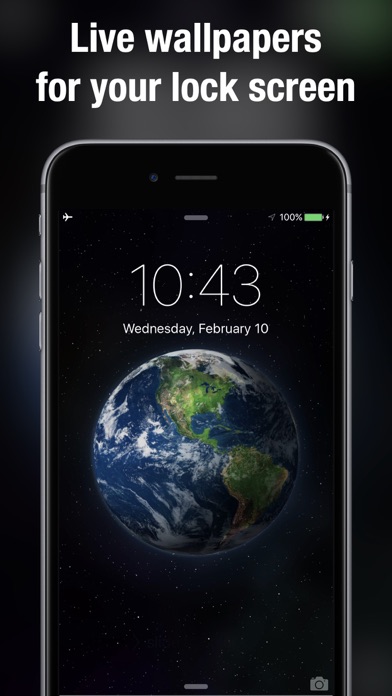
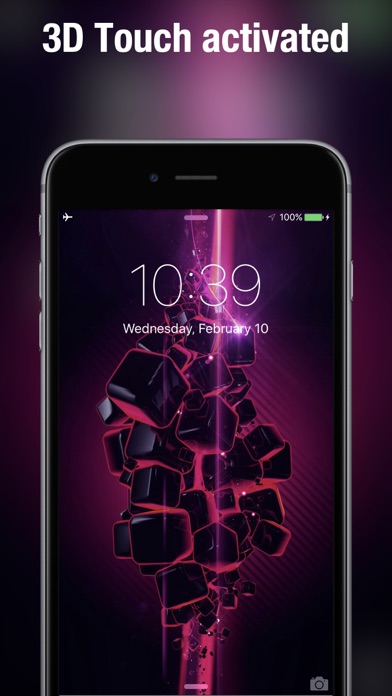
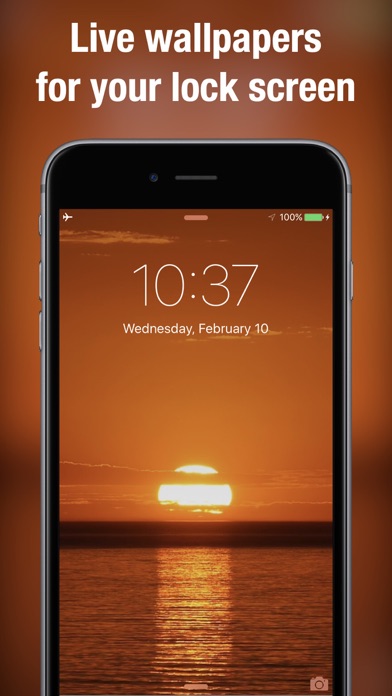
Wallpaper offers moving backgrounds for the lock screen. Users can browse 100+ animated designs including nature scenes and geometric patterns. Swipe to save preferred to the camera roll. Apply saved through standard settings.
Turn any video into a Live Photo wallpaper, or pick from hundreds of ready-made ones. Trim one second of any clip, crop it to your Lock Screen and save it as a Live Photo. Press and hold the Lock Screen to play it.
LIVE PHOTO MAKER
- Choose any video from your Photos.
- Drag to pick the second you want. Longer clips up to 10 seconds are supported, but 1 second is recommended for Lock Screen wallpapers.
- Crop to portrait so it fills the screen.
- Save it as a Live Photo, then set it as your Lock Screen wallpaper in Settings or Photos.
READY-MADE LIVE PHOTO WALLPAPERS
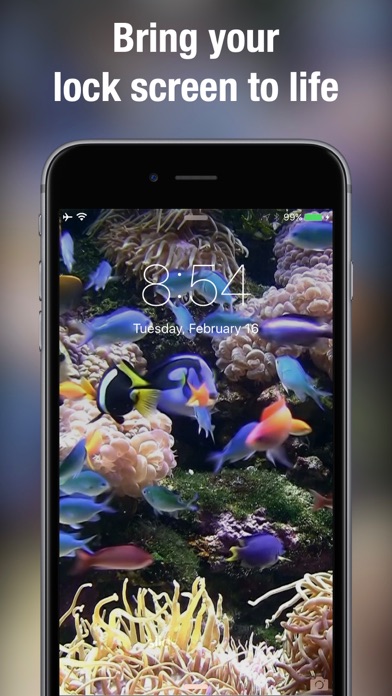
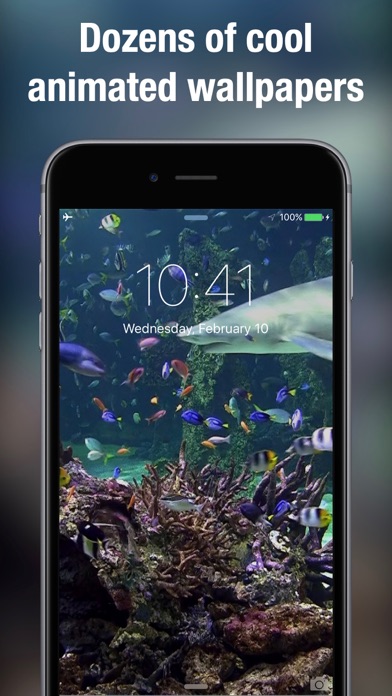
Hundreds of Live Photo wallpapers for every mood: flickering fireplaces, aquariums, ocean waves, coral reefs with sharks, forests, galaxies and festive Christmas scenes. Browse New arrivals, see what's Popular, or save the ones you love to Favorites. Search by tag when you know what you want.
HOW TO SET A LIVE WALLPAPER
- Preview: touch a wallpaper to see the full animation before you save it.
- Save: tap the save button to add it to your Camera Roll.
- Set: in Settings or Photos, set the saved Live Photo as your Lock Screen wallpaper.
- Play it: press and hold the Lock Screen to bring your wallpaper to life.
Also available on Apple Vision.