iPhone Screenshots
Description
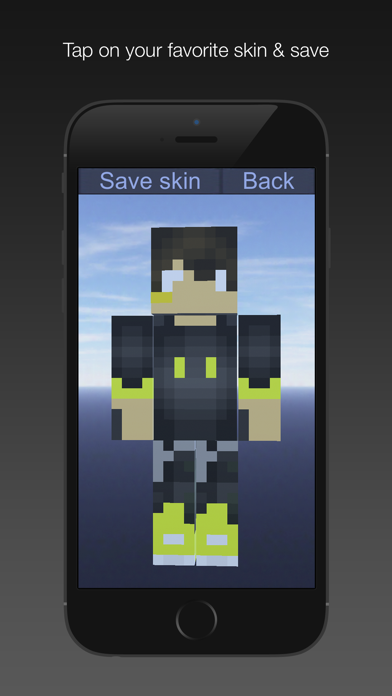
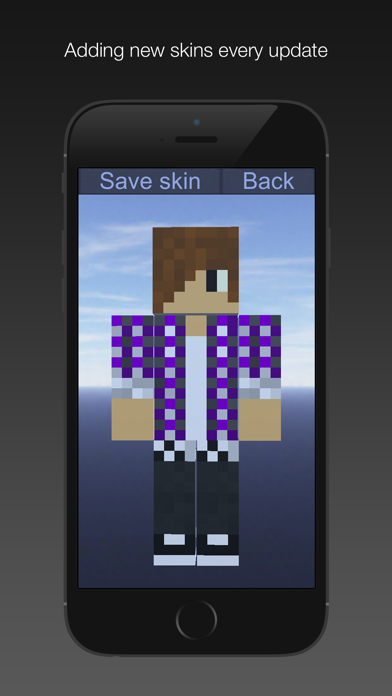
Apply to PE characters by selecting from a list of boy . Save chosen to the device gallery. Access saved in options menu to apply them during gameplay.
Beautiful & free boy skins for Minecraft. The boy skins are hand picked for Minecraft PE players.
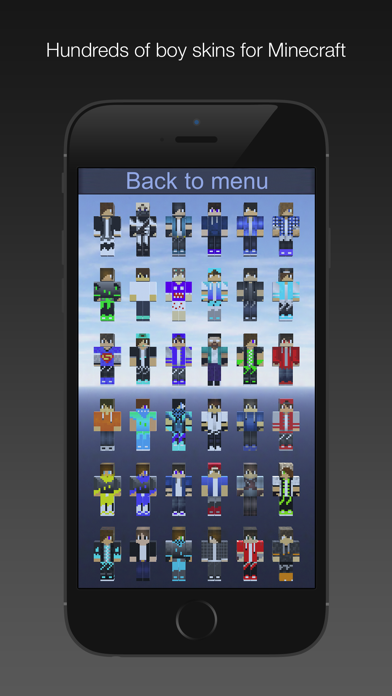
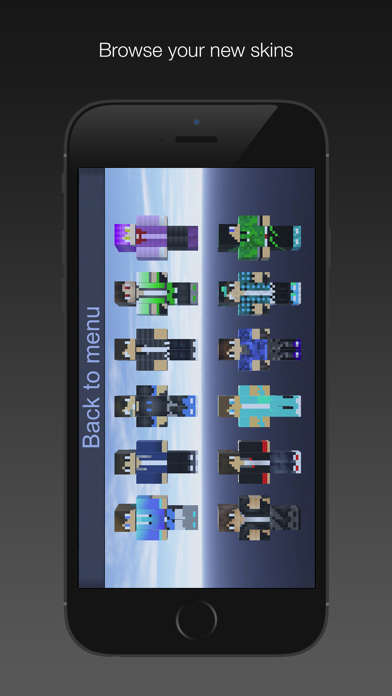
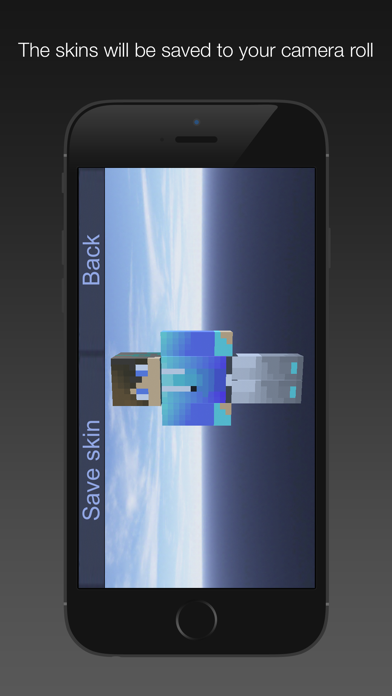
To use your new skin in the game, first open our "Boy Skins for Minecraft" & tap on "Choose Skin" button in the first menu, browse skins list & tap on your favorite skins & then tap "Save skin" button.
Before starting your Minecraft game, in the options menu, choose browse & select your saved skin from "Camera Roll".
Happy crafting & thanks for your support.
This application is not affiliated in any way with Mojang AB. The Minecraft Name, the Minecraft Brand and the Minecraft Assets are all property of Mojang AB or their respectful owner. This is an unofficial application for Minecraft Pocket Edition. All rights reserved. For further information, please visit http://account.mojang.com/documents/brand_guidelines.