
iPhone Screenshots


Description
1. Uninstalling Unwanted Applications Cleanly.
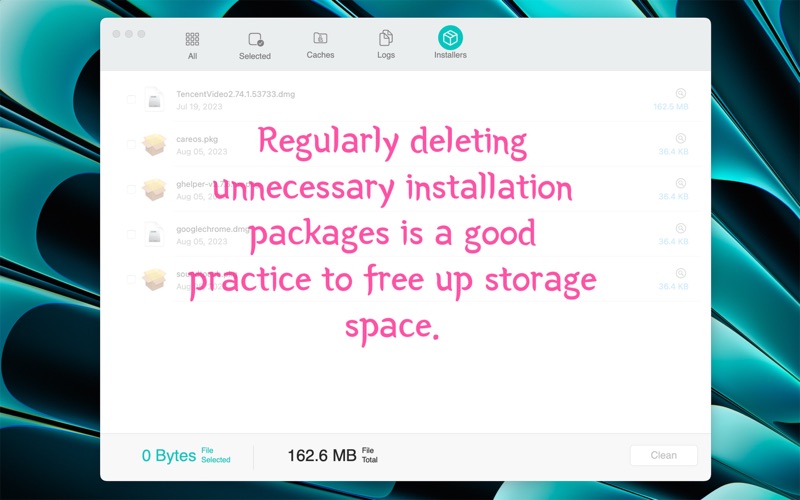
2. Clear out unnecessary installation packages to reclaim significant disk space.
3. Clearing App Cache and Logs to Maintain a Clean System.
4. Introduction to using the "pkgutil" command-line tool.
5. Introduction to manually deleting internet, spotlight, and quicklook plug-ins.
GET MORE WITH PRO!
Uninstallation feature is available after the upgrade.
Help & Feedback
If you have any questions, please feel free to contact us via email at [email protected]