
iPhone Screenshots


Description
All-in-One PDF Converter is a powerful and easy-to-use desktop application designed to help you manage, edit, and convert PDF documents efficiently. It provides a complete set of tools for merging, splitting, extracting, and converting PDF files into multiple formats with high accuracy and quality.
Key Features
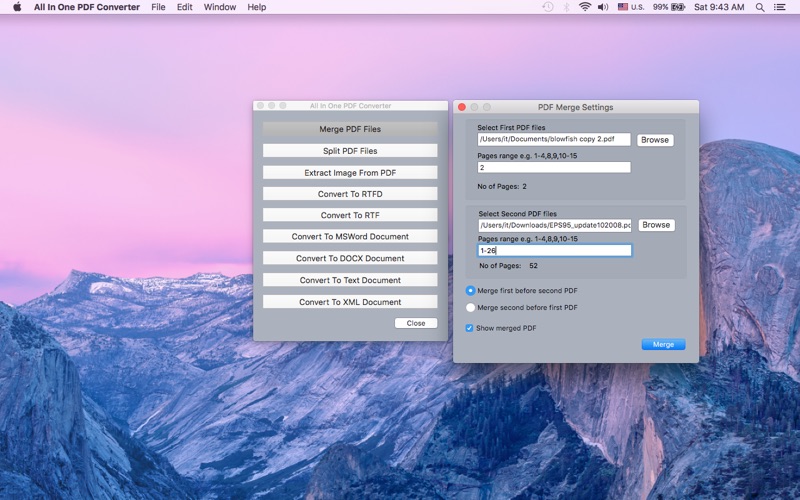
A. Merge PDF Files
Combine multiple PDF documents into a single file with complete control over page ranges.
Highlights:
1- Merge two or more PDF files into one
2- Select specific page ranges from each document
3- Choose the order of merged files
4- Option to automatically open the merged PDF after completion
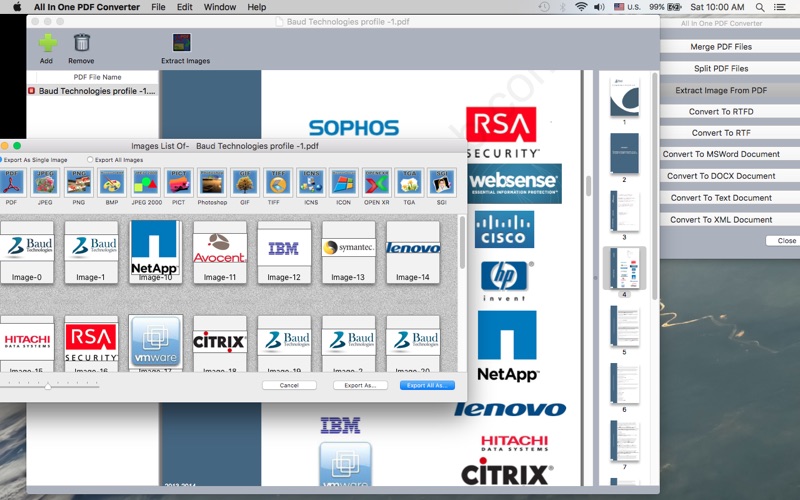
B. Extract Images from PDF
Easily extract all embedded images from PDF documents with high quality preservation.
Features:
1- Extract all images from PDF files
2- Convert images into multiple formats such as JPG, PNG, BMP, TIFF, GIF, ICO, JPEG 2000, and more
3- Preview PDF content before extraction
4- Simple and intuitive interface
C. Split PDF Files
Split large PDF documents into smaller files based on selected page ranges.
Features:
1- Split PDFs by page count or custom ranges
2- Create multiple output files from a single PDF
3- Fast and easy-to-use interface
4- Option to open output folder automatically after completion
B. Convert PDF to Editable Formats
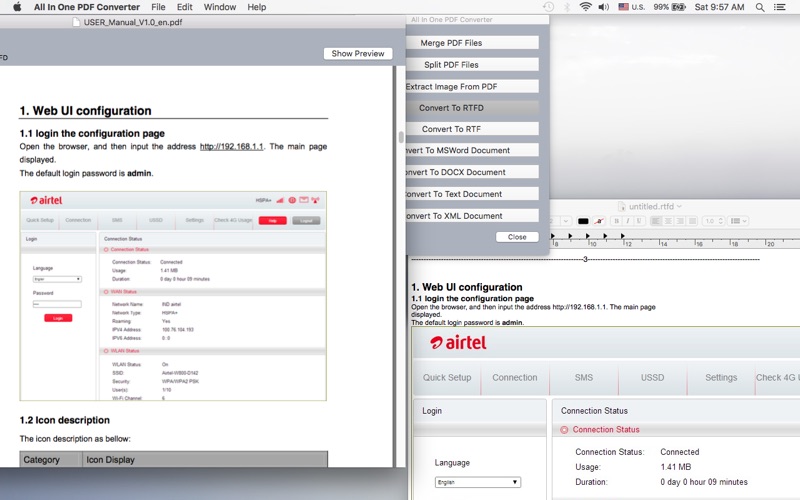
1- Convert PDF documents into editable formats while preserving layout and formatting.
2- Supported Output Formats:
3- RTFD – Rich text with images
4- RTF – Rich text format
5- DOC / DOCX – Microsoft Word formats
6- TXT – Plain text
7- Word XML – Structured document format
The converter maintains text formatting, layout, and structure as closely as possible to the original PDF.
Why Choose All-in-One PDF Converter?
1- Simple and user-friendly interface
3- High-quality output with accurate formatting
4- Fast processing with reliable results
5- Suitable for personal and professional use
Support
For any assistance, feature requests, or inquiries, please contact:
[email protected]
[email protected]
Sales Inquiries
For licensing or bulk purchase information, contact:
[email protected]
[email protected]