
iPhone Screenshots
Description
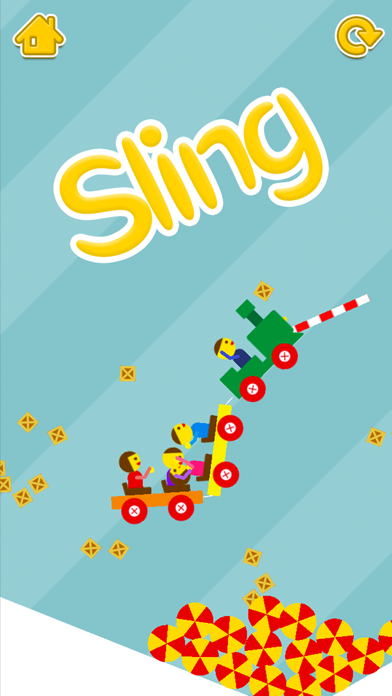
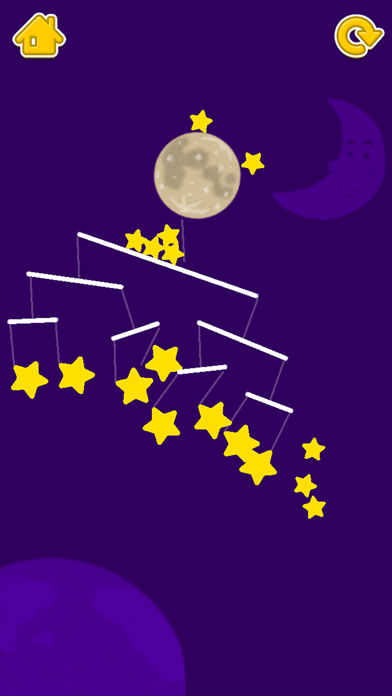
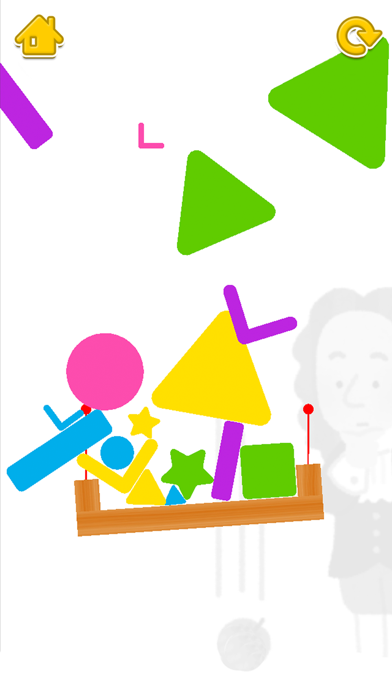
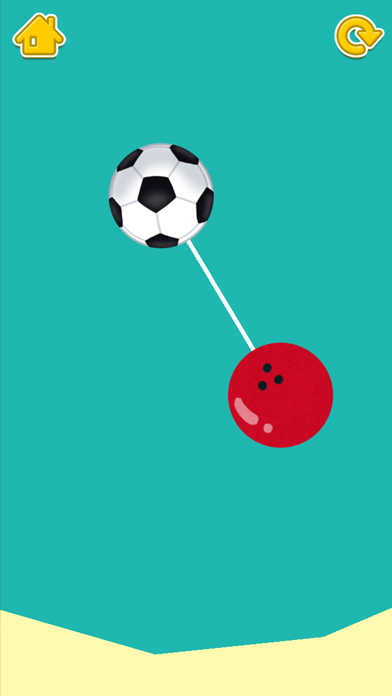
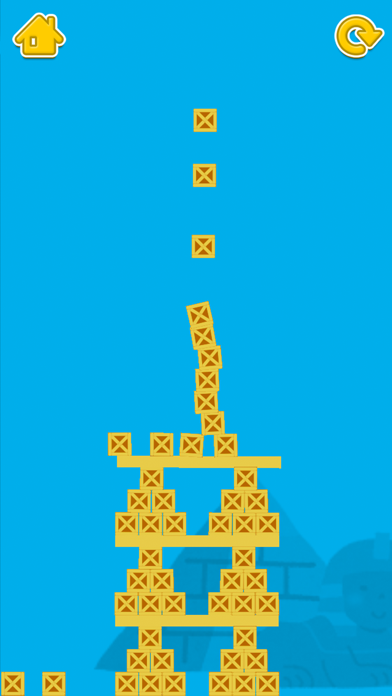
A puzzle game allows users to tap and drag to progress through 6 stages. Players can select a stage, return to it using the arrow button, restart the game with a restart button, and toggle sound effects via the main menu.
Just tap and drag to play!
Let's play all 6 stages!
*Rules for Play:
There are basically no rules.
You are free to play however you like.
*Instructions:
Select Stage: Select the stage you wish to play from the main screen.
Return to Stage: Return by tapping the arrow button at the top left of each stage screen.
Restart Game: Restart by tapping the button at the top right of each stage screen.
Sound Effects On/Off: Toggle sound effects on or off using the option menu at the top right of the main screen.
Music On/Off: Toggle sound on or off using the option menu at the top right of the main screen.
Game Screen: All stages have a variety of gadgets. Simply tap or drag to move them around.
*license
SE: Pocket sound (http://pocket-se.info/) etc.
Skeleton Image : designed by Freepik