
iPhone Screenshots




Description
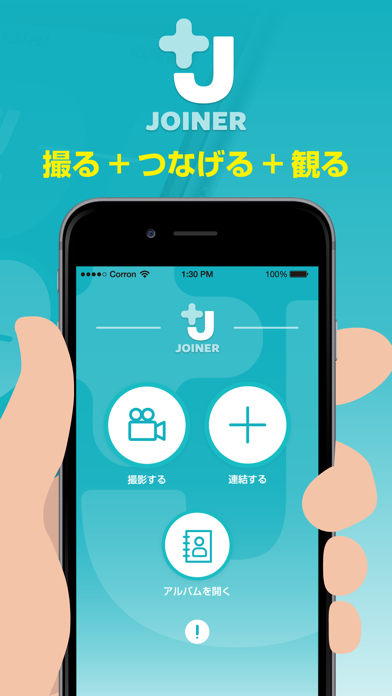
Joinerは難しい操作や技術を必要としないシンプルな動画連結アプリです。
------------------------------連結方法------------------------------
①連結したい動画を揃える
②連結ボタンを押してカメラロールを開く
③連結したい動画を順番にタップする。このとき、タップした順番に数字が付きます。(押し間違えた場合はその動画をもう一回タップすれば数字は消えます)
④連結したい動画を順番通りにタップし終えたら右上のボタン"Done"を押す
⑤連結し終えるのを待てば終わり。連結し終えたら自動的にカメラロールに連結した動画が保存されます。
------------------------------------------------------------------------
(注1)連結させたい動画の向きやサイズは揃えてください。
(注2)同時に連結できる動画の数は最大で9つです。
=============================================
Joiner can simply join your videos without high technique of composing videos .
------------------------------how to use------------------------------
One: Ready for movies which you want to join.
Two: Push "camera button" , and open your album
Three: Touch your videos in order .
Four: When "three" has finished, push "Done" in the upper right corner.
Five: If joining your videos is success , your video joined in order automatically saved in you album.
-------------------------------------------------------------------------
Note1: your videos' size and orientation must arrange which you want to join.
Note2: The number of joining videos at the same time is up to 9.