
ACDelco Connect
Search parts by number, check stock, toggle
WHI Solutions, Inc.
iPhone Screenshots
Description
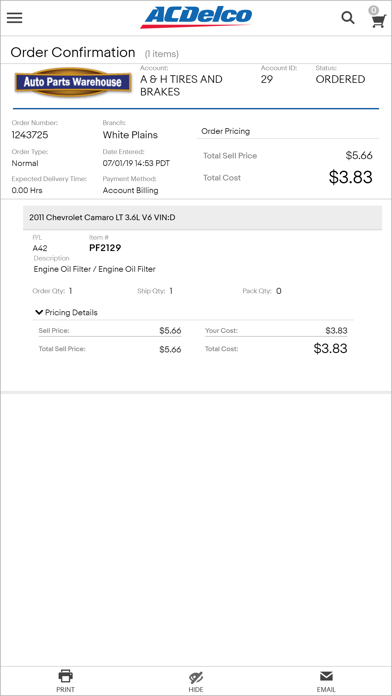
Access parts information securely by logging in to CONNECTION-enabled accounts. Toggle between parts sellers. Search for parts by part number, vehicle year, make, model, engine, or scanned VIN. Check real-time pricing and availability.
ACCESS TO CONNECTIONS KEY FEATURES WITHIN THE PALM OF YOUR HANDS. . .
SECURE ACCESS
Logins are secure to any CONNECTION-enabled parts supplier.
Easily toggle between parts Sellers.
SEARCH FOR PARTS
Stock Check
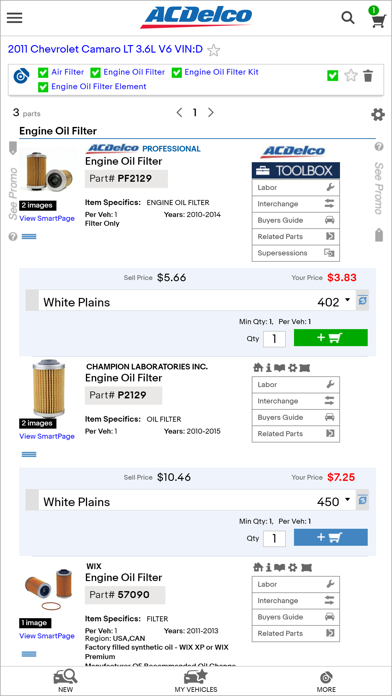
Find parts by part number to view real time pricing and availability.
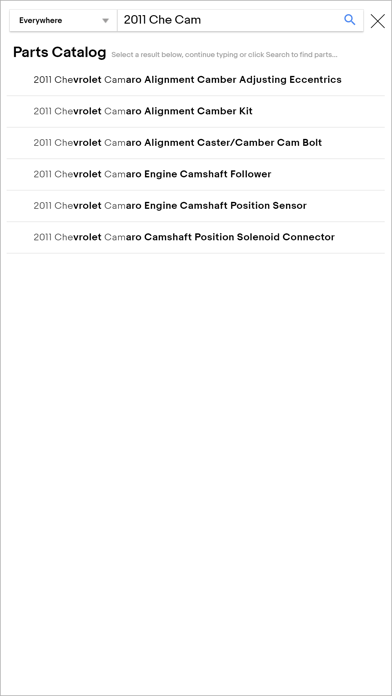
Parts Catalog Lookup:
Search for parts by vehicle Year, Make, Model, Engine.
OR
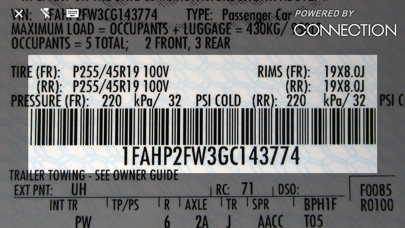
Scan a VIN with your mobile device.
SEARCH TIP: Start a catalog lookup in the parking lot, scan a VIN. View price and supplier availability for parts. OR, return to your PC where the vehicle will be available in your My Vehicles list.
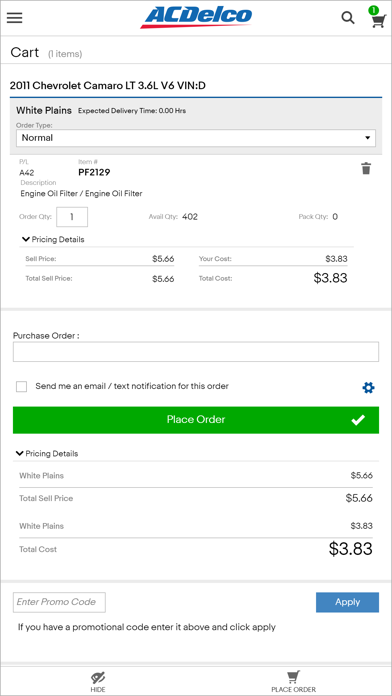
PARTS ORDERING
Place live orders to one or more locations within the same Seller. CONNECTION mobile is in sync with your desktop site. All orders placed will be available within Order History on your PC.