
iPhone Screenshots



Description
SmartLit:
An App for smart music lights(based on the Bluetooth protocol).
Application:
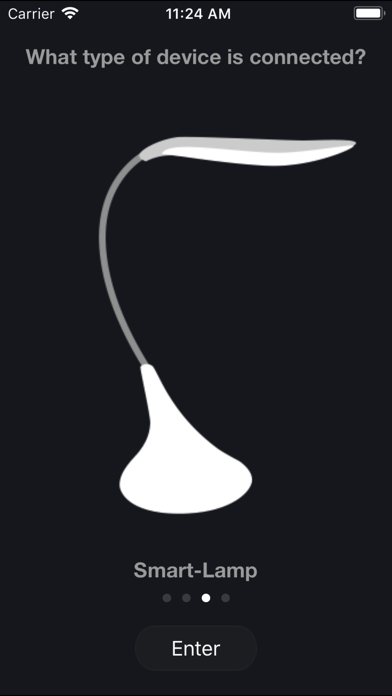
1 Bluetooth connection: iPhone/iPad to open the settings - > Bluetooth > turn on Bluetooth, Bluetooth device connectivity (SMART-LAMP/SMART-BULB)".
2 open SmartLit App.
3 If the equipment can not be controlled, please proceed with the following: Settings -> General -> Accessibility -> Mono Audio and turn it off.
Product functions:
1 music player (music list, music play).
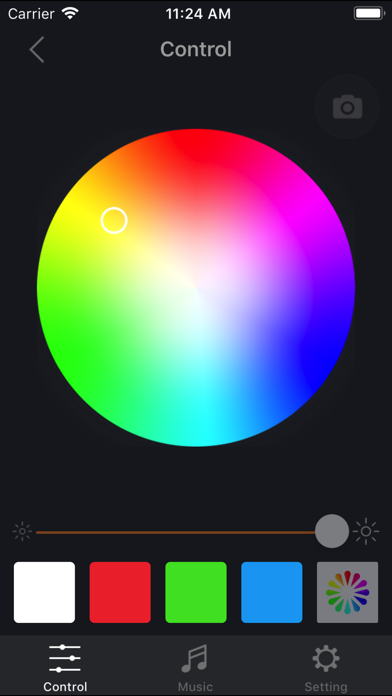
2 light adjustment (brightness, color adjustment, turn on/off).
3 music mode (according to the changes of light music, only for RGB products).
4 sleep mode (light dimmed until being off within the setted time).
5 camera mode (light changes according to color picked by camera, only for RGB products).
Applicable models:
IPhone4, iPhone4S, iPhone5/5C/5S, iPhone6/6plus
IOS system version:
Above IOS7.0 version.