
iPhone Screenshots


Description
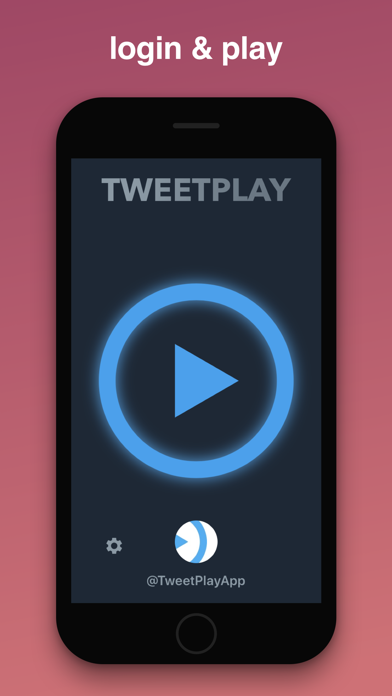
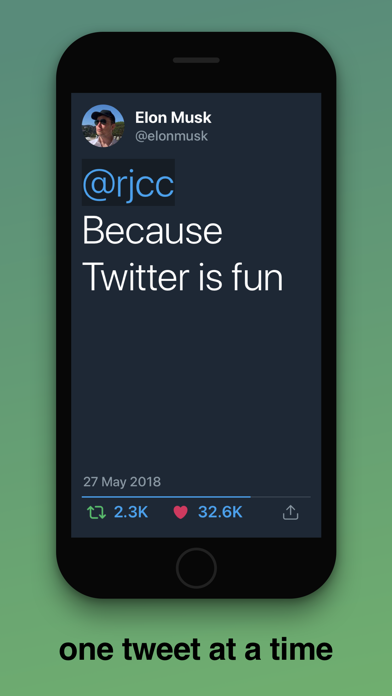
Play full screen tweets, one at a time, while keeping your hands free. Just login, play and that's it!
- Toggle playback with 3D touch
- Swipe or tap left and right to navigate manually
- Turn on "Screen Mirroring" to play on external display (via Apple TV)
---
# Main features:
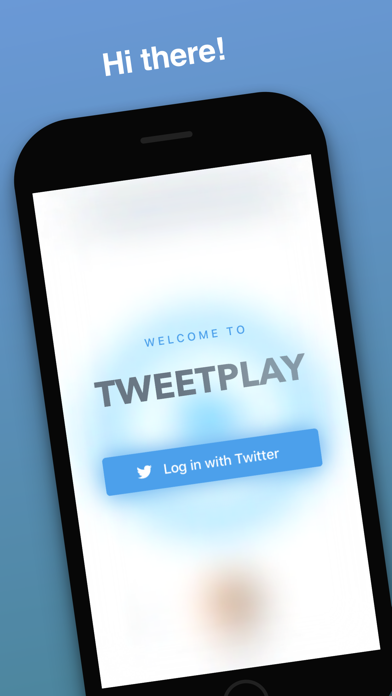
- Login with your Twitter account
- Play tweets from your Home Timeline
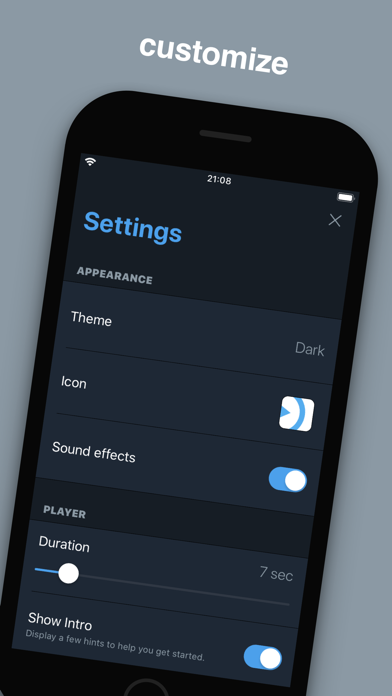
- Customize Settings (theme, player speed etc.)
# Details:
## Dashboard
- Play
- Settings
- Profile
- there is also a heart behind the play
## Player
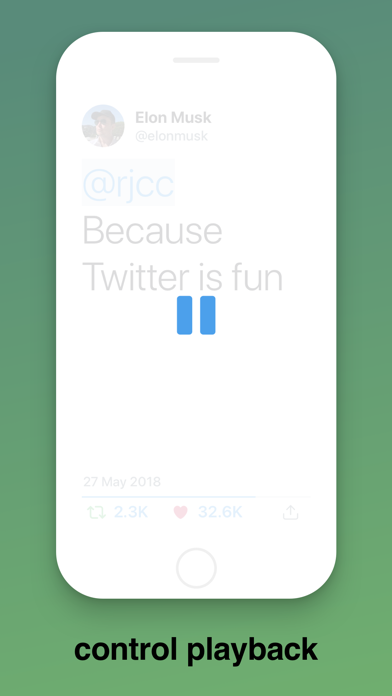
- Touch screen lightly for quick pause, touch up to continue
- Touch screen harder to Play / Pause indefinitely
- Swipe back and forth (or tap left and right) to navigate tweets manually
- Tap "Like" or "Retweet" icon to immediately interact with the current tweet
- Tap "Actions" icon to display additional options:
* Play / Pause
* Open (open tweet in Twitter app if installed, or Safari if not)
* Share (share a snapshot image of the current tweet)
* Settings (open quick Settings)
- Start new player by tapping on any user's profile image, mention or hashtag
- Open any link in Safari by tapping on it
- Swipe up or down to close the player and return on Dashboard
- When "Face Control" is enabled in Settings:
* Wink left eye to go back
* Wink right eye to go forward
* Blink both eyes to toggle Play/Pause
## Settings
- Toggle theme
- Toggle app icon
- Toggle sound effects
- Set player duration (1-60 seconds)
- Toggle Intro
- Toggle "Face Control"
- Toggle "Recent Likes" (weekly notification that plays all the tweets which you liked last week)
- Log out