
iPhone Screenshots
Description
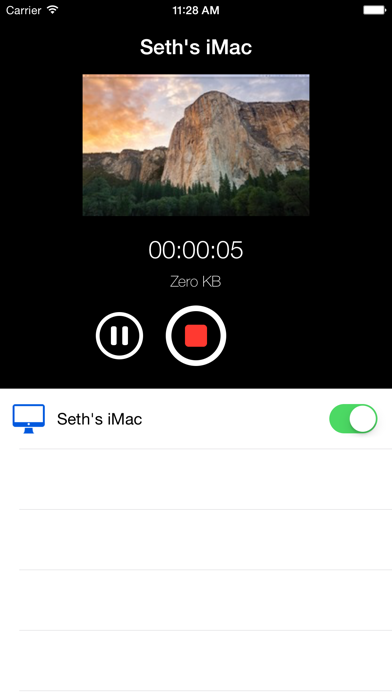
Use Screenflick Remote to control Screenflick running on your Mac. Using the remote, you can start a recording, pause, resume, and stop, all without the Screenflick interface being visible in your final recording. You can even control Screenflick running on multiple Macs at the same time!
Remote connections require WiFi to be enabled on your iPhone device, and Screenflick version 2.7 or later running on OS X Yosemite or later.