
iPhone Screenshots


Description
With Lupine Light Control, you have full control over your Lighting System.
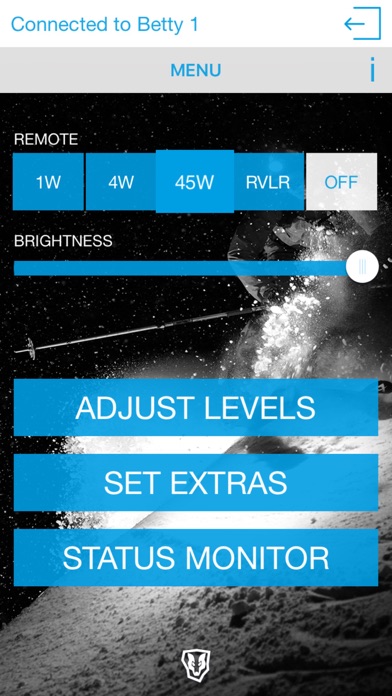
You can
- Control the light directly from the app
- Adjust the light levels
- Set extras
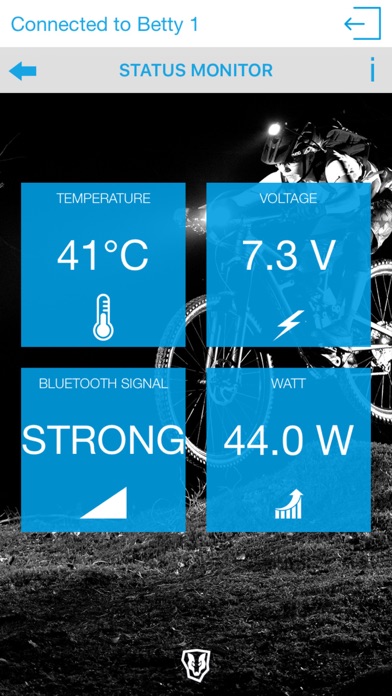
- Get information about your light (temperature, battery voltage, current power)
To connect the light with Lupine Light Control for the first time you have to:
Piko: Open the app, hold the button of the light pressed until the green LED lights up. Light and app will connect automatically.
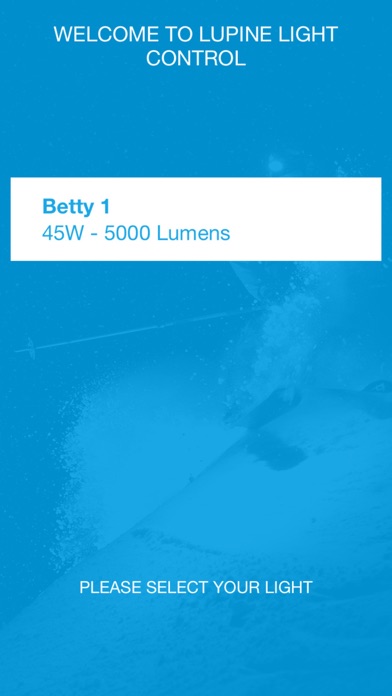
Wilma/Betty: Open the app, hold the button of the light pressed until 5 green LEDs light up. Release the button. Light and app will connect automatically.