
iPhone Screenshots


Description
Capture barcodes as you type on your keyboard, sending data to your PC or Mac like a USB scanner. Install the free -server utility to enable wireless scanning. Customize settings for advanced users. No setup required for basic use.
After the success of Barcode-x here is Barcode-x-wifi, the new keyboard wedge barcode scanner from ALTO laboratories.
Barcode-x-wifi let you capture the most common typologies of barcodes and send them to your PC/Mac as you are typing on your keyboard (like usb scanner terminals do)
Barcode-x-wifi is easy to install and it doesn't need any setup (advanced users can still customize it)
Barcode-x-wifi is really simple : download the app and install our free Barcode-x-wifi-server utility, downloadable from Alto-Labs website at http://www.alto-labs.com/vh_app/barcode-x-wifi/.
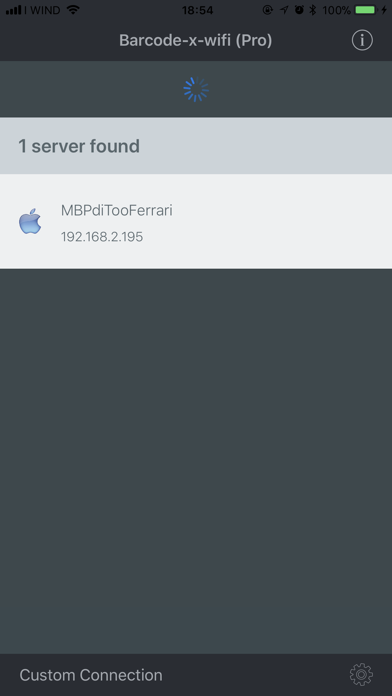
Your iphone will show your computer name, insert a password you prefer and begin scanning.
Barcode-x-wifi embeds the new Barcode-x-Pro scanner with Altomatic autofocus to enhance the performances of your scan sessions.
What else? Beeeeep!
!!! IN ORDER TO USE THE APP YOU MUST INSTALL ON YOUR PC/MAC THE FREE BARCODE-X WI-FI SERVER SOFTWARE DOWNLOADABLE HERE
http://www.alto-labs.com/vh_app/barcode-x-wifi/ !!!