
Crypto: Cæsar and Vigenère ciphers
Encrypt messages with Caesar and
Maxim Aleksa
iPhone Screenshots


iPad Screenshots

Description
Encrypt and decrypt messages using Caesar and . Input a message, choose a key or keyword, and generate an encrypted output. Decrypt messages by entering the correct key.
Dive into cryptography with Crypto. Use Caesar and Vigenère ciphers and encrypt and decrypt messages.
CRYPTO
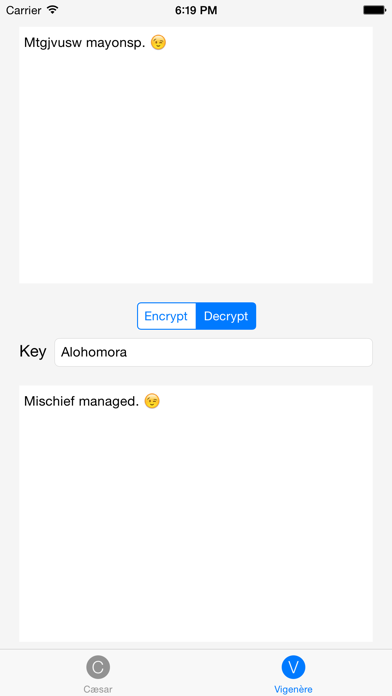
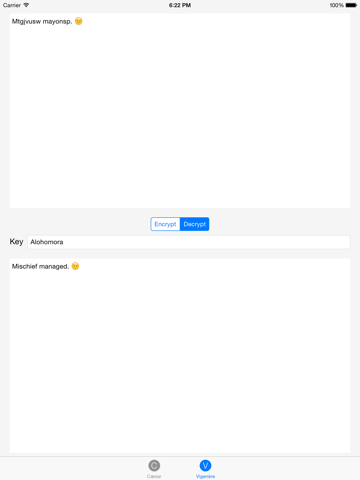
Crypto allows you to encrypt and decrypt messages using Caesar and Vigenère ciphers. Create a message, select a key or a keyword, and then send the encrypted message to your friends. Similarly can you decrypt encrypted messages.
CIPHERS
In both Caesar and Vigenère ciphers, each letter is substituted with another, which makes them substitution ciphers. Only those who know the secret key are able to decrypt messages, though it is possible to decrypt an encrypted message without knowing the key by using brute force.
CAESAR CIPHER
In the case of Caesar’s cipher, we use a secret integral key (k). This secret key is used to rotate (i.e. shift) each letter by k places, wrapping A to Z and a to z as needed. For example, if we use the key of 1 to encrypt “Hello world!”, we will get “Ifmmp xpsme!” To decrypt this message, shift the letters backward.
VIGENÈRE CIPHER
Vigenère cipher improves upon Caesar cipher by shifting letters using different keys. This sequence of keys is known as a keyword. Each letter in the keyword represents by how far the corresponding letter in the original message will be shifted (A and a represent 0, B and b represent 1, Z and z represent 25). If we encrypt “Hello world!” with the keyword “Squirrel”, we will get “Zuftf nscdt!”
App information from Apple App Store. Crypto: Cæsar and Vigenère ciphers and related trademarks belong to Maxim Aleksa.