Mobil Serv Sample Scan
Samples and submit without labels
Exxon Mobil Corporation
iPhone Screenshots

Description
QR codes to associate bottles with assets or select from an asset list. Submit samples without printed labels. Capture equipment data accurately and efficiently.
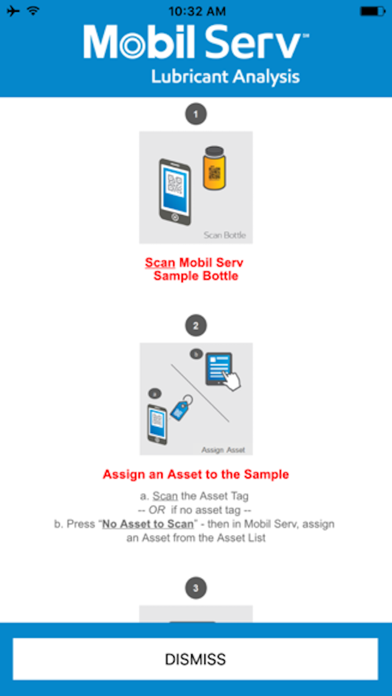
Simply scan and go! Use the Mobil Serv Sample Scan App to scan and submit your sample bottle without a printed label.
Open the Mobil Serv Sample Scan app, scan the QR code on the Mobil Serv sample bottle, then scan the asset QR code to associate the sample, or click ‘No Asset to Scan’ to select an asset from your asset list in Mobil Serv.
This easy sampling method helps:
• Save time
• Avoid printing labels
• Easily and accurately capture equipment data
Once you assign the sample bottle to an asset, there is no additional labeling required. The data entered on your asset’s oil sample will meet the sample bottle at the laboratory.
The Mobil Serv Sample Scan App only works with the Mobil Serv Lubrication Analysis program.