
iPhone Screenshots


Description
Site Backup Pro turns any website into a personal offline library on your Mac. With one click, it saves an entire site — pages, images, stylesheets, scripts and all — into a folder that works just like the original, even when you're offline.
Stop losing web content you care about. When pages change or disappear from the web, your saved copy stays exactly as it was — ready for offline reading, quick reference, research, presentations, and travel.
Mirror complete websites with one click
Paste any http or https address and hit Start. The entire site is downloaded to your Mac, keeping its original folder structure.
Every page is captured with everything it needs to display correctly, and links are rewritten so you can browse your copy in your default browser — no internet required.
Save as many sites as you like, each neatly organized under ~/Downloads/Site Backup Pro/.
Keep saved sites up to date in seconds
Run the same URL again and only new or changed files are downloaded. Refresh your research, documentation, or favorite pages without re-downloading the whole site.
Watch every download in real time
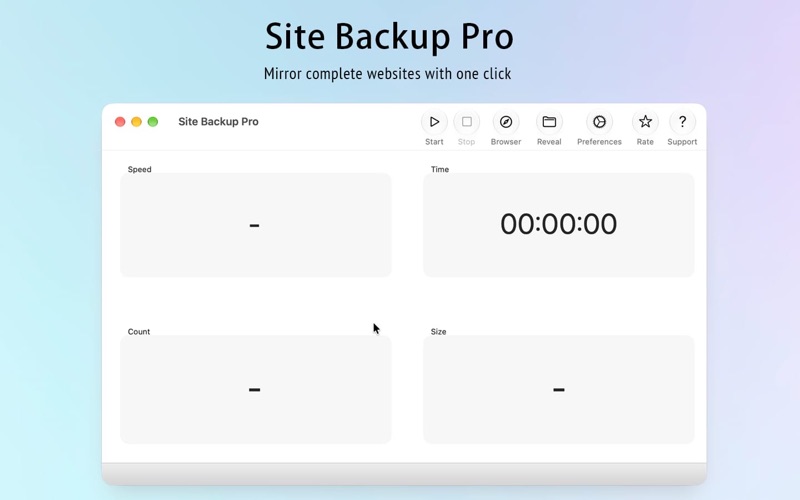
Live progress shows the number of files saved, total size, current speed, and elapsed time.
Stop a download at any moment — everything captured so far is kept safely on your disk.
Browse your offline copy instantly
Open in Browser launches your downloaded site in your default browser right from the toolbar.
Reveal in Finder shows the saved files on disk whenever you need them.
Optional alerts: a sound when a download finishes, and automatic reveal in Finder — both configurable in Preferences.
Built to be reliable
Automatic timeouts and retries keep downloads moving even on unstable connections.
HTTPS downloads are verified with a bundled certificate store.
Quitting mid-download never happens by accident — Site Backup Pro always asks first.
If something goes wrong, you get a clear, localized error instead of a silent failure.
Whether you want to archive a frequently changing website, keep articles for offline reading, gather reference material for research, build offline presentations, or simply browse your favorite content without distractions — Site Backup Pro has you covered.
Your privacy matters: everything is downloaded directly to your Mac, with no account and no sign-in required.
Bug Fix & Feature Request
We love to hear your feedback. Please remember, we cannot reply to your comments in the Mac App Store. If you have a question, please contact us through our support mail. Thank you!
[email protected]