
iPhone Screenshots
Description
Overview
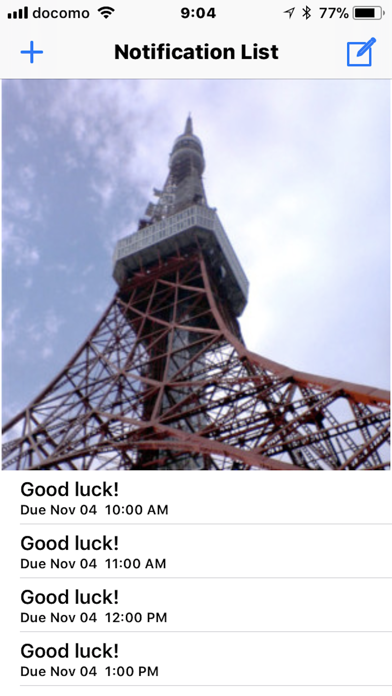
It is an application that displays time signals with images on the screen. Pre-registered images are displayed every hour. One day's image set (24 images) can be downloaded from a cloud or exchanged via e-mail or AirDrop etc. It also supports Apple Watch and displays time signals with images.
Functions
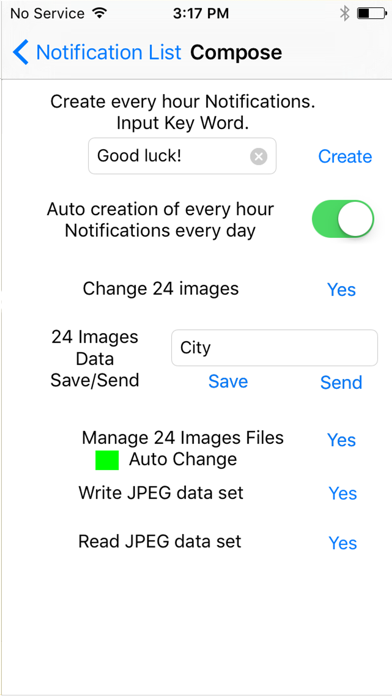
· Create button generates today's time signals displaying images.
· There is a switch that turns on the function to automatically generate time signals for every day.
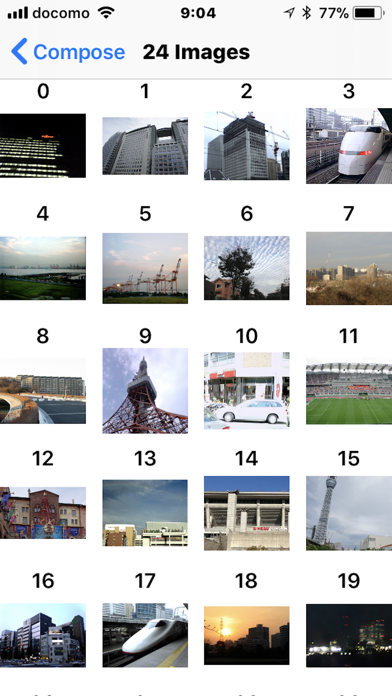
· You can register 24 images for 1 day from the photo library.
· You can store 24-image-sets in the iPone, iPad with Save button.
· You can also create individual alarms by entering time and keywords.
· You can send 24-images-set(original format of extension WTT) to mail or AirDrop etc by Send button,.
· If you register in Dropbox, you can download the 24-images-set from Dropbox> Application> WatchA holder.
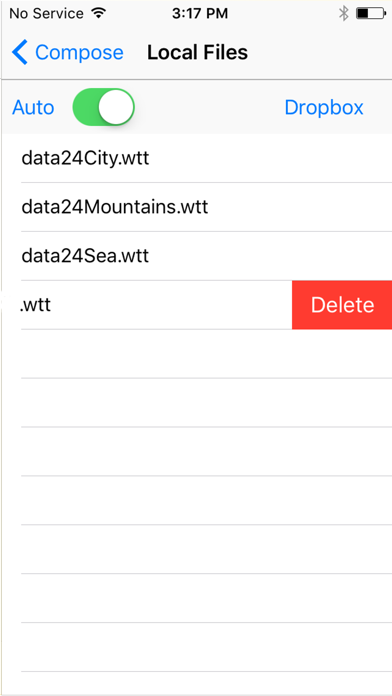
· If there are multiple 24-images-sets in your iPhone, they are randomly selected every day by the switch in the Local Files screen and play it.
· When you touch the file icon with the extension WTT attached in a mail, the activity screen will appear, and if you select the WatchAfication icon, you can read 24-images-set.
In the case of e-mail, there is a size restriction, please make each image about 400 x 400 pixels.
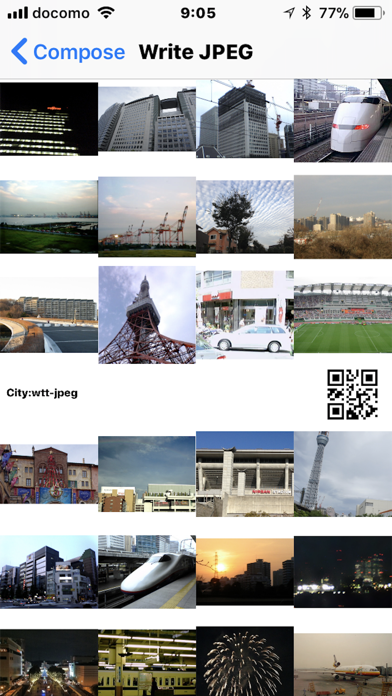
· You can export a JPEG image including the 24-images-sets to the Photo library
· 24-images-set of JPEG data can be read from the Photo library.
- When submitting to SNS, blogs, etc., the 24-images-set in JPEG format is displayed as an image, so it is easy to confirm the content.
• Apple Watch displays a time signal image on every hour. You can also select favorite images by iPhone.
Conditions for displaying an Image on Apple Watch is as follows,
• Paired iPhone is locked.
• Apple Watch is not in the power saving mode.
However, the image may not be displayed at the discretion of Apple Watch system. If you make a trimming image to fit your Apple Watch, it is quickly displayed on the screen.