
Audirvāna Remote
Control music playback from your phone
Audirvana
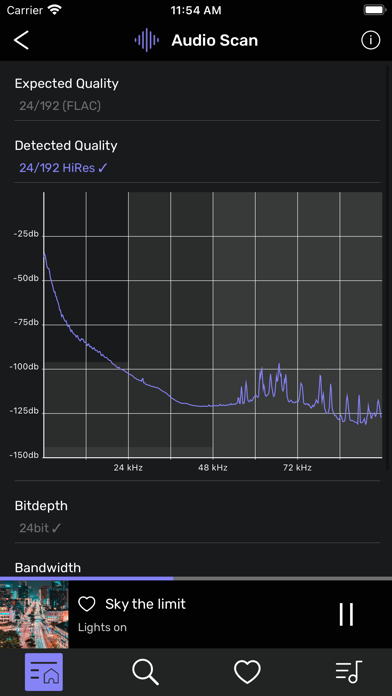
iPhone Screenshots
iPad Screenshots


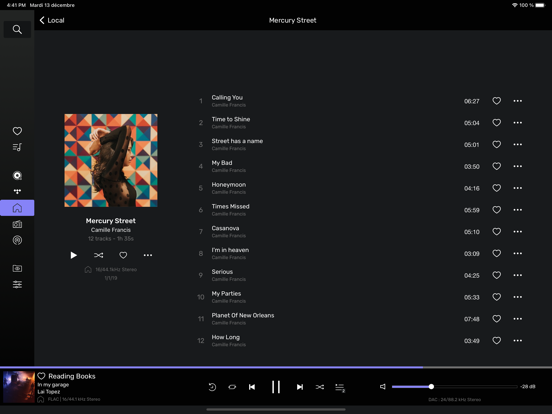
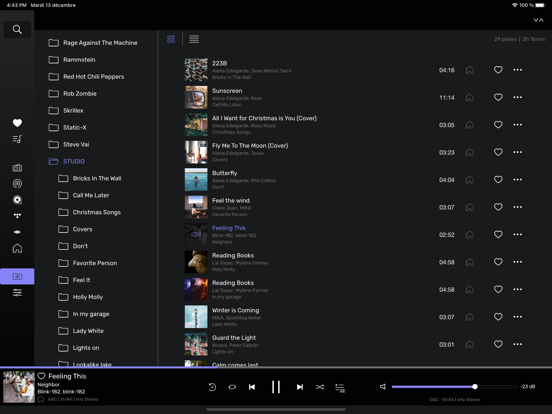
Description
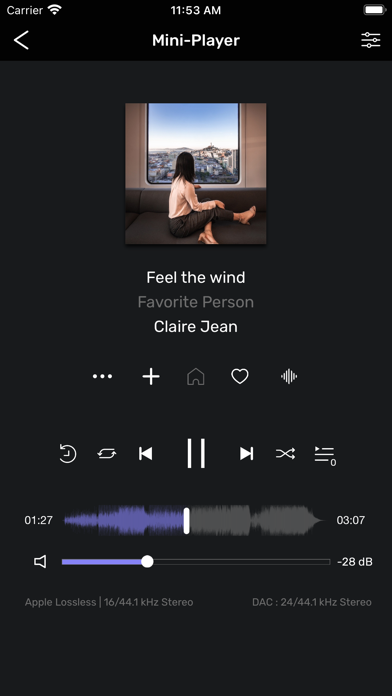
Control audio playback from a mobile device by accessing music libraries and playlists. Create, rename, and reorganize playlists. Select output audio devices and adjust settings for optimal sound quality.
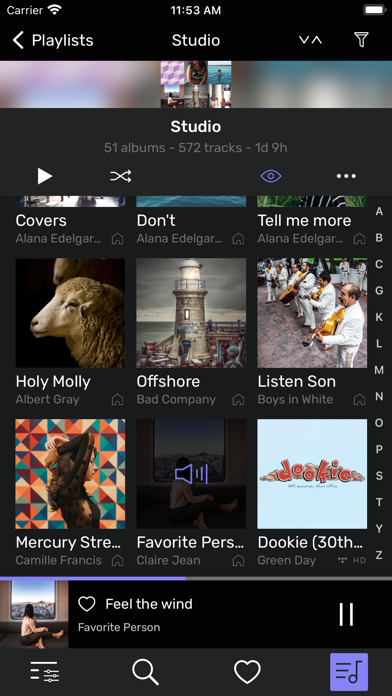
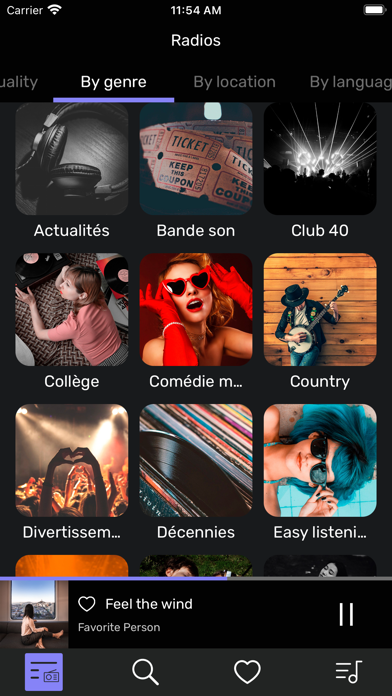
Audirvāna Remote App allows you to control the Audirvāna software running on your computer from your mobile device and enjoy your music more freely at home. Your albums, playlists, artists and HD streaming services are all accessible from the Audirvāna Remote, and the software running on your computer still guarantees optimal audio playback.
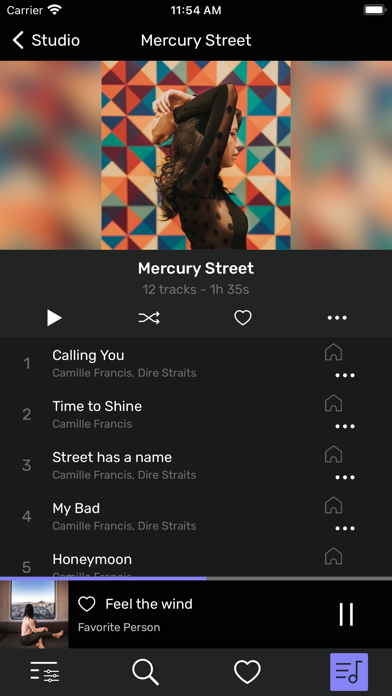
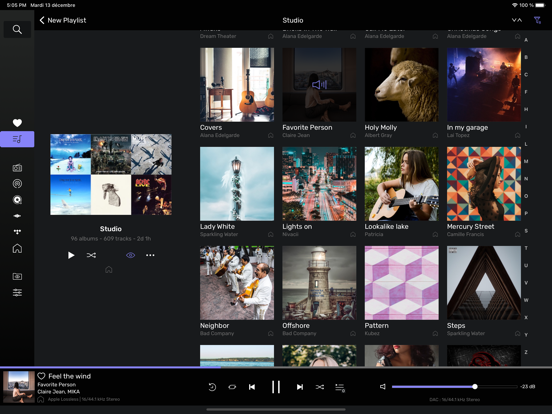
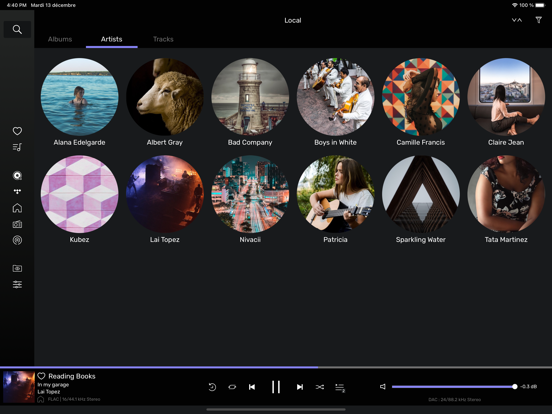
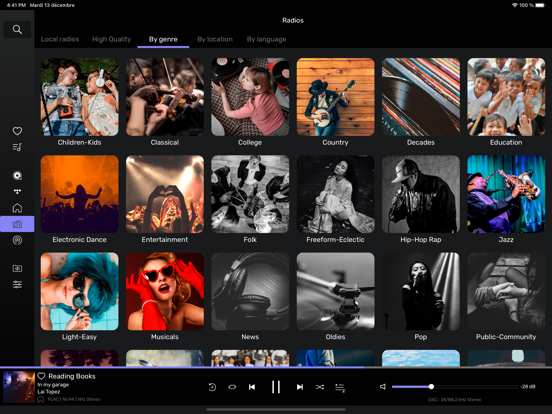
- Browse all music libraries accessible from the application.
- Create, rename and reorganize your playlists
- Choose the output audio device and precisely adjust the volume
- Check and adjust all your settings
To use Audirvāna Remote:
- Open Audirvāna on your Mac or PC and install Audirvāna Remote on your iPhone or iPad
- Connect your computer and your phone or tablet to the same wifi network.
- Select your computer from the Remote app, and enter the code displayed on the screen.
- Enjoy the Audirvāna experience without moving from your couch.
Audirvāna is a software for macOS or Windows 10/11 that accepts all audio formats and makes music a priority on your computer to make it a true high-fidelity audio source.
App information from Apple App Store. Audirvāna Remote and related trademarks belong to Audirvana.