Create and edit MIDI sequences with step sequencing. Control tempo, patterns, and effects. Transpose, manipulate, and mutate patterns. Trigger performance options via MIDI keyboard. Export and share MIDI files.
The app offers six synthesizer sounds and eleven scales for creating music on the go. It allows for playing fast melodies or chords with polyphony enabled.
Explore guitar with diagrams in all 11 fretboard positions. Select chord root, type, and variation to view options. Supports 4-string, 5-string, and 6-string basses. Displays over 8000 chord possibilities.
Turn analog piano into a digital instrument by recording and converting piano music to MIDI. Convert existing music files on your device. Edit MIDI files in music production apps.
With video tutorials that explain each step clearly. Practice chord transitions and strumming patterns. Track progress and access song tutorials for popular music.
The app tests knowledge of triads and seventh chords using audio and visual analysis. Users can compare incorrect answers to correct ones and save results in a filterable Grade Book.
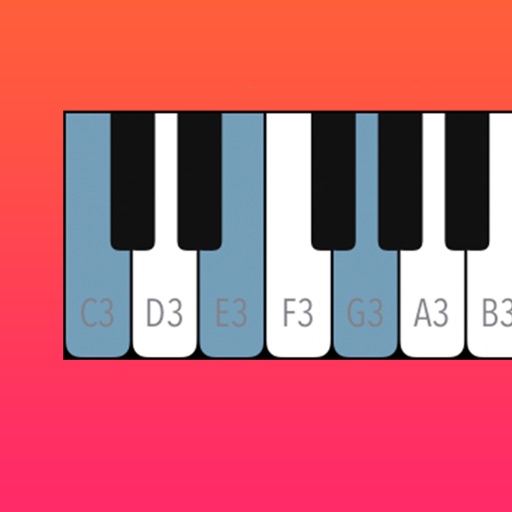
Displays musical chords for each key using Roman numerals. Audibly plays chords for practice. Shows chord positions on a keyboard layout. Helps users learn and identify chords visually and audibly.
Create and edit progressions with inversions, sus2, sus4, 7th, and 9th chords. Play chords as piano or synth or send MIDI to macOS. Use phone as MIDI keyboard for macOS. Practice reading musical notation.
Practice ear with exercises on intervals, chords, scales, and melodies. Select intervals within two octaves and activate backing chords for practice. Identify and repeat musical notes and patterns to improve listening skills.