The app transforms user photos into videos using an AI that analyzes quality, faces, composition, and lighting. It offers over 40 transitions, a music library, and export options for various social platforms.
With filters, cropping, and adjustment tools. Apply beauty enhancements and double exposure effects. Use color splash and resize images. Access frames and story templates. Change resolution and export in multiple formats.
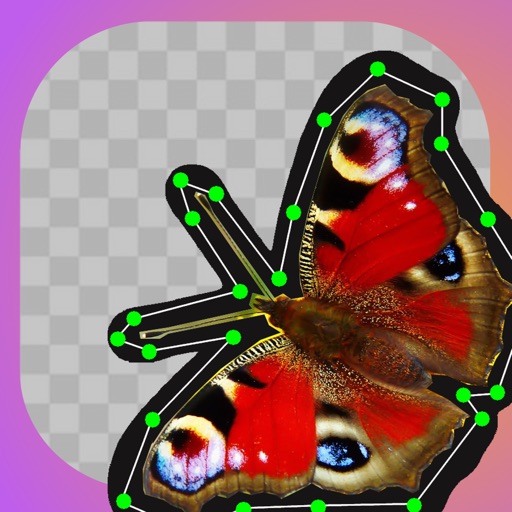
The app transforms photos into hand-carved or rubber stamps with options for rough effects and transparent backgrounds. It includes AI background removal and a feature to convert images to vector graphics.
Edit videos and stories with AI-powered tools. Add stickers, filters, and animations. Copy and paste assets between apps. Save media to camera roll for use in other editors. Organize favorites and apply styles with one tap.
In and out up to 15x while taking photos using a slider. Auto-stabilize images and videos. Adjust photo quality automatically. Use timer settings for 3, 10, or 20 seconds. Enable tap-to-shoot or swipe-to- options. Video available via in- purchase.
Remove objects, people, and backgrounds from photos using AI-powered tools. Edit imions and export images. Perform basic retouching and access three free removals daily.
Edit photos with brushes and black-and-white effects
Edit photos by converting them to black and white and selectively retaining with a finger brush tool. Zoom in and out using two-finger pinching for precise adjustments. Share edited images via email or upload to Twitter, Flickr, or Dropbox.
Edit photos with filters, masking tools, and multiple filter layers. Apply selective filters using advanced masking to create effects like color splash or tilt shift. Adjust and combine filters for custom results.
Remove unwanted elements from photos using AI and image processing. Delete people, pimples, buildings, or any objects. Edit and save modified images without ads. Share edited photos directly.